How to Run Claude Code With Local Models
April 1, 2026
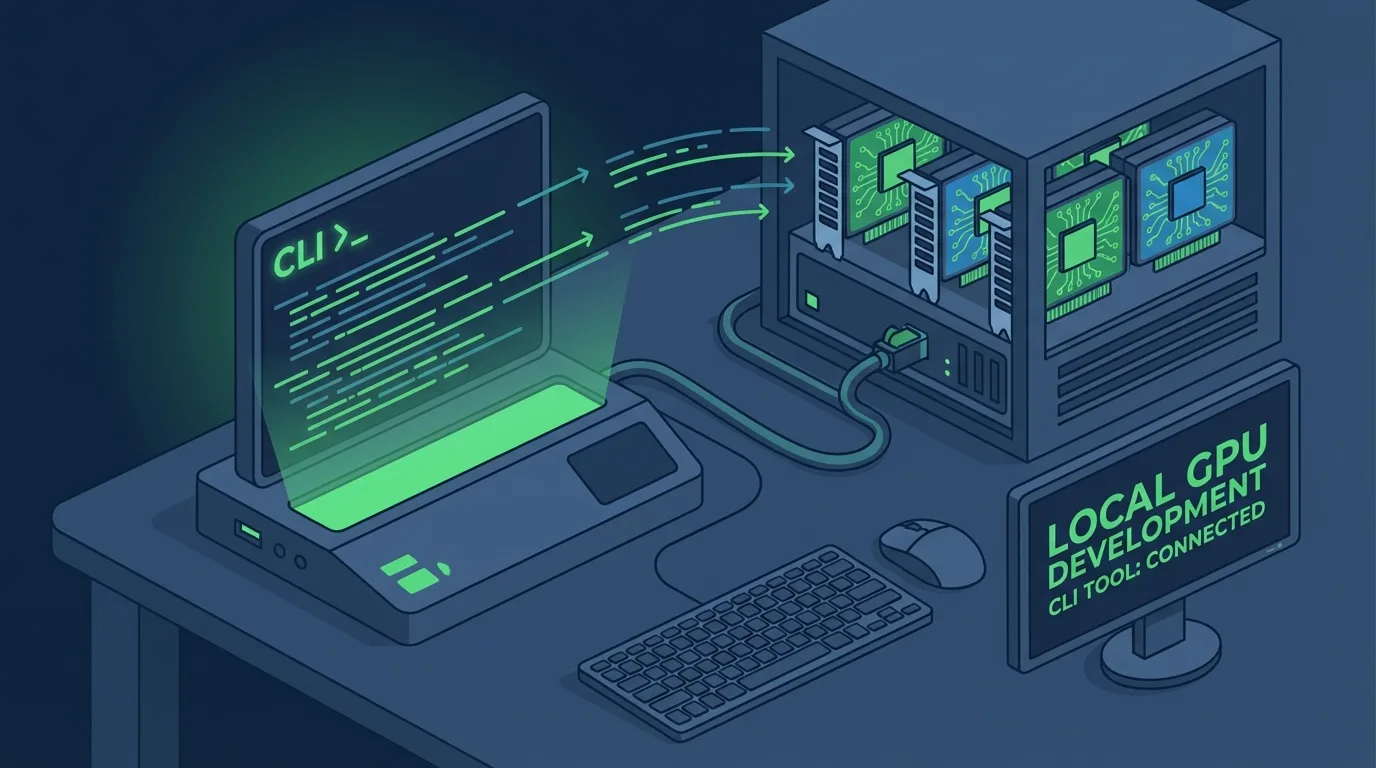
Three environment variables connect claude code local models to the CLI you already know. Ollama, LM Studio, and vLLM all work. Set ANTHROPIC_BASE_URL, point it at your local server, and Claude Code runs against your own hardware with no API costs.
The Three Paths to Local#
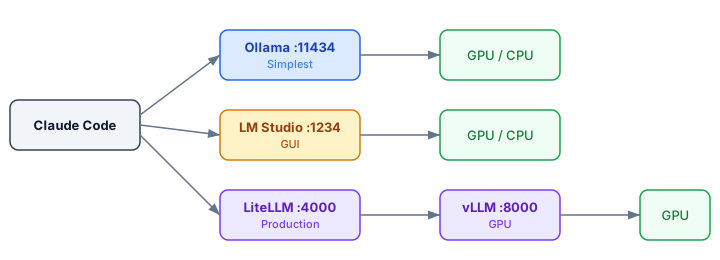
You have three realistic options for running a local LLM coding assistant with Claude Code. Each fits a different use case.
Ollama is the fastest path. One binary, one command, native Anthropic API compatibility since v0.14. If you want to test this in five minutes, start here.
LM Studio gives you a GUI for model management and a built-in inference server. Good if you prefer clicking over typing. The tradeoff is less control over serving parameters.
vLLM + LiteLLM is the production stack. vLLM serves the model on your GPU, LiteLLM proxies requests and translates between API formats. More moving parts, more control.
Ollama Setup in 5 Minutes#
Pull a model with tool-calling support and start the server with enough context:
ollama pull qwen3-coder
# Claude Code needs at minimum 32K context. 64K is better.
OLLAMA_NUM_CTX=65536 ollama serve
In a second terminal, set three variables and launch:
export ANTHROPIC_AUTH_TOKEN=ollama
export ANTHROPIC_BASE_URL=http://localhost:11434
export CLAUDE_CODE_DISABLE_NONESSENTIAL_TRAFFIC=1
claude --model qwen3-coder
That's it. Running ollama claude code takes one binary and three env vars. Claude Code now sends all requests to your local instance.
I tested this on a 32GB machine with a 3090. Response times averaged 45 seconds for simple edits, 2-3 minutes for multi-file changes. Usable, not fast.
Note: You need at least 16GB of RAM for a 7B model and 32GB for anything larger. VRAM matters more than CPU. A dedicated GPU with 8GB+ VRAM is the practical minimum for a tolerable experience.
For LM Studio, the setup is similar but with a GUI for browsing and downloading models:
lms server start --port 1234
export ANTHROPIC_BASE_URL=http://localhost:1234
export ANTHROPIC_AUTH_TOKEN=lmstudio
# LM Studio models need the openai/ prefix
claude --model openai/qwen2.5-coder-14b
The Environment Variables That Matter#
Three variables control everything. Get one wrong and Claude Code either hits the cloud API or fails silently.
ANTHROPIC_BASE_URLsets the endpoint. Point this at your local server's address and port. No trailing slash.ANTHROPIC_AUTH_TOKENsatisfies Claude Code's auth check. The value doesn't matter for local servers, but it can't be empty. Useollamaorlocalor whatever.CLAUDE_CODE_DISABLE_NONESSENTIAL_TRAFFICstops Claude Code from phoning home for telemetry and update checks. Set it to1.
Here is a gotcha that tripped me up: if you leave ANTHROPIC_API_KEY set in your shell profile, Claude Code may still try to reach the Anthropic API for certain operations. Unset it explicitly or the ANTHROPIC_BASE_URL override gets ignored for some requests.
You can also set these permanently in ~/.claude/settings.json under the env key so you do not need to export them every session. This is the cleanest approach for daily use with claude code local models.
# Shell profile snippet for local-only mode
unset ANTHROPIC_API_KEY
export ANTHROPIC_AUTH_TOKEN=ollama
export ANTHROPIC_BASE_URL=http://localhost:11434
export CLAUDE_CODE_DISABLE_NONESSENTIAL_TRAFFIC=1
When Things Break#
For teams needing a production-grade vLLM LiteLLM proxy setup, the DEV Community guide covers the full architecture. It breaks in specific ways, and I hit every one of these errors.
Tool calls silently fail (vLLM)
Here is the LiteLLM config that actually works:
model_list:
  - model_name: qwen3-coder
    litellm_params:
      model: openai/qwen3-coder
      api_base: http://localhost:8000/v1
      # Without these, Anthropic-specific params cause 400 errors
      drop_params: true
      modify_params: true
Pick the Right Model#
Not every local model works with Claude Code's agentic patterns. Tool calling is the hard requirement. Without it, Claude Code can't read files, run commands, or edit code.
Models I've tested that work:
- Qwen3-Coder: Best overall. Strong tool calling, good at following complex instructions. The community consensus on GitHub #7178.
- GLM-4.7: Solid alternative. Slightly worse at multi-step reasoning but faster inference.
- gpt-oss:20b: Works but needs more VRAM. Good code quality when it doesn't time out.
Several popular models fail here: most Llama variants struggle with Claude Code's tool-calling format. DeepSeek Coder generates good code but chokes on structured tool responses.
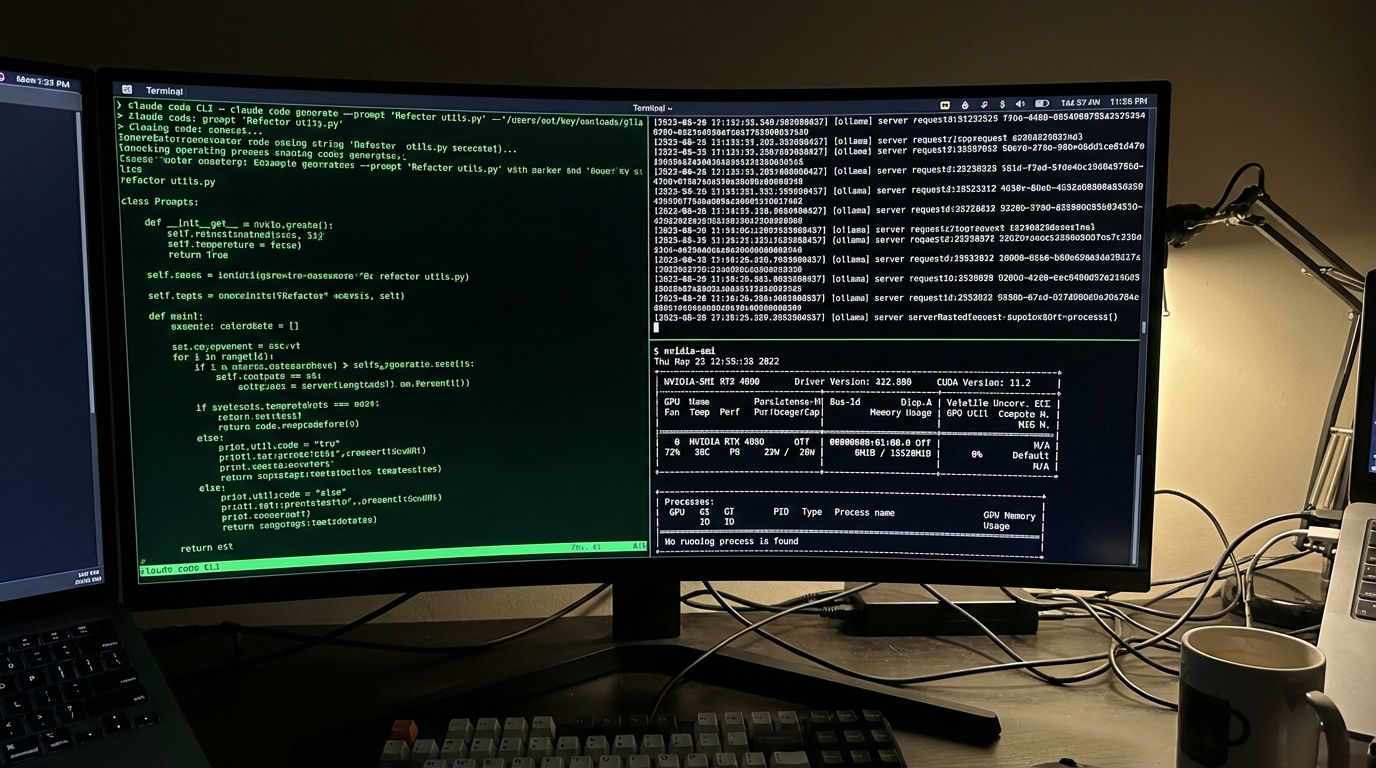
On dual MI60 GPUs, I measured ~25-30 tokens/sec with ~175ms time to first token. Workable for targeted edits.
For sustained back-and-forth (debugging sessions, large refactors), expect 1-3 minutes per response on a 7B model with a mid-range GPU. Cloud Claude handles these in 5-20 seconds.
Cycling between local and cloud works best. Use local models for routine tasks that don't need peak intelligence. Switch to the API when you hit rate limits or need complex multi-file reasoning.
"Free" local inference costs 32GB of RAM and your patience. But for many tasks, that tradeoff is worth it. Set the three env vars, pull a model with tool support, and start coding.