
7 Bun Hidden Features Most Developers Haven't Tried
April 3, 2026
Bun ships with a built-in S3 client, a cross-platform shell, compile-time macros, and native password hashing. Most developers install it as a fast Node.js replacement and stop there. These 7 bun hidden features cut entire npm packages from your dependency tree and simplify workflows you didn't know could be simpler.
Zero-Dependency Replacements#
Three built-in APIs that replace popular npm packages with zero dependencies:
- Bun.s3 replaces
@aws-sdk/client-s3(200+ transitive deps) - Bun.password replaces
bcrypt(native C++ bindings, node-gyp) - Bun SQL + Redis replaces
pg/mysql2/ioredis(7.9x faster Redis)
Each one eliminates native C++ compilation, transitive deps, or both.
Bun.s3#
The @aws-sdk/client-s3 package drags in 200+ transitive deps. Bun.s3 does the same job with zero.
const file = Bun.s3("uploads/photo.jpg");
const exists = await file.exists();
await file.write("hello");
const text = await file.text();

// Presigned upload URL, expires in 1 hour
const uploadUrl = file.presign({ expiresIn: 3600 });
Its API mirrors Bun.file(), so if you already work with local files in Bun, the mental model is identical. This bun S3 client works with AWS S3, Cloudflare R2, DigitalOcean Spaces, and MinIO out of the box.
// Custom client for Cloudflare R2
const r2 = new Bun.S3Client({
  endpoint: "https://account-id.r2.cloudflarestorage.com",
  accessKeyId: "...",
  secretAccessKey: "...",
});
Lazy file references mean you can pass Bun.s3("key") around your codebase without triggering a network call. The request fires only when you call .text(), .write(), or .exists().
Bun.password#
If you have ever fought node-gyp to install the bcrypt npm package, you know the pain. Native C++ bindings, Python build dependencies, platform-specific compilation failures. Bun password hashing removes all of that.
const hash = await Bun.password.hash("password");
const valid = await Bun.password.verify("password", hash);

// Explicit algorithm and cost
const bcryptHash = await Bun.password.hash("password", {
  algorithm: "bcrypt",
  cost: 12,
});
It supports both argon2 and bcrypt natively. Hashing runs on worker threads automatically, so it never blocks your event loop. The algorithm is encoded in the hash string, which means Bun.password.verify figures out how to check it without you specifying anything.
Bun SQL and Redis#
import { sql } from "bun" gives you a tagged template literal API for Postgres, MySQL, and SQLite. No ORM. No driver package.
import { sql } from "bun";

const users = await sql`SELECT * FROM users WHERE active = ${true}`;

await sql.begin(async (tx) => {
  await tx`INSERT INTO orders (user_id, total) VALUES (${1}, ${99.99})`;
});
The Redis client is where things get wild. Built-in import { redis } from "bun" benchmarks at 7.9x faster than ioredis. Auto-pipelining, pub/sub, and 66 commands out of the box.
import { redis } from "bun";

await redis.set("session:abc", JSON.stringify({ userId: 1 }));
const session = await redis.get("session:abc");
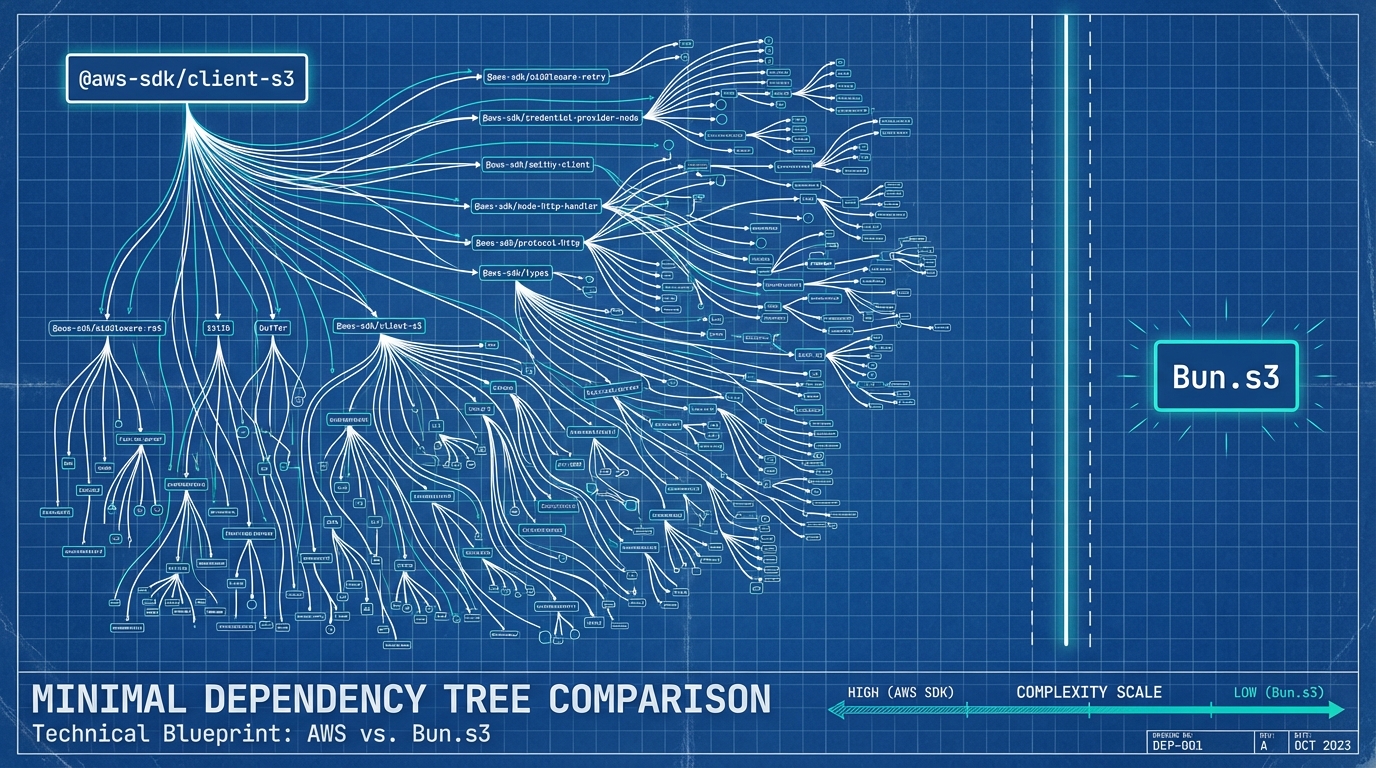
Here is what the dependency count looks like before and after switching to Bun built-ins.
Transitive Dependencies: npm Package vs Bun Built-in
Bun Shell: Bash Reimagined in Zig#
Most developers reach for child_process.exec or the execa package to run shell commands from JavaScript. Bun Shell is a $ template literal that runs commands in-process with no /bin/sh fork.
import { $ } from "bun";

const result = await $`ls -la`.text();
await $`cat package.json | jq '.dependencies' > deps.json`;
Pipes, redirects, env vars, and command substitution all work. The critical part is injection prevention. Interpolated values are auto-escaped.
const userInput = "hello; rm -rf /";
await $`echo ${userInput}`;
// Outputs: hello; rm -rf /
// The semicolon is escaped. No second command runs.
That code prints the literal string. It does not execute rm -rf /. Every interpolated variable goes through Bun's escape layer before reaching the shell parser.
If you have ever built a CLI tool that accepts user input, you know how easy it is to accidentally create a command injection vulnerability with template strings and exec.
Bun Shell works identically on Windows, macOS, and Linux. No more cross-env package, no more platform-specific shell scripts. I use it for build scripts and dev tooling where I previously had bash files that broke on Windows.
Compile-Time Macros#
import ... with { type: "macro" } runs a function at bundle time and inlines the return value as a literal. The source code of the function never ships to the client.
// build-info.ts
export function getGitHash() {
  return Bun.spawnSync(["git", "rev-parse", "HEAD"])
    .stdout.toString()
    .trim();
}
// app.ts
import { getGitHash } from "./build-info.ts" with { type: "macro" };

const COMMIT = getGitHash();
// After bundling: const COMMIT = "a1b2c3d4e5f6...";
Bun macros execute in a separate thread via the macro system, so multiple macros run in parallel during builds. I use this pattern for embedding git hashes, reading .env values at build time, and baking feature flags into the bundle as dead-code-eliminable constants.
One constraint: macro functions must return JSON-serializable values. No classes, no functions, no symbols. Strings, numbers, booleans, arrays, and plain objects.
Tip: Macros run in a fresh context each time. They cannot access runtime state or import non-deterministic modules and expect consistent results across builds.
Ship a Single Executable#
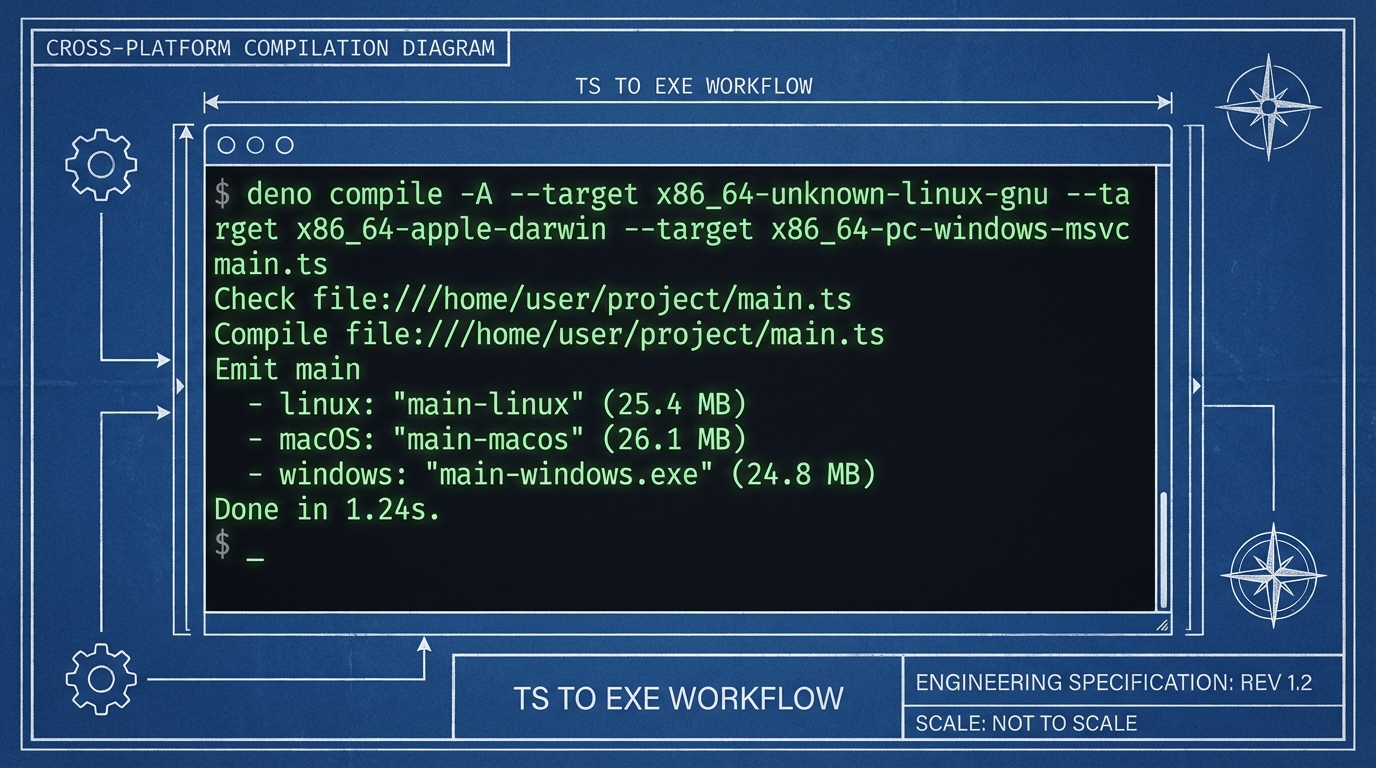
You can bun compile executable binaries straight from TypeScript with bun build --compile. No Bun installation required on the target machine.
// server.ts
import homepage from "./index.html";
import config from "./config.json" with { type: "file" };

Bun.serve({
  port: 3000,
  routes: {
    "/": homepage,
    "/config": () => Response.json(config),
  },
  fetch(req) {
    return new Response("Not Found", { status: 404 });
  },
});
HTML, images, and JSON files get embedded directly into the binary with the import ... with { type: "file" } syntax. Compile it, then ship a single file.
# Compile for current platform
bun build --compile ./server.ts --outfile myapp

# Cross-compile for Linux from macOS
bun build --compile --target=bun-linux-x64 ./server.ts --outfile myapp-linux

# Cross-compile for Windows
bun build --compile --target=bun-windows-x64 ./server.ts --outfile myapp.exe
The cross-compilation targets include bun-linux-x64, bun-linux-arm64, bun-windows-x64, and bun-darwin-arm64. I have used this to distribute internal CLI tools to teammates who did not have Bun or Node installed. One binary, no runtime, no npm install.
Bun.peek() and the Small Wins#
Bun.peek() synchronously reads the value of an already-settled promise. No await, no .then(), zero microticks.
import { peek } from "bun";

const promise = Promise.resolve({ user: "alice" });
const result = peek(promise); // { user: "alice" }
console.log(peek.status(promise)); // "fulfilled"
If the promise has not settled yet, peek returns the promise itself instead of throwing. You can use peek.status() to check whether it is "fulfilled", "rejected", or "pending" without any async overhead.
The practical use case is hot-path caching. When you have a cache layer returning promises that are almost always already resolved, peek lets you skip the microtask queue entirely. In tight loops and high-throughput servers, those saved microticks add up.
import { peek } from "bun";

const cache = new Map();

function getCached(key: string) {
  const entry = cache.get(key);
  if (entry && peek.status(entry) === "fulfilled") {
    return peek(entry); // synchronous, zero overhead
  }
  const fresh = fetchFromDB(key);
  cache.set(key, fresh);
  return fresh; // returns promise, caller awaits
}
I wrote more about tools that save you small amounts of time that compound into big wins. Bun.peek() fits that category perfectly.
Try It Yourself
What To Try First#
If you are already using Bun as a package manager or test runner, pick one feature and replace an npm dependency this week:
- Start with Bun.password if you want zero-config, zero-friction
- Start with Bun.s3 if you deal with cloud storage daily
- Start with Bun Shell if you maintain build scripts or CLI tools
- Start with bun build --compile if you distribute internal tooling
The full list of built-in APIs keeps growing. Bun v1.3 added SQL and Redis, and the runtime documentation is the best place to check what landed since you last looked.
I wrote a broader take on why Bun is gaining traction if you want the bigger picture.
Every one of these bun hidden features ships today. No experimental flags, no plugins, no extra installs. Just bun upgrade and start cutting dependencies.