
5 examples of software tools that replaced the IDE
August 25, 2026

Here are 5 examples of software tools that replaced a job the IDE used to own, and the window is still sitting there. Replaced here means the job left, and the editor stays installed. VS Code, IntelliJ, and Cursor did not leave. The profiler, the debugger, the search, the host process, and the agent chat moved. The editor is a storefront window, and the register moved into five other rooms. The seat-count version of this split already lives next door, and this list is the five rooms, one action each.
5 examples of software tools that steal the debugger#
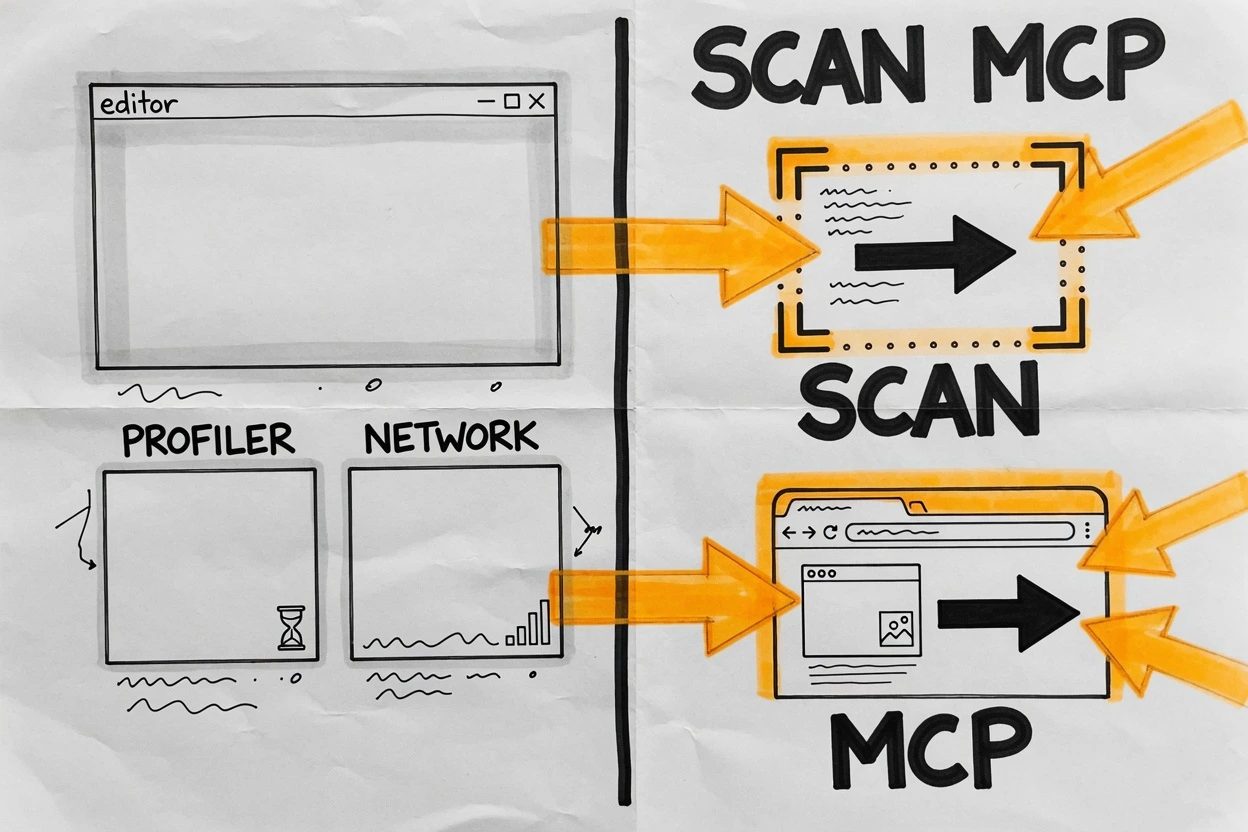
The docked Profiler and the Network panel used to be the proof you were debugging. Two tools on this list now do that work on a page the agent can actually see. The IDE still renders the files.
1. Drop React Scan on the page#
npx -y react-scan@latest init
That is the whole move. React Scan paints outlines on components as they render, no <Profiler> wrapper, no Components panel. The README is blunt about why. React DevTools is general purpose, and it will not tell a wasted render from a real one.
Click around. The guilty box flashes. React's own docs still send you to the Profiler panels in the browser. Fine. Leave them there. Scan is the first pass.
The overlay is noisy. A maintainer bug about Twitter scrolling is the receipt. Toggle it off when the page is fine. The current README also tries to upsell React Doctor for agents. Use Scan anyway for this job.
2. Hand Chrome to the agent with DevTools MCP#
The default Chrome DevTools MCP config is a trap. It launches a fresh Chrome with an empty profile, then the agent debugs a site you are not even looking at.
Chrome DevTools for agents is the MCP server that gave coding agents the Network panel, the console, and performance_start_trace. Public preview landed on September 23, 2025. The product is stable as of Chrome 149.
{
  "mcpServers": {
    "chrome-devtools": {
      "command": "npx",
      "args": ["-y", "chrome-devtools-mcp@latest", "--autoConnect"]
    }
  }
}
You'll ship a fix the agent never saw, because it launched a blank Chrome. Enable remote debugging at chrome://inspect/#remote-debugging, add --autoConnect, click Allow. Chrome's December 2025 post is the one that admits people were asking for the signed-in tab.
- Default launch, a throwaway profile, none of your cookies
--autoConnectafterchrome://inspect/#remote-debugging, then the Allow dialog--browser-url=http://127.0.0.1:9222when the agent is in a sandbox that cannot spawn Chrome
Pasting console errors into chat is the old job. Stop.
5 examples of software tools that steal search and the host#
Find in Files and "it ran on the host" were IDE jobs. These two take both, and the editor stays a window onto the files.
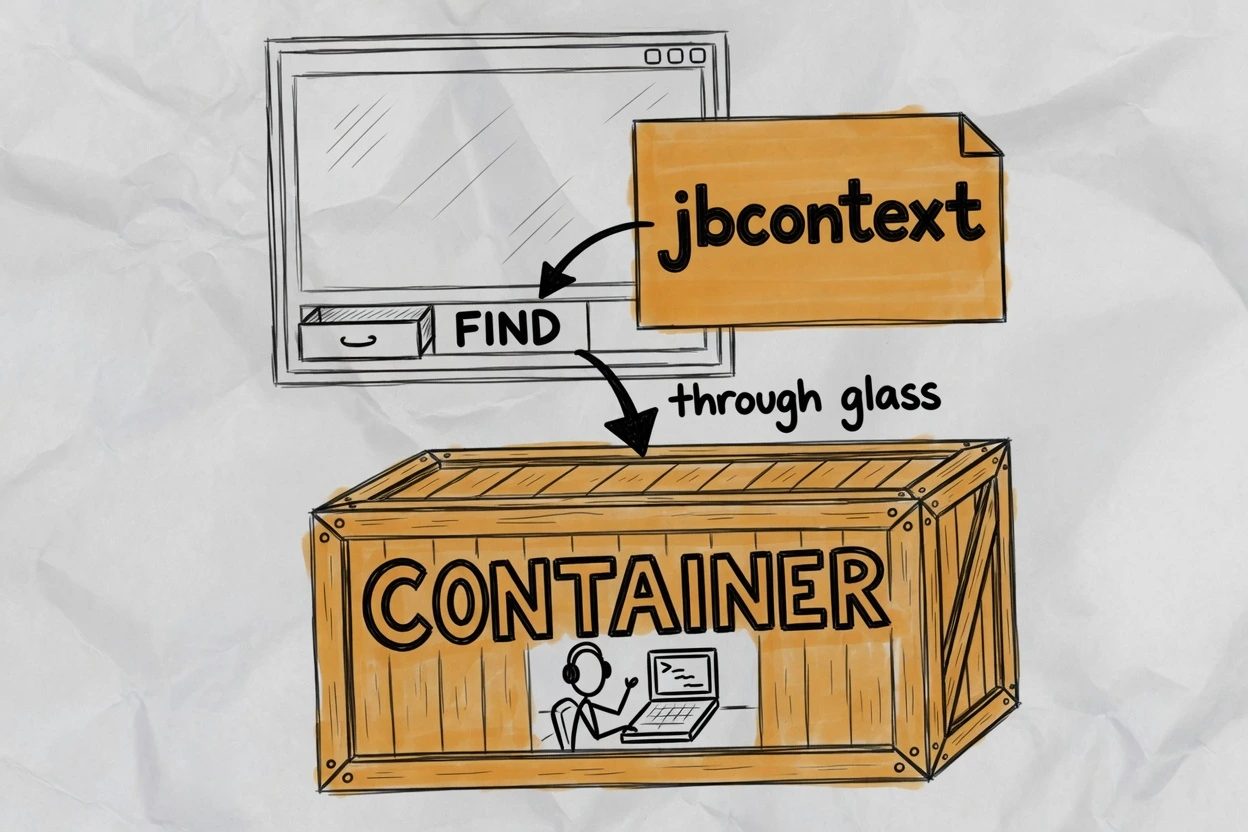
3. Point the agent at jbcontext, not Find in Files#
Install jbcontext, run jbcontext login, then jbcontext setup-agent.
The next Claude Code or Codex sitting queries a semantic index instead of grepping from the IDE. JetBrains help is the docs for a CLI, not for IntelliJ. The index lives in their cloud. No network, no search. The full install path is the jbcontext walkthrough.
4. Install Claude Code in the Dev Container Feature#
Add the feature block. Rebuild. Run claude in the container terminal.
{
  "image": "mcr.microsoft.com/devcontainers/base:ubuntu",
  "features": {
    "ghcr.io/anthropics/devcontainer-features/claude-code:1.0": {}
  }
}
Claude Code's dev container docs say commands execute inside the container, while edits still show up in the local repo. The editor is still the glass. The host is not the runtime.
--dangerously-skip-permissions is allowed for unattended runs as a non-root user. It does not hide ~/.claude from a malicious project. Do not mount ~/.ssh. Set CLAUDE_CONFIG_DIR if you want login to persist across rebuilds.
The last job moved into a PTY#
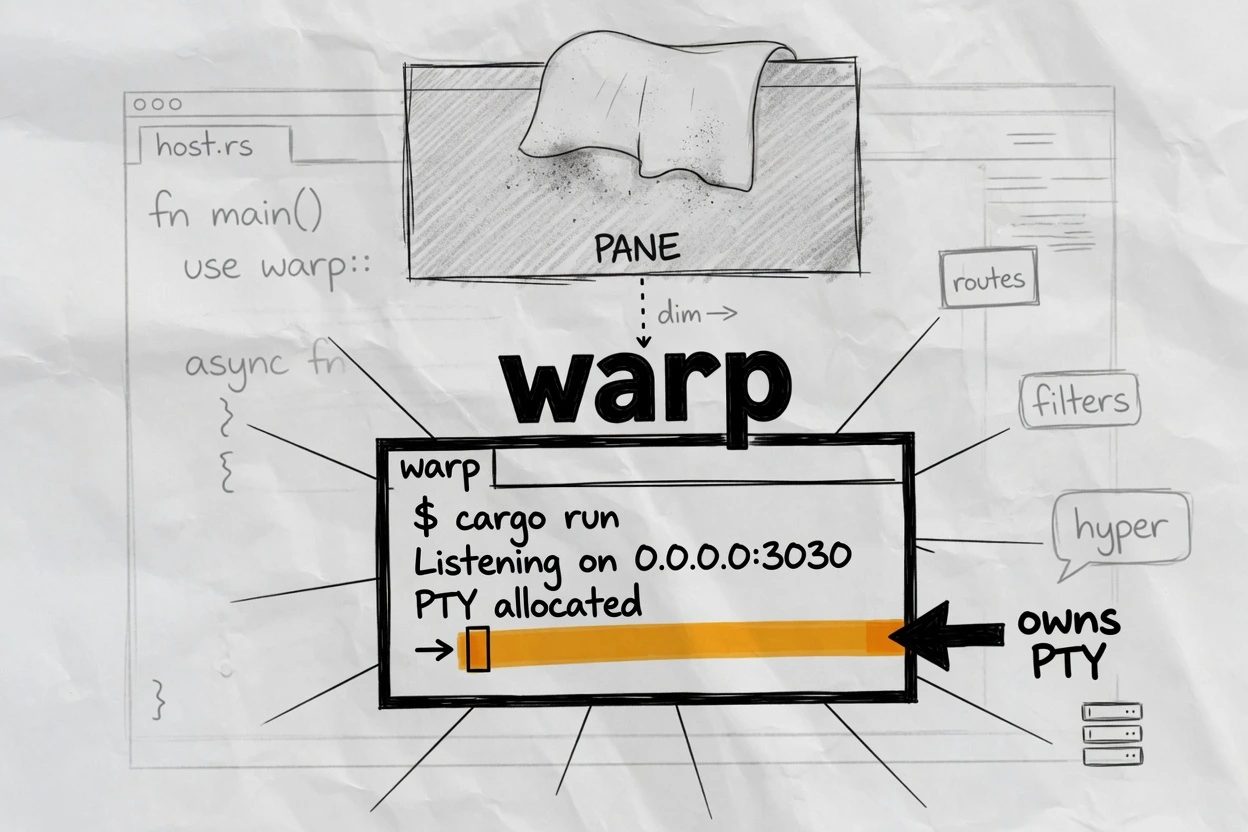
The editor agent pane is the one people still defend. Type the task somewhere else. A sidebar that cannot drive a full-screen sqlite3 session is not the same job as a PTY that can.
5. Type the task in Warp Agent CLI#
Type /agent in Warp, or run warp in the terminal already under VS Code.
Warp's agent docs put the same agent in the app, the CLI, and the cloud. The CLI is the version that still leaves the IDE open. Warp-the-app grew a native editor. Ignore that for this job.
The PTY is the workplace. The VS Code agent host is a process, not a reason to keep chatting in the sidebar. curl -fsSL https://app.warp.dev/download/agent-cli | bash, then warp. The app does not have to be installed.
The window can stay#
Do not uninstall the editor. Keep it as a host. Move each job to the tool that already took it. Those 5 examples of software tools are not a new IDE. They are the rooms behind the glass.
- Profiler job, React Scan on the page
- Debugger job, Chrome DevTools MCP on the live tab
- Search job,
jbcontext setup-agent - Host job, the Claude Code Dev Container Feature
- Agent-pane job, Warp Agent CLI in the terminal you already have
If the window is still open tomorrow, that is the point. Close the docks that no longer earn the click.
Questions the IDE still answers wrong
Does Chrome DevTools MCP see the tab I already signed into?
Not with the default config. Chrome's docs say the server starts a new Chrome instance with its own profile. Enable remote debugging at chrome://inspect/#remote-debugging, pass --autoConnect, then allow the permission dialog so the agent attaches to the live session.
asked on developer.chrome.com ↗Why is React Scan noisier than the Profiler?
Outlines fire on every render, including cheap ones. A maintainer bug on react-scan notes that scrolling Twitter lights up the page with no FPS drop, which is why people toggle it off until they actually have a slowdown. Use it as a first pass, then inspect the hot component. trackUnnecessaryRenders is off by default because it adds overhead.
asked on github.com ↗Does JetBrains Context upload my source code?
The help docs say the server stores vector embeddings, file paths, and offsets, not the raw file. Search returns coordinates. The agent then opens the code from your own checkout. It is still a cloud index, so a machine with no network cannot search.
asked on jetbrains.com ↗Is Warp Agent Mode just another IDE?
Warp-the-app grew a native editor. The action that still leaves VS Code open is the Warp Agent CLI, which official docs run inside Ghostty, iTerm, VS Code, and the built-in terminals. Type the task there. Keep the editor as the file window.
asked on docs.warp.dev ↗Can I pass --dangerously-skip-permissions just because Claude is in a container?
Claude Code's docs allow the flag for unattended runs as a non-root user, and they also warn that a malicious project can still steal anything inside the container, including credentials in ~/.claude. Do not mount host secrets. Set CLAUDE_CONFIG_DIR if you want login to persist across rebuilds.
asked on code.claude.com ↗