
Claude Code vs Warp Dev is a category error
August 25, 2026

Type claude code vs warp dev and the results hand you a bakeoff. Winner columns. A timer.
Warp's own migrate docs refuse that frame. One product is a terminal you live in. The other is a CLI you launch inside it.
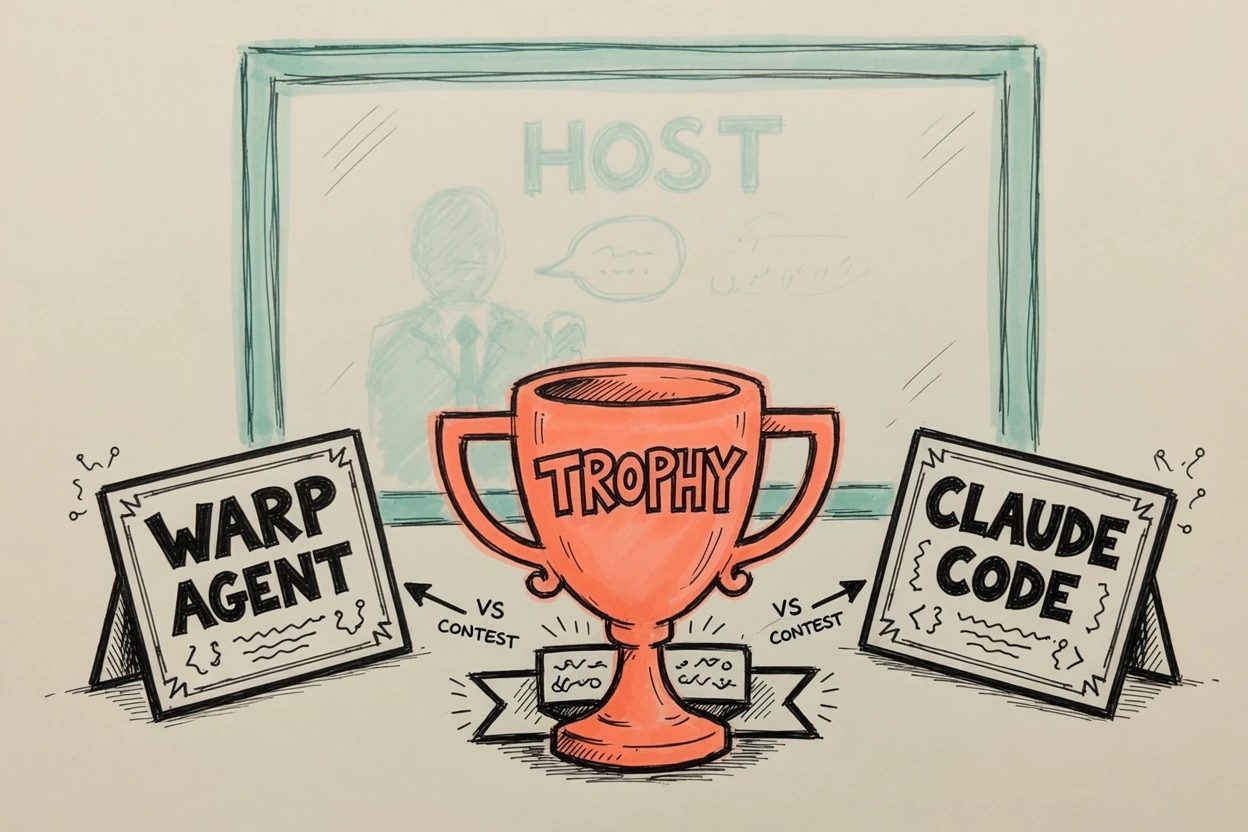
The cheat code is sitting on that same page. Two jobs. The search mashed them into one trophy.
- Keep Claude Code and run it in Warp's terminal.
- Replace Claude Code with Warp Agent Mode.
Claude Code vs Warp Dev names two layers#
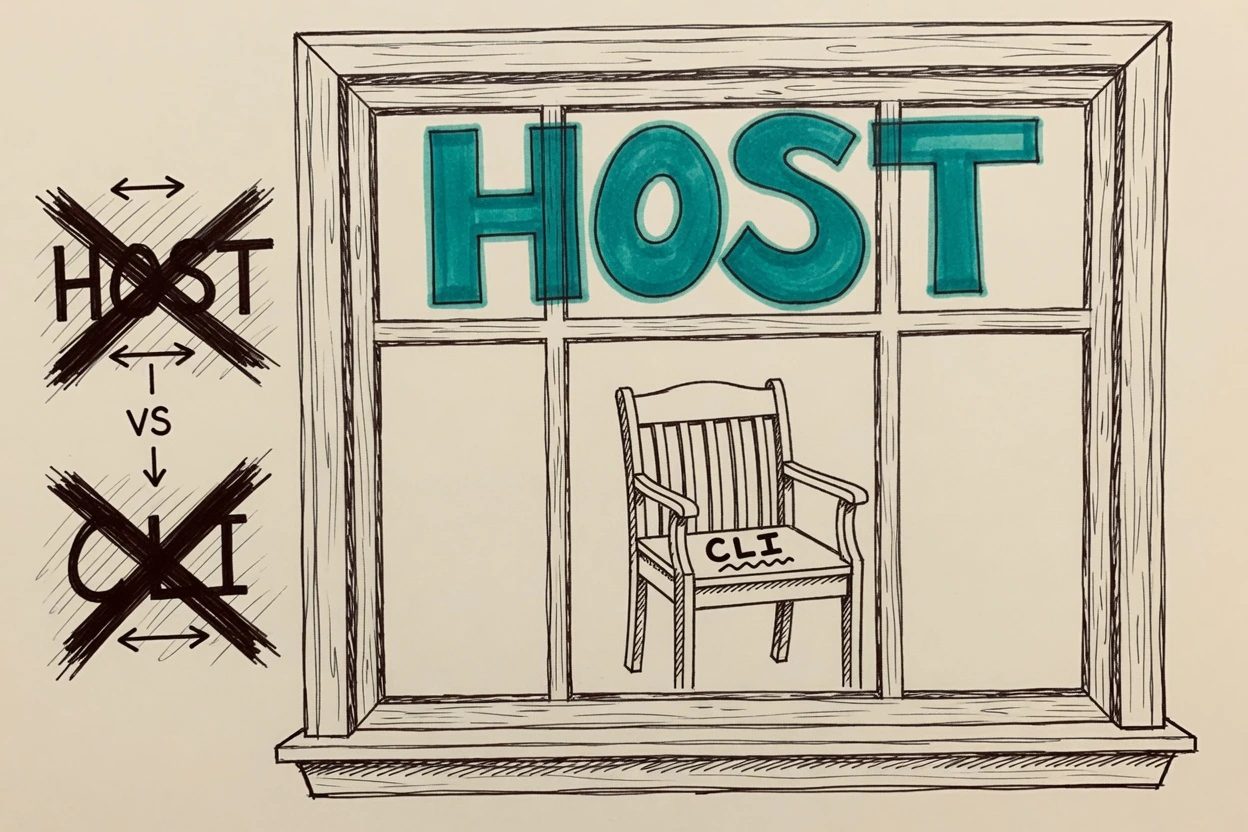
Warp's migrate-from-Claude-Code page says the quiet part in one sentence. Claude Code is not a terminal emulator. It is a CLI agent that runs inside any terminal.
Warp, on that same page, calls itself an agentic development environment. Built-in editor. Code Review. Team docs. MCP. The migrate index files Claude Code next to iTerm2, Ghostty, Cursor, and Windows Terminal. That is a roommate list, not a title fight.
Claude Code's overview still leads with the CLI. cd into a project. Type claude. Pipe a log into it. Run it in CI. Unix-shaped on purpose.
The CLI is not the whole product anymore, and pretending otherwise is a lazy tell. Desktop app. VS Code. JetBrains. The web. Same engine, different glass. The search that put claude code vs warp dev in one box is still about the terminal path, the one you launch from a prompt.
A host is not a guest. Parking a CLI in a terminal bay does not make the bay a second agent.
Warp's vs page still wants a winner#
The bakeoff did not come out of nowhere. Warp's own vs guide compares Claude Code to Warp's built-in coding agent. Both read files. Both edit. Both plan. The page then asks you to pick.
That comparison is real. Warp Agent Mode lives in the Warp app. No extra install. Natural language in the tab you already have open. Visual diffs. Model dropdown that is not Claude-only. If the job is "which agent should own this repo," the vs page is in the right neighborhood.
Warp Dev includes that agent, so an agent pick is a real second question. The heading on the SERP is still the environment lined up against a CLI. The vs page answers the agent half, then times a Sentry bug, and never asks which window you wanted.
Ben, on that page, ran one renderKeyboardShortcut fix. Claude Code with Claude 3 Sonnet took about two to four minutes. Warp with GPT-5 averaged about one minute twenty. Different models. One bug. Vendor stopwatch. Not a reason to uninstall claude.
You'll hit this if you treat that timer as the decision. The vs page even hedges at the end. Prefer the Claude suite and a CLI workflow, keep Claude Code. Want inline diffs and a model picker, use Warp. Then a pull quote tries to recast Claude Code as "an AI terminal." That line is the category error, printed by the vendor that also told you Claude Code is not a terminal.
Believe the migrate page. The vs page is marketing with a stopwatch.
Keep Claude Code inside Warp#
Path one on the migrate page is not a consolation prize. Open a new tab. Stay in terminal mode. Type claude.
Warp's setup guide is five minutes of that loop. Install Claude Code from Anthropic. Log in. cd into the repo. Launch. Warp auto-detects the session and hangs a toolbelt on it. Rich input with Ctrl+G. A code review panel. Vertical tabs with agent status. Notifications if you install Warp's plugin.
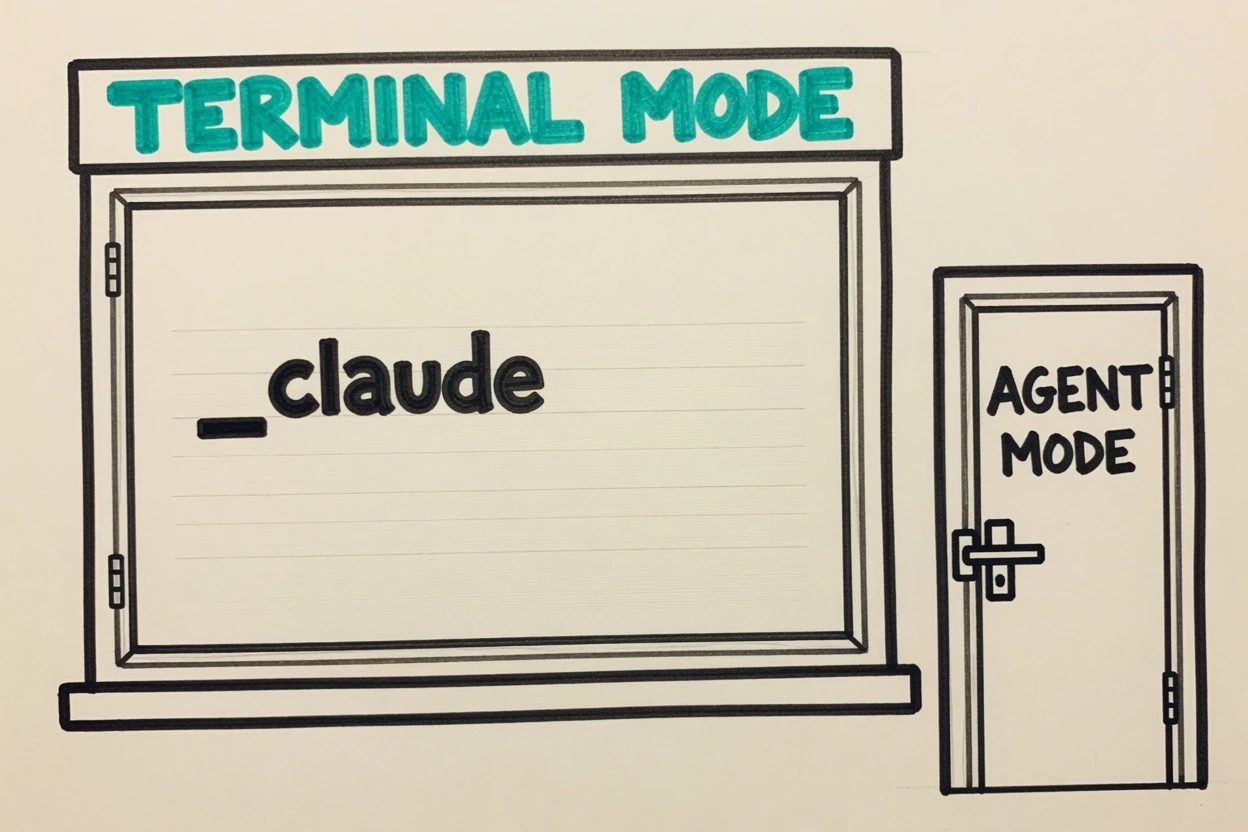
The gotcha is mode. Warp's migrate tips say run Claude Code in terminal mode, not Agent Mode, and toggle back if you landed in Agent Mode by accident. Do that mix-up and you are prompting a different product in the same window. Two AIs, one tab, a mess you did not need.
Auth stays with Claude Code. Warp's migrate docs say Warp does not proxy or rewrite those network calls. The same page says session restore keeps tabs and panes, not the running CLI process, so closing Warp ends Claude Code. Resume with claude --resume.
Anthropic's terminal-config page already lists Warp next to iTerm2 and Ghostty for Shift+Enter newlines with no extra setup. Claude Code works in any terminal without configuration. Desktop notifications are the exception. Warp and VS Code's integrated terminal do not get them by default, which is why Warp ships the plugin and why a terminal bell hook exists.
This is the boring setup that roundups skip because it does not produce a winner. You keep the agent you already pay for. You get a faster window. Nobody has to lose a subscription to make the blog post close.
Claude Code vs Warp Dev collides at the agent#
There is a fair fight. It is not this search.
Warp's agents overview splits the company into surfaces. Warp Agent in the app. Warp Agent CLI via the warp command in any terminal, even one that is not Warp. Cloud agents on the Automation Platform. Separately, third-party CLIs. Claude Code, Codex, OpenCode, and a pile of others, auto-detected inside the Warp app.
The Warp Agent CLI is the thing that actually sits in Claude Code's chair. Standalone program. Same agent as the app. Works in Ghostty, iTerm, Windows Terminal, over SSH. Does not need the Warp app installed. If the query had been Claude Code vs Warp Agent CLI, the bakeoff would at least be two guests.
That is a different post. GitHub's Warp repo still describes the product as an agentic development environment born out of the terminal, with a built-in agent or bring-your-own CLI. The ADE is the host. The CLI is optional cargo.
Same shape as the OpenClaw vs Claude mixup, different axis. That one confused a session with a host daemon. This one confuses a terminal with the process you run inside it. VS Code's agent host is another host-vs-panel story. The panel is not the process. The window is not the agent.
Pick the host, then the agent#
Tomorrow's install is two checkboxes, not one.
Pick a terminal. Claude Code's docs say any of them work. If Warp is the daily driver, type claude in terminal mode and leave Agent Mode alone unless you want Warp's agent on purpose.
- Warp, iTerm2, Ghostty, Apple Terminal, or Windows Terminal as the host.
- Claude Code, Warp Agent, Warp Agent CLI, Codex, or OpenCode as the guest.
Two lists. Do not mash them into one trophy.
Pick an agent. Claude Code if the model suite and the CLI workflow are the point. Warp Agent if the inline diffs and the model picker are the point. Warp Agent CLI if you want that agent in a terminal that is not Warp. Codex or OpenCode if that is already the house tool. Warp will host several of those in tabs.
The cost of holding this is you do not get a clean winner to paste into Slack. You also do not throw away a Claude subscription because a vs page timed GPT-5 on one Sentry function. Change your mind when Warp stops auto-detecting claude, or when Anthropic's CLI refuses to run inside Warp. Until then the search is a category error, and the migrate docs already knew.
Questions the bakeoff already ducked
Can you run Claude Code inside Warp?
Yes. Warp's migrate docs treat that as path one. Open a tab, stay in terminal mode, type claude. Warp auto-detects the session and can add rich input, notifications, and a code review panel on top of the TUI. Authentication stays with Claude Code. Warp does not proxy those network calls.
asked on docs.warp.dev ↗Do you have to drop Claude Code to use Warp?
No. The migrate index lists Claude Code next to iTerm2 and Ghostty, then offers a second path if you want Warp's built-in Agent Mode instead. Keep the CLI, switch the agent, or do both on different tabs. The forced pick is a roundup habit.
asked on docs.warp.dev ↗When is Claude Code vs Warp actually a fair fight?
When the other side is Warp Agent or Warp Agent CLI, not Warp Dev the terminal. The Warp Agent CLI is a standalone program. You run warp in Ghostty or iTerm the same way you run claude. That pair is two guests. The search that names Warp Dev is still a host versus a guest.
asked on docs.warp.dev ↗Does Warp even work as a terminal for Claude Code?
Anthropic's terminal-config table lists Warp with Ghostty, iTerm2, and Apple Terminal for Shift+Enter newlines without setup. Claude Code works in any terminal without configuration. Desktop notifications are the exception. Warp needs a hook or a terminal bell, which is why Warp ships a notification plugin.
asked on code.claude.com ↗Short version. Pick the terminal first. Then pick the agent, or keep both in one Warp tab.