
Install claude-mem so the next session remembers
August 25, 2026

Install claude-mem so a brand-new Claude Code session prints yesterday's observations without a paste. The command people copy first is the one that does not do that.
npm install -g claude-mem drops a library on disk. It does not register hooks. It does not start the worker. thedotmack/claude-mem says so in the README, and the installation guide repeats it.
The working path is npx claude-mem install, or the marketplace pair inside Claude Code. Then a health check on the per-user port, not 37777. Then a second session that prints observation IDs.
If the job is deciding whether you even need the plugin, that is why Code still starts cold. This one is the install.
Pin the versions first#
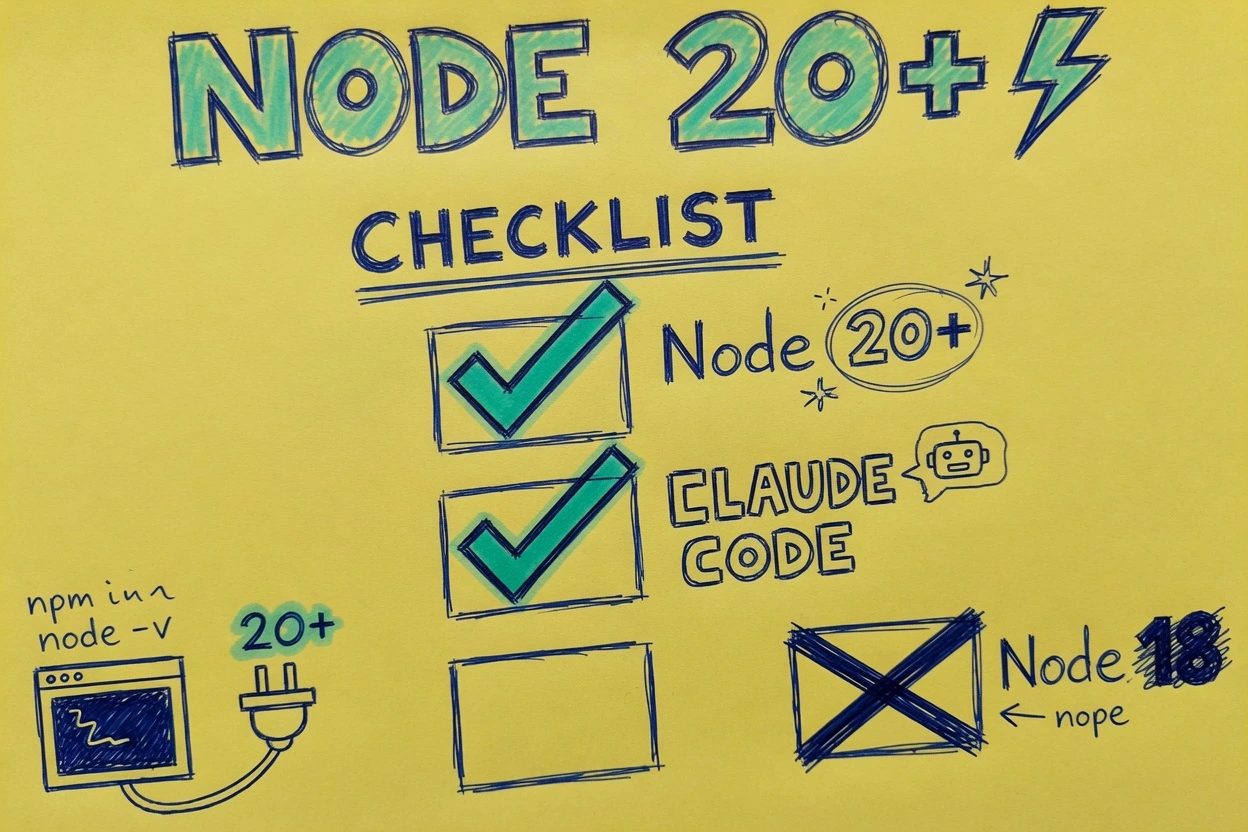
The installer will not save a Node 18 box. The plugin engines field is Node 20.12.0 or higher. Docs still say 20.0.0, so treat 20.12 as the floor you actually run.
- Node 20.12.0 or higher (
node --versionmust not stop at a bare v20) - Current Claude Code with
/pluginsupport - Bun and uv, auto-installed by
npx claude-mem installif missing
Bun and uv get pulled in by npx claude-mem install if they are missing. You do not pre-install those.
Check Node before anything else.
node --versionYou want v20.12.0 or newer. A machine on this desk answers v22.22.2. That is enough.
You'll hit a silent miss if Claude Code is old enough that /plugin is not a command. Update the CLI first. Then come back.
Install the plugin, not the SDK#
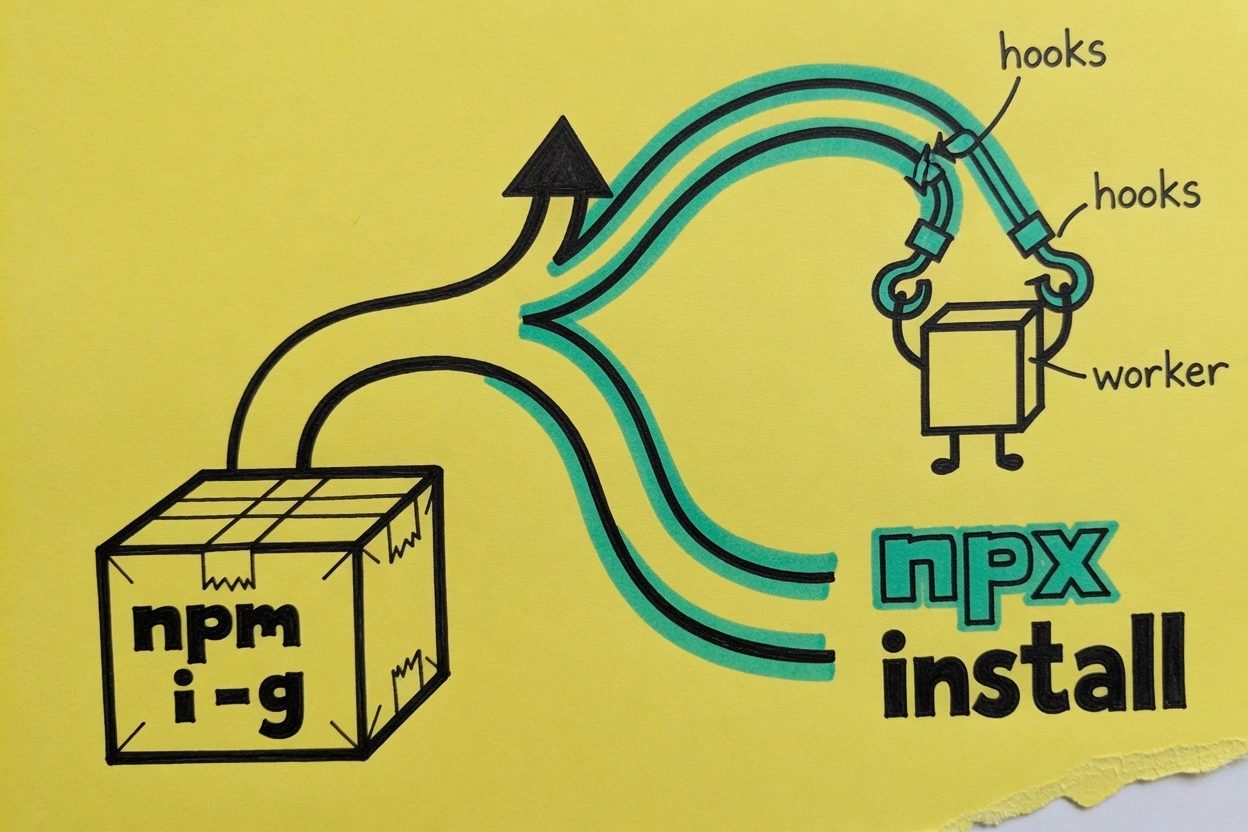
Think of npm i -g as a sealed crate. The library is inside. None of the plugs that Claude Code actually calls are on the outside of the box.
The worker writes a local SQLite file at ~/.claude-mem/claude-mem.db. Skip the install on a machine that should not keep session residue.
1. Skip the global npm package#
Do not treat npm install -g claude-mem as the install. The package exists on npm. That is the whole trick.
A global binary may even land now. Hooks still do not. The worker still does not.
The next session is still cold, and you will spend twenty minutes proving Node is fine. If that command already ran, leave it. Run one of the two paths below anyway.
2. Run npx claude-mem install#
This is the path that actually wires things.
npx claude-mem installThe installation guide says the interactive installer will run a runtime check, copy plugin files into the marketplace directory, register the plugin, and auto-start the worker. It also offers to pick Claude Code, Cursor, Windsurf, OpenCode, Codex CLI, or Antigravity.
Pick Claude Code. Leave the rest unchecked unless you meant to wire those too. GitHub issue 2106 started with Enter on a multi-select, then an installer that printed 37777 while the worker sat on 37700.
Checkpoint. ~/.claude/settings.json should list claude-mem@thedotmack as enabled. ~/.claude-mem/settings.json should exist.
The worker process should be a bun daemon on worker-service.cjs.
3. Or add the marketplace from inside Claude Code#
Already inside a session? Use the plugin commands instead.
/plugin marketplace add thedotmack/claude-mem
/plugin install claude-mem
Same end. Hooks get registered. The worker gets a chance to start. Restart is still required.
/plugin install claude-mem alone fails if the marketplace was never added. The troubleshooting guide starts that failure with the marketplace add, then the install. Do both.
Prove the worker is up#
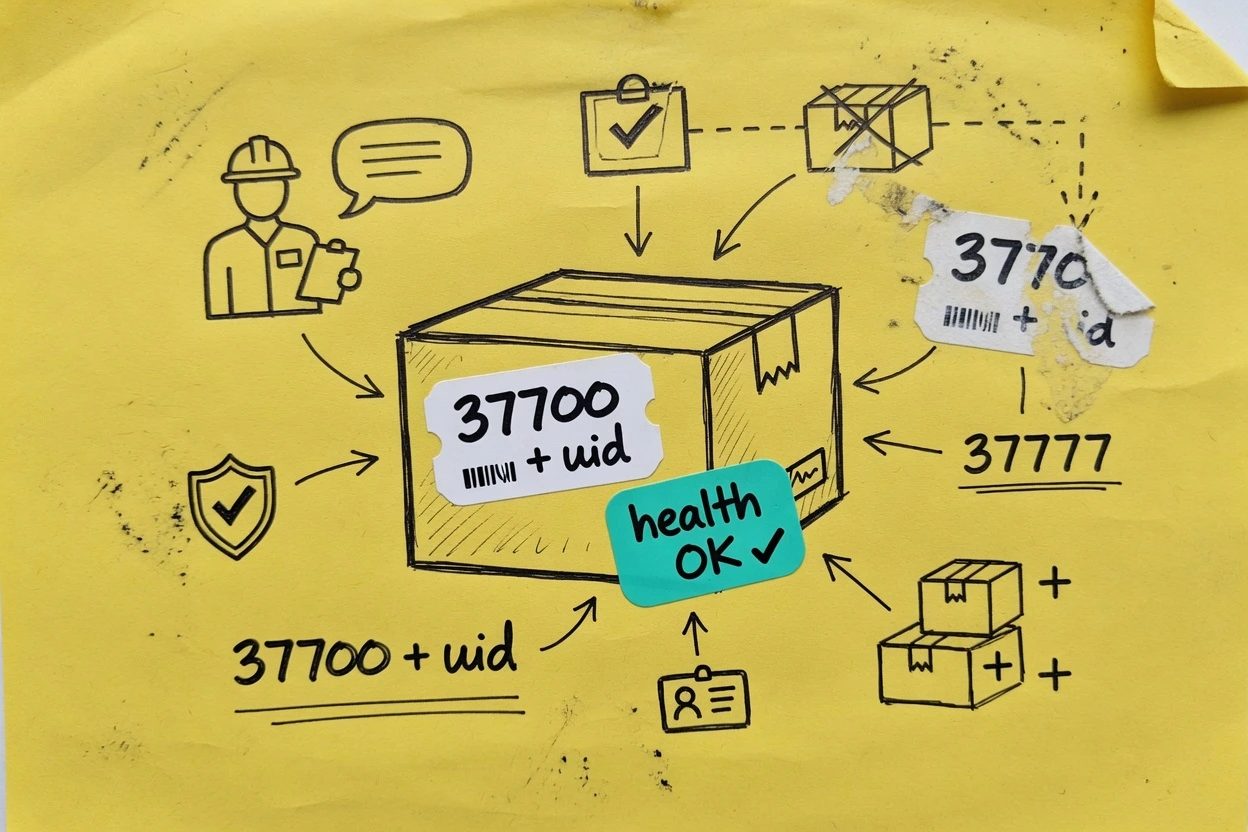
Search results still love port 37777 the way old street signs stay up after a rename. Current docs do not.
The worker listens on a per-user port. Default is 37700 plus your Unix uid mod 100. uid 1000 lands on 37700.
uid 1005 lands on 37705. The value is stored as CLAUDE_MEM_WORKER_PORT in ~/.claude-mem/settings.json.
4. Read the per-user port#
jq -r .CLAUDE_MEM_WORKER_PORT ~/.claude-mem/settings.jsonYou should see a five-digit number in the 37700 range. If you see nothing, the installer never wrote settings, which means the npm-global trap probably already happened.
GitHub issue 2106 is someone whose installer printed 37777 while the worker sat on 37700. Believe the settings file.
5. Hit the health endpoint#
PORT=$(jq -r .CLAUDE_MEM_WORKER_PORT ~/.claude-mem/settings.json)
curl -s 127.0.0.1:$PORT/health
Checkpoint is JSON whose status field is ok. On a live 13.12.4 worker that looks like this.
{"status":"ok","timestamp":1787703716559,"activeSessions":0}/api/health is the noisier twin. It adds version, pid, and mcpReady. Either one returning ok means the daemon is actually listening.
A connection refused is the other silent miss. Hooks fire, SessionStart complains, the new session has nothing to inject. Fix the worker before you blame the plugin.
curl -s 127.0.0.1:$PORT/api/healthYou want status ok and mcpReady true. Skip npm run worker:status from a random directory. That script wants a package.json that a plugin install does not put in ~/.claude.
Open a second session and look for IDs#
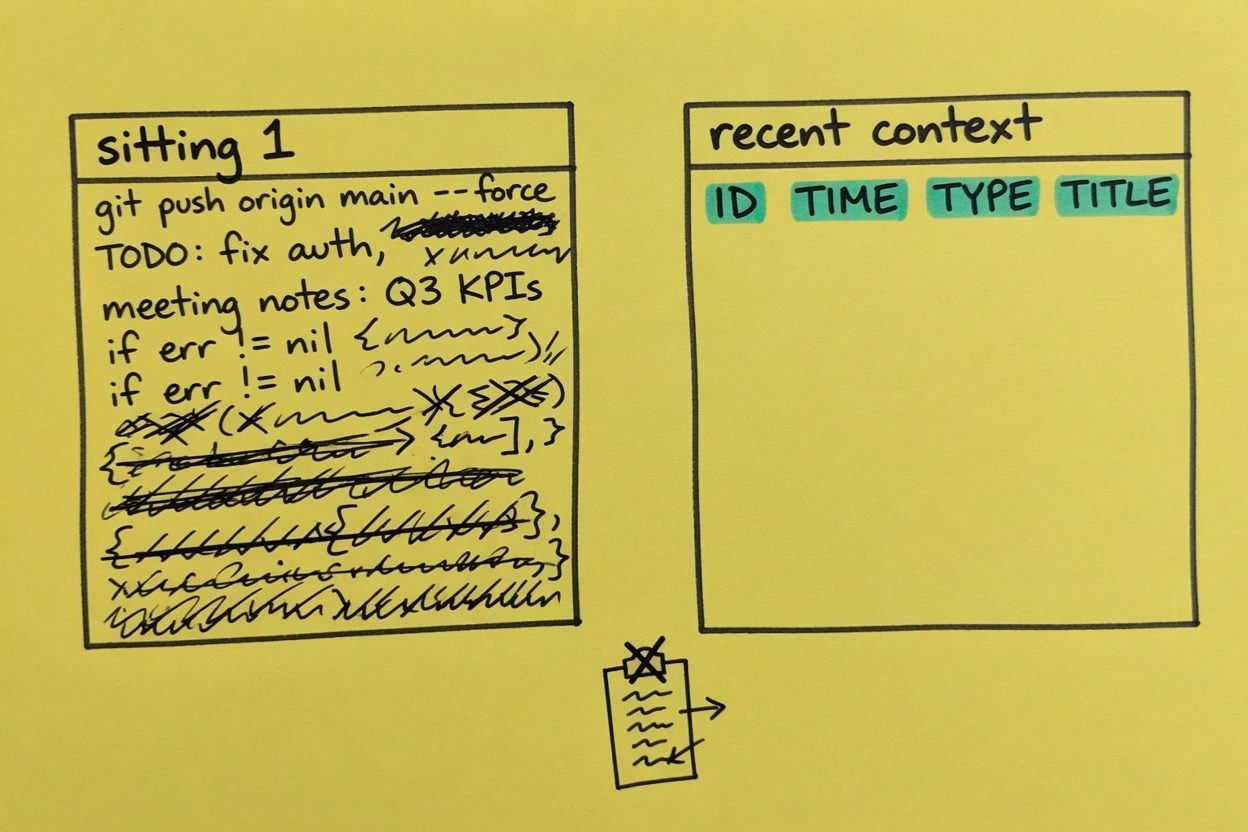
Install is not the end state. A new session that prints prior observations is.
The getting started page is blunt about the cycle. Start Claude Code, work normally, the Stop hook writes a summary, the next session loads context.
SessionStart queries recent observations in this project, default 50 from the last 10 sessions, and injects them.
A first session after a clean install has nothing to inject yet. That is not a bug. Do a sitting. Let tools run. Then open a second session.
6. Quit fully, then start in the same project#
Quit Claude Code completely. Not /clear. /clear re-injects inside the same sitting. The proof the title promised is a brand-new process.
Open the same repo. Look at the SessionStart dump. It should lead with the project name and recent context, then lines shaped like ID TIME TYPE TITLE.
Fetch details is get_observations on those IDs. You did not paste a recap.
Empty project, empty dump. No previous sessions found is the honest empty state.
On a desk that has been running the plugin for months, ~/.claude-mem/claude-mem.db holds 57481 observations and 7931 summaries. A new forge-flow sitting here prints IDs from the last one without anyone writing a handoff.
You'll know it worked when the new session mentions a file you never named in that sitting. That is the whole product.
When the next session is still empty#
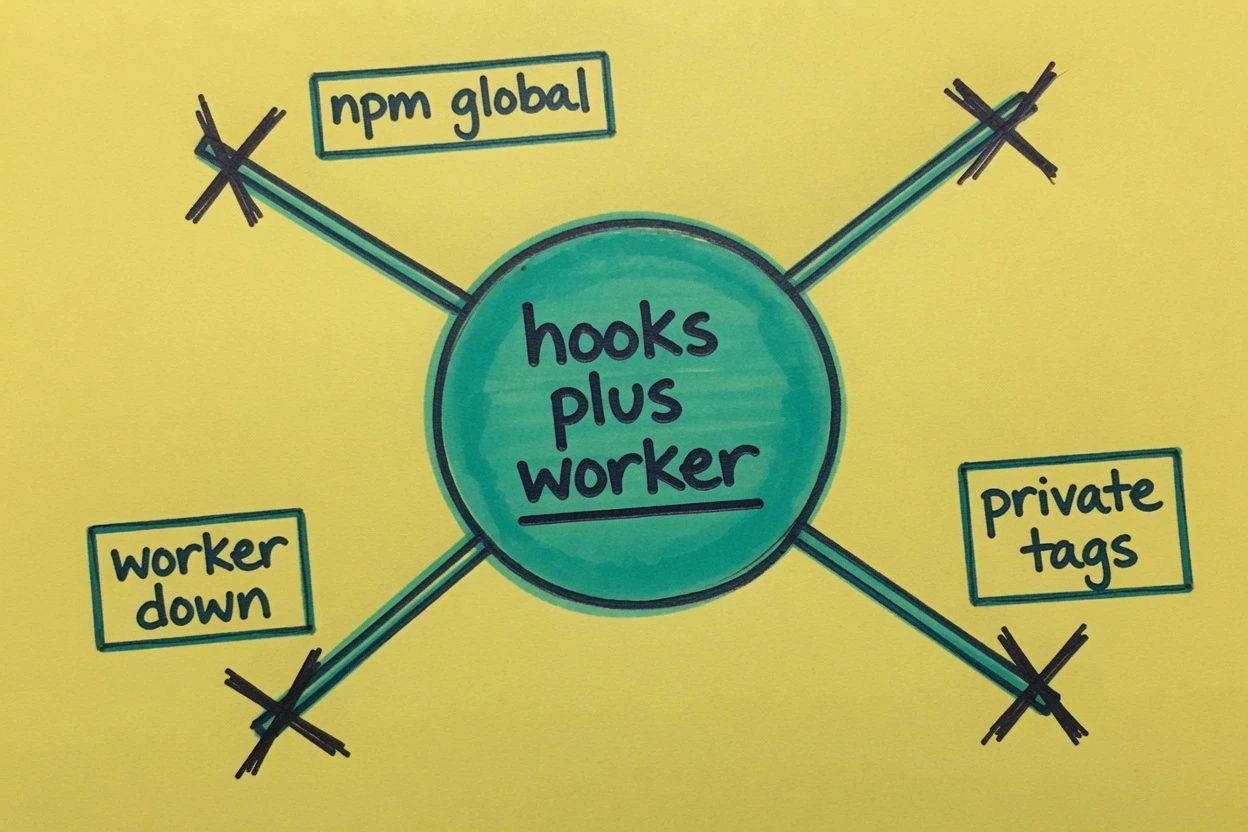
Three failures show up in the wild. They look identical from the chair. A cold session.
- The global npm package landed and hooks never did
- The worker is down or stuck and
/healthrefuses the connection - The last prompt was wrapped in private tags, so nothing was stored
npm vs plugin. The binary exists. Hooks do not. Settings never grew a claude-mem@thedotmack key.
Run npx claude-mem install and restart. Do not debug Node.
Worker down. SessionStart logs get ugly. GitHub issue 2145 captured the loop.
[ERROR] [SYSTEM] Worker not available {}
[ERROR] [SYSTEM] Tools will fail until Worker is started
[ERROR] [SYSTEM] ✗ Worker failed to start Worker already running
Claude Code then prints SessionStart:startup hook error with no stderr. A stale PID state can produce that loop. Quit Claude Code fully so SessionStart can spawn the worker again, then curl health. If it still refuses, run npx claude-mem install once more rather than poking a random npm run worker:status.
Private tags. Wrap a prompt in <private>...</private> and the private tags docs will strip it before storage. Claude still sees it in the current sitting. The next sitting will not.
That is intended. It looks like a broken install if you tagged the whole prompt.
Do not wrap the entire sitting. Tag the secret, leave the work. Secrets still belong in a secret store. The tag is a filter, not a vault.
A fourth miss is relocating Claude's config dir. GitHub issue 2466 is npx claude-mem status saying the worker is not running because scripts still look in ~/.claude. Stay on the default layout unless you want to patch paths.
Install questions people actually hit
Why did install print 37777 when the worker is on 37700?
The worker port is per-user, 37700 plus your uid mod 100, stored as CLAUDE_MEM_WORKER_PORT. 37777 is leftover from old viewer docs and third-party guides. Read the settings file, then curl that port.
SessionStart says the worker is already running and nothing injects. Now what?
The daemon can sit in a zombie PID state. Logs show Worker not available, then Worker already running. Restart the worker-cli, then curl /health until it returns status ok, then open a new session.
I ran npx claude-mem install and status still says the worker is not running. Where is it looking?
If CLAUDE_CONFIG_DIR points off ~/.claude, some worker scripts still hardcode the default path and miss the plugin. Check that the worker-service file exists under your actual config dir, or stay on the default ~/.claude layout this tutorial uses.
What now exists#
A plugin in ~/.claude/plugins, enabled as claude-mem@thedotmack. A worker on the per-user port in settings, answering /health with ok. A SQLite file at ~/.claude-mem/claude-mem.db that grows as you work.
The proof is the next session. It prints observation IDs from the last one. No paste. If it does not, you are still in the npm crate, or the worker is down, or the last prompt was private.