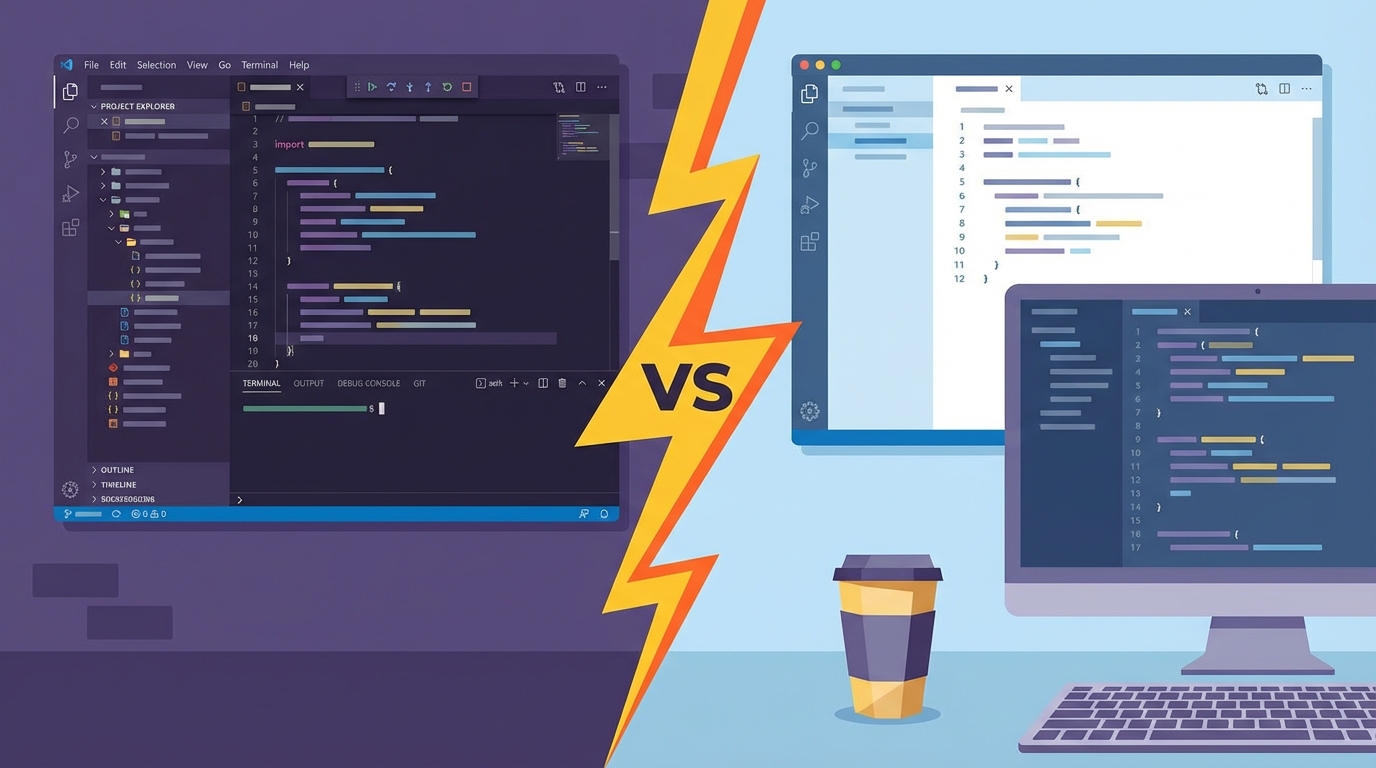

IntelliJ vs VS Code in 2026: The Honest Comparison
April 3, 2026
What IntelliJ Actually Does Differently#
IntelliJ vs VS Code starts with one fundamental difference: IntelliJ doesn't use language servers. It builds a full semantic index of your entire project, parsing every class, method, and dependency into an in-memory model. This is the architectural root of every feature gap.
That index powers refactoring that actually works. Rename a method in IntelliJ and it catches usages in XML config files, string references in annotations, and reflection-based calls. VS Code's Java language server (Eclipse JDT under the hood) handles the basics, but misses edge cases in larger codebases.
// IntelliJ catches this when you rename UserService.findById()
@Query("SELECT u FROM User u WHERE u.id = :id")
Optional<User> findById(@Param("id") Long id);

// It also finds this string-based reference in Spring XML
// <bean class="com.app.UserService" factory-method="findById"/>
The cost is real: IntelliJ's default heap is 2048 MiB, and it struggles with 3+ open projects on 32GB RAM. I bump mine to 4096 MiB via Help > Change Memory Settings on every fresh install. VS Code idles around 300-400 MiB for the same project.
Java IDE Market Share (2025)
The JetBrains IDE Pricing Question Nobody Answers Honestly#
JetBrains raised prices 11-30% in October 2025 and eliminated loyalty discounts. IntelliJ IDEA Ultimate now costs $599/year in year one, dropping to $479 in year two and $359 from year three onward.
That's the individual license. Organization pricing is higher.
The better deal is the All Products Pack at $249/year (year one), which includes every JetBrains IDE. If you use two or more JetBrains tools, the bundle is cheaper than buying one standalone license. I've been on this plan for three years and it's the only JetBrains pricing that makes sense for polyglot work.
VS Code costs zero dollars. Copilot adds $10-19/month depending on the plan. The total annual cost for VS Code plus Copilot Pro tops out at $228, less than IntelliJ Ultimate alone.
What IntelliJ Community Edition Actually Strips Out#
The IntelliJ Community Edition limits are real, even though the core Java and Kotlin experience is genuinely good. The walls appear fast once you step outside that box.
IntelliJ Community Edition Limits
The pattern is clear. Pure JVM work fits Community Edition. Anything touching web frameworks, databases, or enterprise Java hits the paywall.
Where VS Code Closes the Gap#
The "Extension Pack for Java" bundles Red Hat's language support, a debugger, Maven/Gradle integration, and a test runner. Install one extension, get a working Java environment. I tested it on a 200-class Spring Boot project last month and the experience was surprisingly capable.
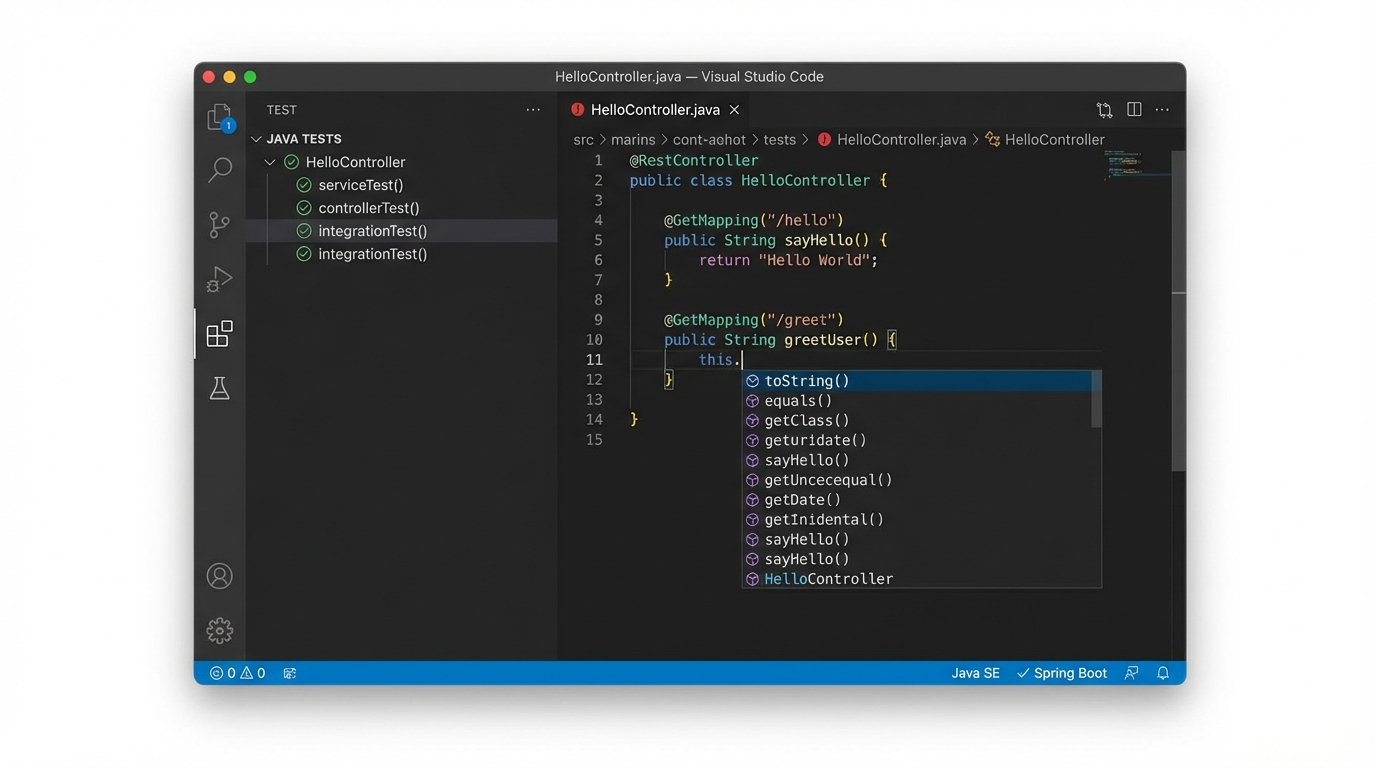
VS Code's real advantage is polyglot flexibility. A single window handles Java, TypeScript, Python, Go, Terraform, and Markdown with equal competence. IntelliJ can do this with plugins, but it feels bolted on.
VS Code was built for it.
Copilot integration is tighter in VS Code than JetBrains AI Assistant (used regularly by only 9% of developers). The inline completions are faster, the chat panel is more responsive, and the model selection is broader. If AI-assisted coding is central to your workflow, check out how to reduce AI coding tool token usage to keep costs down.
Neovim as a Serious IDE Alternative#
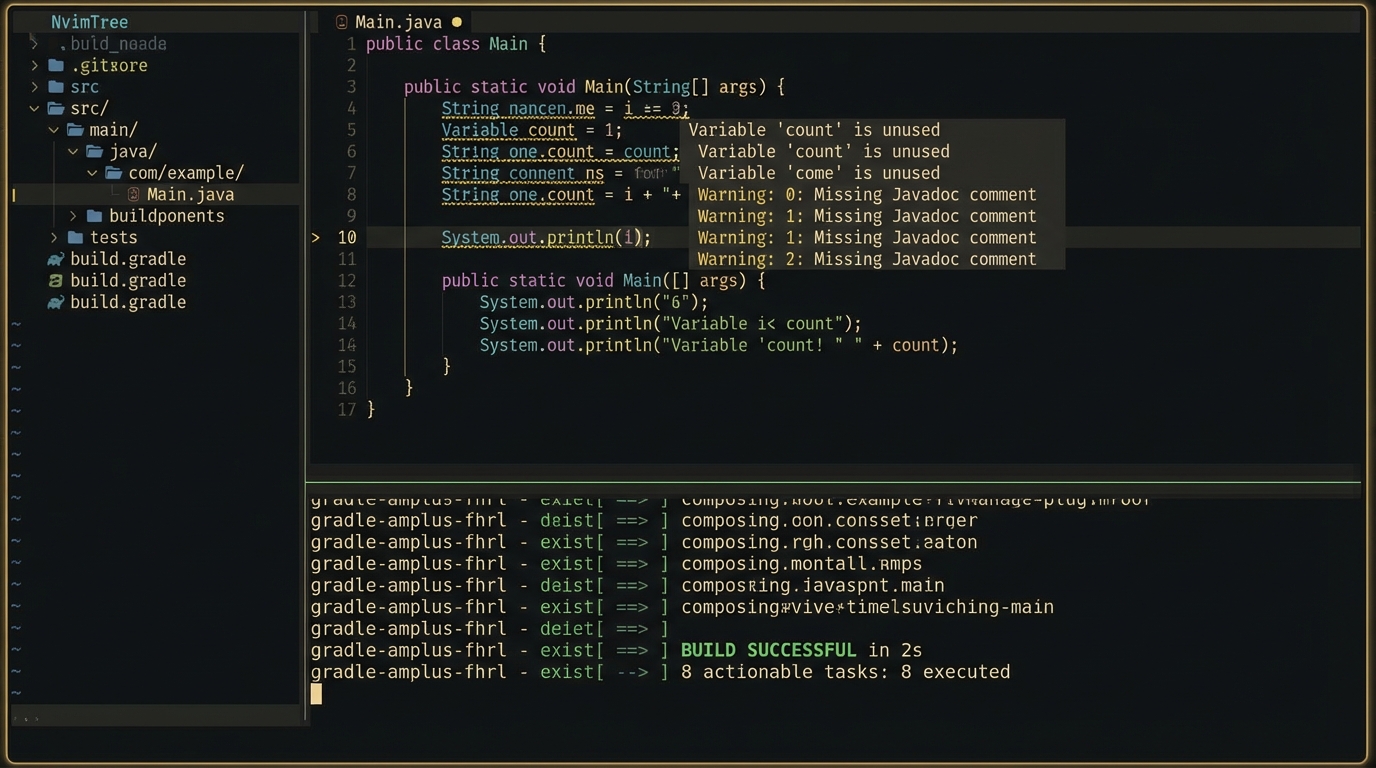
Neovim is a legitimate IDE alternative for 2026, not a novelty. The 83% admiration rating on Stack Overflow reflects real satisfaction from committed users.
The Java setup requires nvim-jdtls, which wraps Eclipse's JDT Language Server:
-- ~/.config/nvim/ftplugin/java.lua
local config = {
  cmd = { 'jdtls' },
  root_dir = vim.fs.dirname(
    vim.fs.find({ 'gradlew', 'pom.xml', '.git' }, { upward = true })[1]
  ),
  settings = {
    java = {
      configuration = {
        runtimes = {
          { name = "JavaSE-21", path = "/usr/lib/jvm/java-21" },
        },
      },
    },
  },
}
require('jdtls').start_or_attach(config)
What you gain: 10x resource efficiency, sub-50ms startup, and a workflow that lives entirely in the terminal. What you lose: project-wide refactoring confidence, built-in database tools, and about 20 hours of initial configuration.
I use Neovim for quick edits and CLI-heavy workflows. For a full day of Java refactoring, I open IntelliJ.
That's not a compromise. It's using the right tool.
Pick the Right Tool for the Right Job#
The IntelliJ vs VS Code debate in 2026 isn't about picking one winner. It's about knowing when to reach for each tool.
IntelliJ#
Best when:
- Your primary language is Java, Kotlin, or Scala
- You work with Spring, Jakarta EE, or large Maven/Gradle projects
- Refactoring confidence matters more than startup speed
- Your company pays for the license
VS Code#
Best when:
- You work across 3+ languages daily
- The project is small-to-medium (under 500 classes)
- AI coding assistance is central to your workflow
- Budget is a constraint
Neovim#
Best when:
- You're already comfortable with modal editing
- Terminal-first workflow is non-negotiable
- You enjoy configuring your tools (and maintaining that config)
- Resource efficiency matters (remote servers, older hardware)
The 68% overlap between IntelliJ and VS Code users isn't indecision. It's pragmatism.
Install both. Keep IntelliJ for the deep JVM work where its indexing shines. Use VS Code for everything else.
Start by installing the IntelliJ Keymap extension in VS Code. It maps your muscle memory across both tools and makes the switching cost nearly zero.