
Claude Cowork vs OpenClaw is a permission model fight
August 25, 2026

Search claude cowork vs openclaw and DataCamp's August comparison still starts by counting connectors, models, and chat apps. The fight that actually decides what happens to the laptop is the default permission model. One agent starts in a folder you picked and still stops on a delete. The other starts as a host process with the exec dialog off. Pick that polarity first. The feature table can wait.
Claude Cowork vs OpenClaw starts at the default#
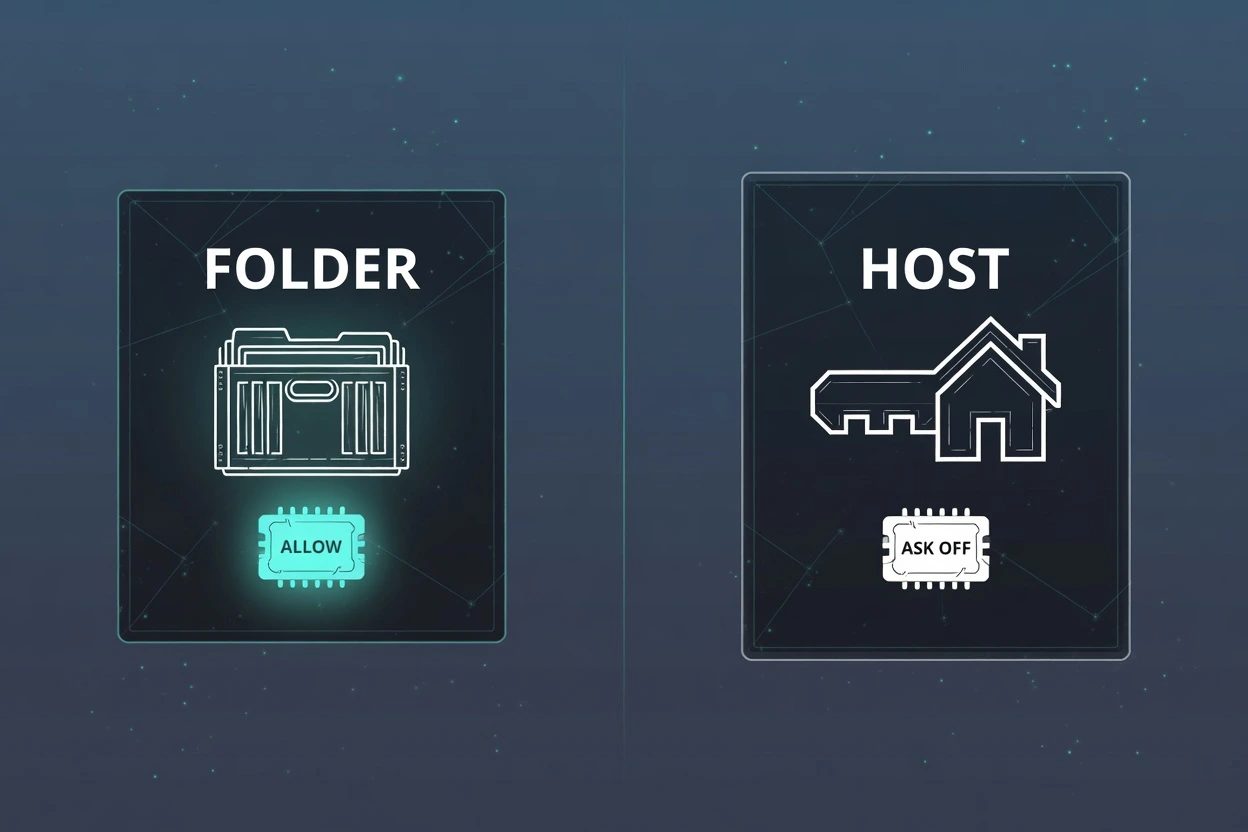
Cowork is Anthropic's desktop agent. Same guts as Claude Code, no terminal required, paid plan. Anthropic's Cowork docs say Claude can only read and write files in folders you connected.
That folder is a labeled crate, not the house. Inside it, Cowork can sort, rename, and rewrite. Permanent deletes still need an explicit Allow. The safety article is blunt about it. Claude always asks before permanently deleting files, in any mode.
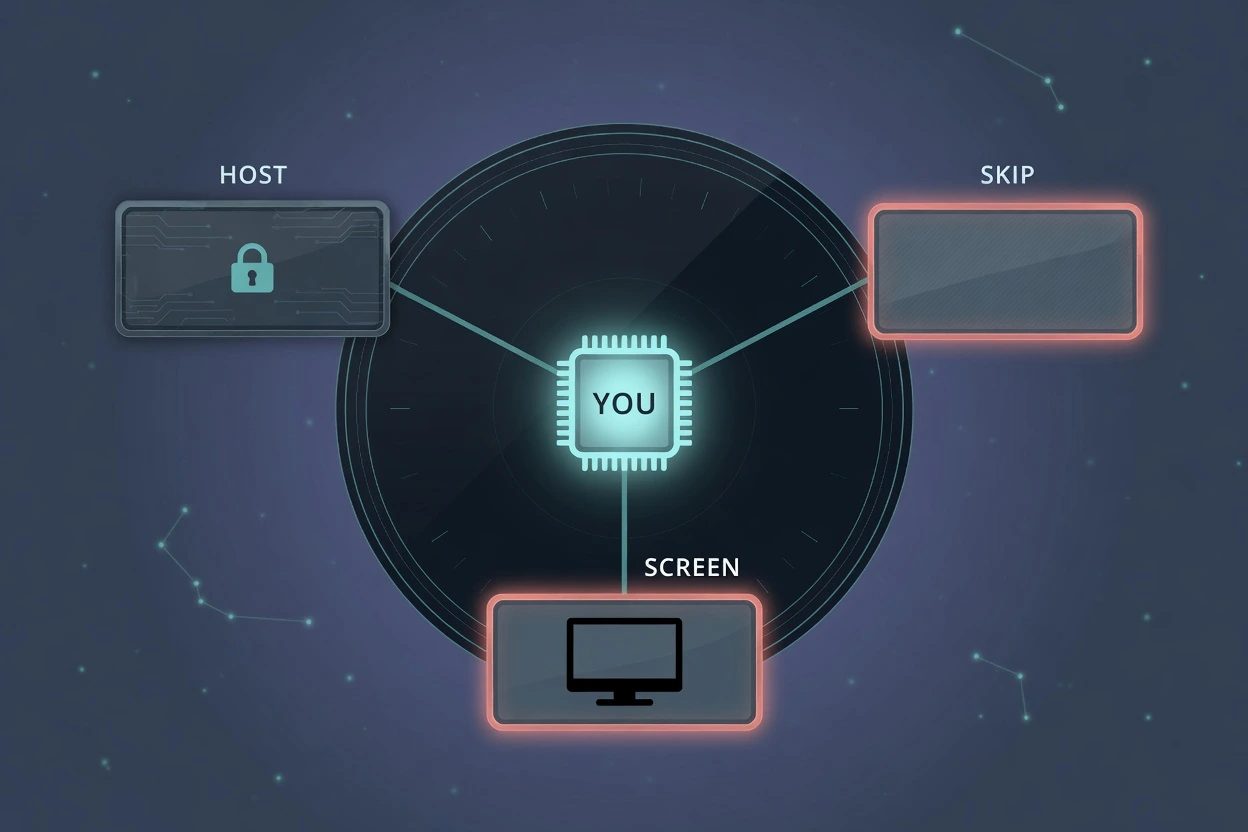
Cowork's three modes sit in the chat box. Skip is the one that looks like freedom. It is not a delete pass.
- Manual still pauses before connector writes.
- Auto keeps moving, then reviews each action for safety.
- Skip drops the pause. Permanent deletes still need Allow.
OpenClaw is a Gateway you run. The README says tools run on the host for the main session unless you configure sandboxing. The exec docs go further. No-approval host exec is the default for gateway and node, mode=full. Sandboxing is off by default.
OpenClaw's security guide calls that intentional UX for a trusted single operator, not a missing feature. ask starts at off. The workspace is the default cwd, not a hard sandbox, so an absolute path still walks the rest of the disk.
This is not uid 0. Do not sudo the update. The blast radius is whatever your user account can already touch, with nobody in the loop on the first shell call.
A sibling post already refused the Claude Code bakeoff. That one is a session versus a Gateway. This one is Cowork the desktop agent versus the same Gateway. Different surface. Same polarity.
ClawHavoc is what a marketplace does with ask off#
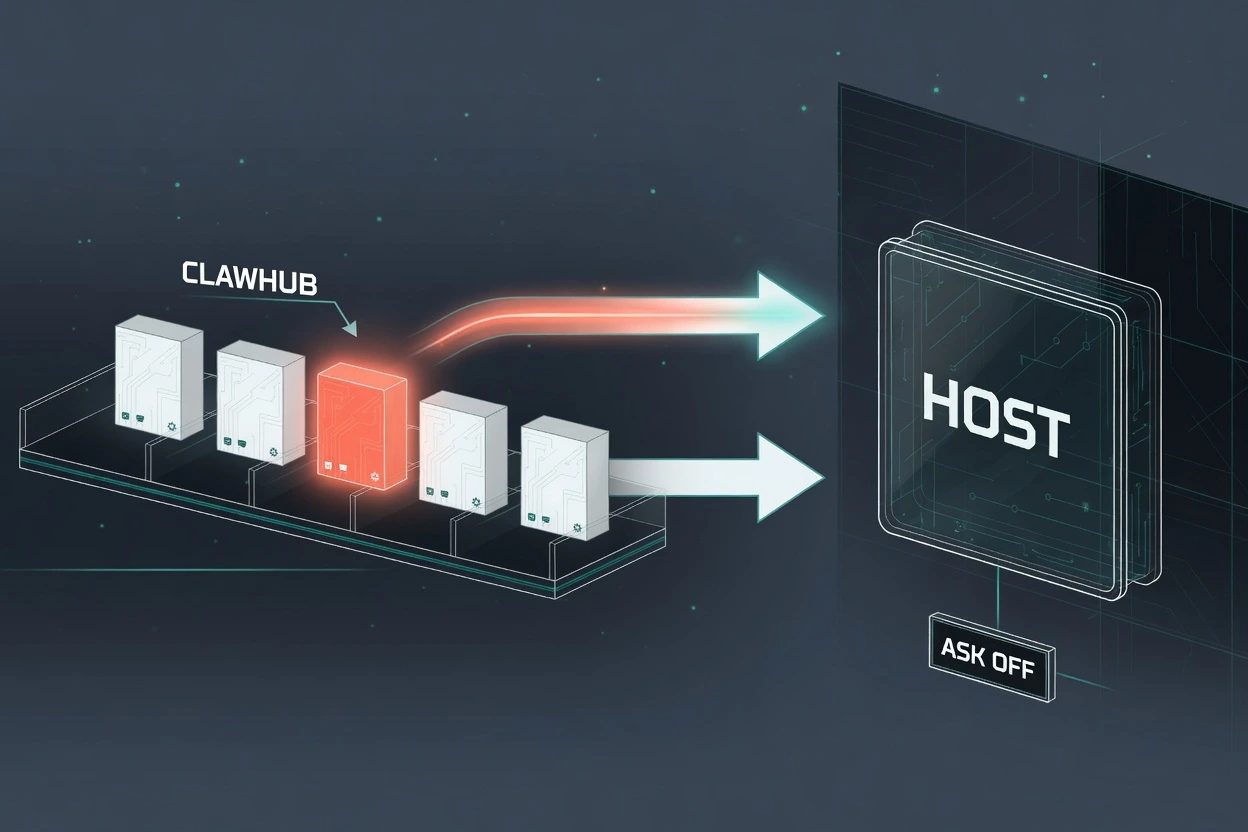
A default like that is abstract until someone ships a skill on top of it. In February 2026, The Hacker News reported a Koi Security audit of 2,857 ClawHub skills. 341 were malicious. 335 of those were one campaign, ClawHavoc, pushing Atomic Stealer through a fake Prerequisites block.
The lure looked like docs. Install this first. Paste this in Terminal. Download this zip. The Hacker News said the macOS targeting was no coincidence, with reports of people buying Mac minis to run the assistant around the clock.
ClawHub is still open by default. OpenClaw's ClawHub page says anyone can upload, with a GitHub account old enough to pass the gate. Reporting exists. Hidden listings exist. The February writeup quoted a three-report auto-hide. Current moderation docs no longer print that number, so do not treat the threshold as a live promise.
The permission model is the load-bearing part. A marketplace on an agent whose exec default is full does not need a sandbox escape. It needs a README that tells a human to run one command. That is a cheaper bug than a CVE, and it already shipped.
Hardening is real. Skip mode is the other polarity#
The honest pushback is that OpenClaw is not stuck on YOLO. Permission modes give you five knobs. The recommended coding default is auto, which is a tightening from what ships. openclaw security audit exists. Sandbox mode all exists. Pairing exists so strangers cannot DM the bot into a shell.
- deny blocks host exec outright.
- allowlist runs the known set and silently denies the rest.
- ask runs the known set and asks a human on misses.
- auto reviews misses first, then maybe asks.
- full is what ships, dialog off.
A reader who will actually set ask on and sandbox the agent is not living in ClawHavoc's blast radius. That reader is doing a job most onboard flows will not do for them.
Cowork has the inverted hole. Skip, formerly Act without asking, pauses for nothing and checks nothing automatically. Computer use is worse than Skip on files. Anthropic's computer-use article says there is no sandbox between Claude and your applications. Clicks, typing, the screen. Per-app prompts, then a link in mail can still open Chrome.
Your computer needs to be awake for that path. The Desktop app needs to be open. It is a research preview on Pro and Max, and it is the one Cowork surface that behaves like a host.
Cloud Cowork also sends work off the machine. The architecture overview says local files opened through the desktop app are processed on Anthropic's servers rather than staying on the device. OpenClaw keeps the bytes on the Gateway host. That is a privacy polarity hiding under the permission one. If the file cannot leave the building, Cowork in the cloud is already the wrong product, never mind exec.
Claude Cowork vs OpenClaw overnight cannot share a disk#
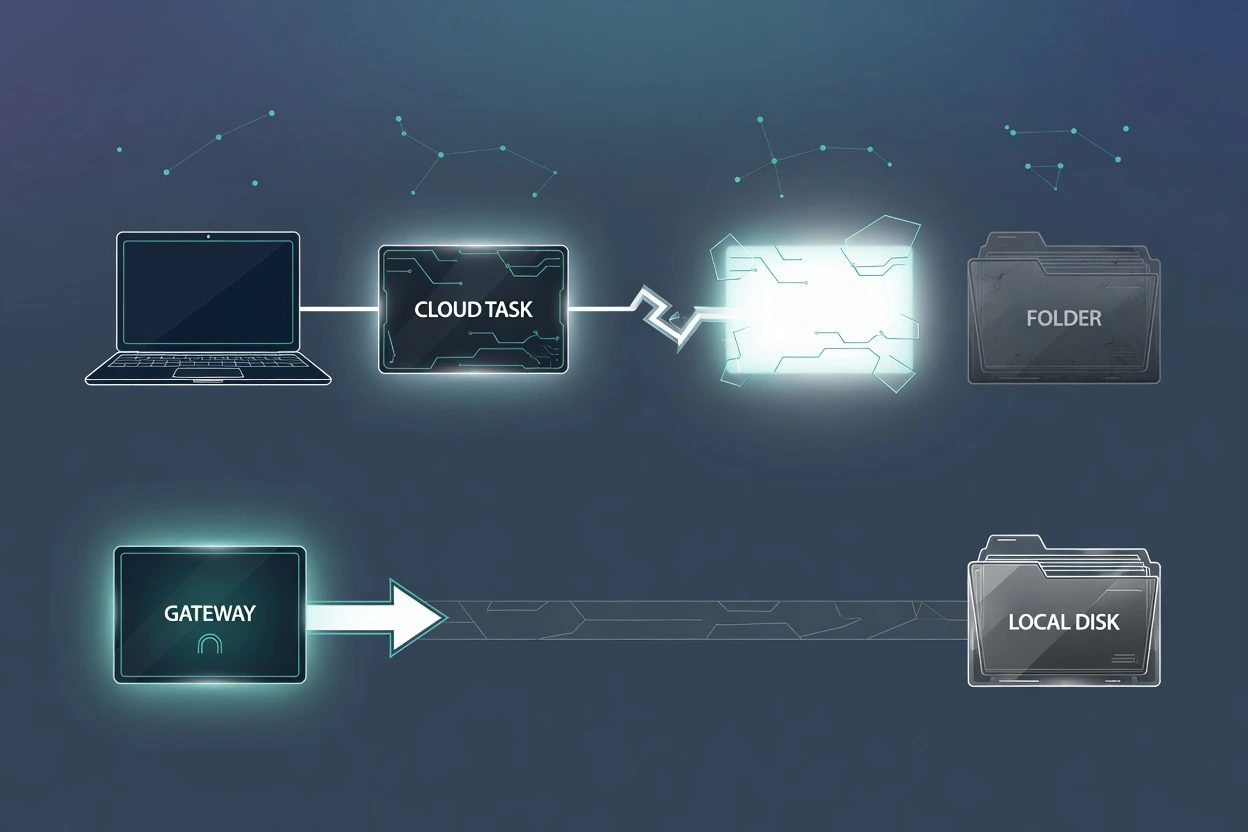
This is the part those comparisons compress into "Cowork now runs while you sleep." Cloud sessions do. Anthropic's web, desktop, and mobile article says close the laptop and Claude keeps going, and scheduled tasks run with no device online.
Read the next sentence in the scheduled-task docs. They cannot be tied to a folder on your computer. If the task needs local files or apps, it only runs locally.
So the sleep path and the local-disk path are two products wearing one name. A cloud schedule can brief Slack and Drive while the lid is shut. It cannot sort Downloads. A cloud session can still reach a connected folder, but only while the Desktop app is open on that machine. Close the app and the cloud work continues. The disk on the desk is gone.
OpenClaw cron is the other shape. Automations run inside the Gateway process, not inside the model. The Gateway must be running for schedules to fire. A sleeping laptop is a sleeping Gateway. 24/7 means a Mac mini, a VPS, or a house server that does not nap, which is why people were buying those minis in the first place.
You'll hit this the first night you want a local folder touched with the lid shut. Cowork's cloud path will not see it. OpenClaw's cron will, if the host is up, and it will do it with whatever exec policy you actually left in place. The neighbor post on Telegram without root is the same instinct on a different door. Do not grant the night shift more machine than the job needs.
Hold the position and it costs you a setup. Cowork for folder work you will watch, Manual when the files matter, never Skip plus computer use on a desk that has banking. OpenClaw for the always-on host, with ask or auto turned on before ClawHub, sandbox on if the agent reads the open web. Change your mind when the default already matches the job. If the work is a cloud briefing with no local folder, Cowork's sleep path is enough and a Gateway is unpaid ops. If the work is overnight files on a disk you own, the Gateway is the thing that can still see the crate.
Questions the bakeoff already ducked
Does a Cowork session in the cloud reach the laptop when Desktop is closed?
The session keeps running on Anthropic's servers. Local files, browser, and computer use only work while the Claude Desktop app is open, and only for folders already connected. Close the app and the cloud work continues, but the disk on the desk is gone.
asked on support.claude.com ↗Can a scheduled Cowork task sort a folder on the computer?
Not as a cloud schedule. Anthropic's scheduled-task docs say those jobs cannot be tied to a folder on your computer. If the task needs local files or apps, it only runs locally, which means the machine and the Desktop app have to be there.
asked on support.claude.com ↗Does Cowork still ask before a delete if Skip is on?
Yes. Skip stops the ordinary permission pauses, and nothing checks those actions automatically. Permanent deletes are the exception. Anthropic still requires an explicit Allow in any mode, including Skip.
asked on support.claude.com ↗Does OpenClaw cron keep firing if the Gateway host is asleep?
No. Automations run inside the Gateway process, not inside the model. If that process is not running, the schedule does not fire. 24/7 means an always-on host, not a laptop lid.
asked on docs.openclaw.ai ↗