
A Claude routine that reviews PRs with the laptop closed
August 25, 2026

Claude Code routines are the cloud job that reviews a pull request after the lid is shut. Official routines docs say they keep working when your laptop is closed. The form does not say the other half. A green run is infrastructure. A GitHub review is a COMMENT posted through GitHub tools.
Most recaps treat this like a cron UI. It is closer to a night drop box. You leave a sealed checklist. A clerk posts a note on the PR. Your GitHub name is on the note.
That last bit is the part people regret. Treat it as a product fact, not a vibe.
What has to exist first#
Skip this if Claude Code on the web already clones the repo and you can open a pull request in it. Everyone else, pin the versions before touching /schedule.
- A paid plan (Pro, Max, Team, or Enterprise) with Claude Code on the web enabled. Free seats do not get routines.
- A GitHub repository you can open a PR against, already connected to the claude.ai account that will own the routine.
- The Claude GitHub App installed on that repository.
/web-setupis clone access. It is not webhook delivery. - Claude Code v2.1.225 or later only if the GitHub trigger will be attached from the CLI. The web form does not care.
Desktop scheduled tasks still need the app open and the machine awake. Closing the lid sleeps that pathPATHThe shell environment variable listing directories searched in order when a command name is typed, so every lookup walks each entry until one matches.See also WSLENV, appendWindowsPath, command lookup. /loop dies with the session. This post is the cloud row.
Stand up the review routine#
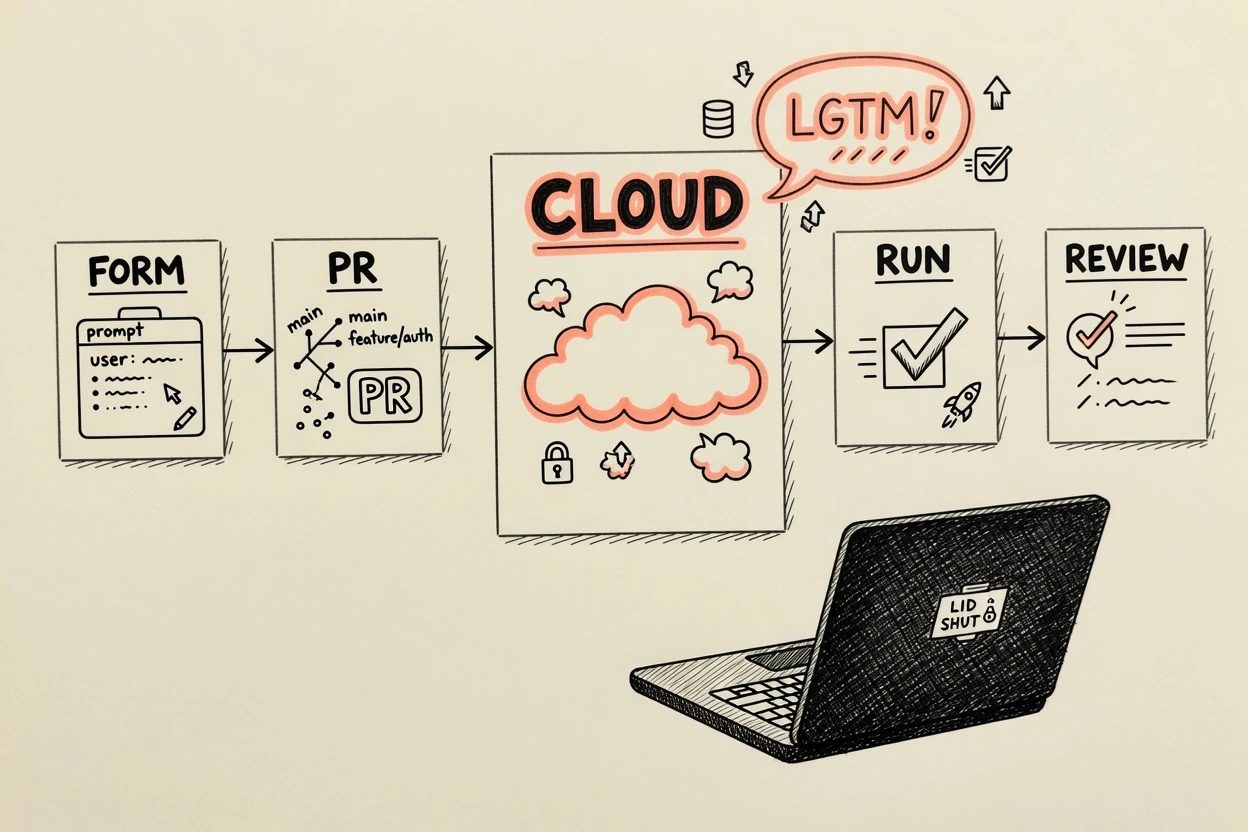
The web form at claude.ai/code/routines is the path that can attach a GitHub trigger in one sitting. /schedule in the CLI can create the shell. Adding the GitHub event from the CLI needs v2.1.225. Use the form unless that version is already on the machine.
1. Open the form, not a local task#
Visit claude.ai/code/routines and click New routine. In Desktop, pick Cloud. Local is a machine-bound task with a different docs page. The creation form should show a prompt box, repositories, an environment, a trigger picker, and connectors.
If Routines is missing from the Desktop sidebar, the feature may not be available to that account. The web URL is the escape hatch either way.
2. Write a prompt that can post a review#
This is the step that decides whether GitHub ever sees a review. The routine runs with no permission picker and no mid-run ask, so the prompt has to carry the whole job, including how to find the PR, how to read the diff, and how to post. Cloud environments ship built-in GitHub tools that read issues, list pull requests, fetch diffs, and post comments without extra setup. Use those. Do not send Claude down git fetch over HTTPS.
The clone starts on the default branch, not the PR head. Two PR updates are two independent sessions. The saved prompt is the only memory.
Always post event: COMMENT. GitHub rejects REQUEST_CHANGES when the reviewer identity matches the PR author, which is the usual case when the same account owns the routine and opened the test PR. Express a fail in the review body. Do not fight GitHub about who is allowed to block the author.
You are reviewing the pull request that started this session.

Find that PR with the built-in GitHub tools (pull_request_read).
Do not use git fetch over HTTPS.
Do not use gh pr checkout.
The working tree is the default branch, not the PR head.

Read the diff. For files the diff touches, read the PR-head contents
with get_file_contents.

Post exactly one review with pull_request_review_write:
- event COMMENT, never REQUEST_CHANGES
- inline comments only on concrete bugs, missing tests, or leaked secrets
- a short summary body with pass/fail for security, tests, and the happy path

If the PR is clean, post the summary with no inline comments.
Do not invent nits.

Success is that review existing on the PR, not a green session.
Paste that, then add the three checks your team actually cares about. A prompt that says "review this PR" is how you get a green session and a quiet GitHub tab.
3. Add the repo and keep Default#
Add the one GitHub repository this review is for. Keep the Default environment. GitHub traffic in Anthropic-hosted sessions goes through a dedicated proxy, independent of Trusted versus Full. A comment-only routine does not need a custom allowlist.
Leave unrestricted pushes off. This job comments. It does not push main.
4. Attach pull_request opened and skip drafts#
Under Select a trigger, add GitHub event. Repository is the one you just attached. Event category is Pull request. Action is opened. Filter Is draft equals false so half-written PRs do not burn a run.
The live docs list two GitHub event categories. Pull request, and release. Recaps that add pushes, issues, and check runs are quoting an older rumor. If the review should wait for CI, that is a schedule or an API fire from Actions, not this trigger.
When the UI asks to install the Claude GitHub App, do it on that repository. /web-setup will not finish this step for you. You will save a trigger that looks right and never starts.
5. Strip extra connectors, then create#
The form includes every connected MCP connectorMCPModel Context Protocol, an open standard that lets an AI tool connect to external data sources and services through a shared connector format instead of a custom integration per service.See also .mcp.json route, Extensions directory, Mcp-Session-Id header by default. Claude can use every tool from those connectors, including writes, with no ask during the run. Keep GitHub if it is already there. Remove Slack, Linear, and anything that can open tickets or page a channel.
Local claude mcp add servers live on the laptop. They do not appear here. Click Create. The routine should show up in the list with no next run time, because a GitHub-only routine has none.
6. Open a test PR, click Run now, close the lid#
Run now starts a session immediately. It does not inject a GitHub event payload. Open a small test PR first, then click Run now on the routine detail page, then shut the lid. The session is already a cloud VM. Watching it is optional.
A later real PR uses the webhook. Hourly caps during research preview drop extra events instead of queuing them. Keep the draft filter on if the repo is noisy.
/schedule add a GitHub trigger to my PR review for pull requests opened in acme/webappThat CLI line is the add-on path after a scheduled shell already exists. v2.1.225 or later. The form in step 4 is still the first-time path.
7. Confirm two receipts#
Two receipts, both required.
- claude.ai/code/routines lists a finished run you can open as a normal cloud session.
- GitHub shows a COMMENT review from the connected identity, not a bot you do not recognize.
A green status means the session started and exited without an infrastructure error. It does not mean the prompt succeeded. If the PR is quiet, the transcript is the place blocked network calls and missing GitHub tools show up. The PR is the product. The green chip is the receipt that a VM came up.
When it breaks#
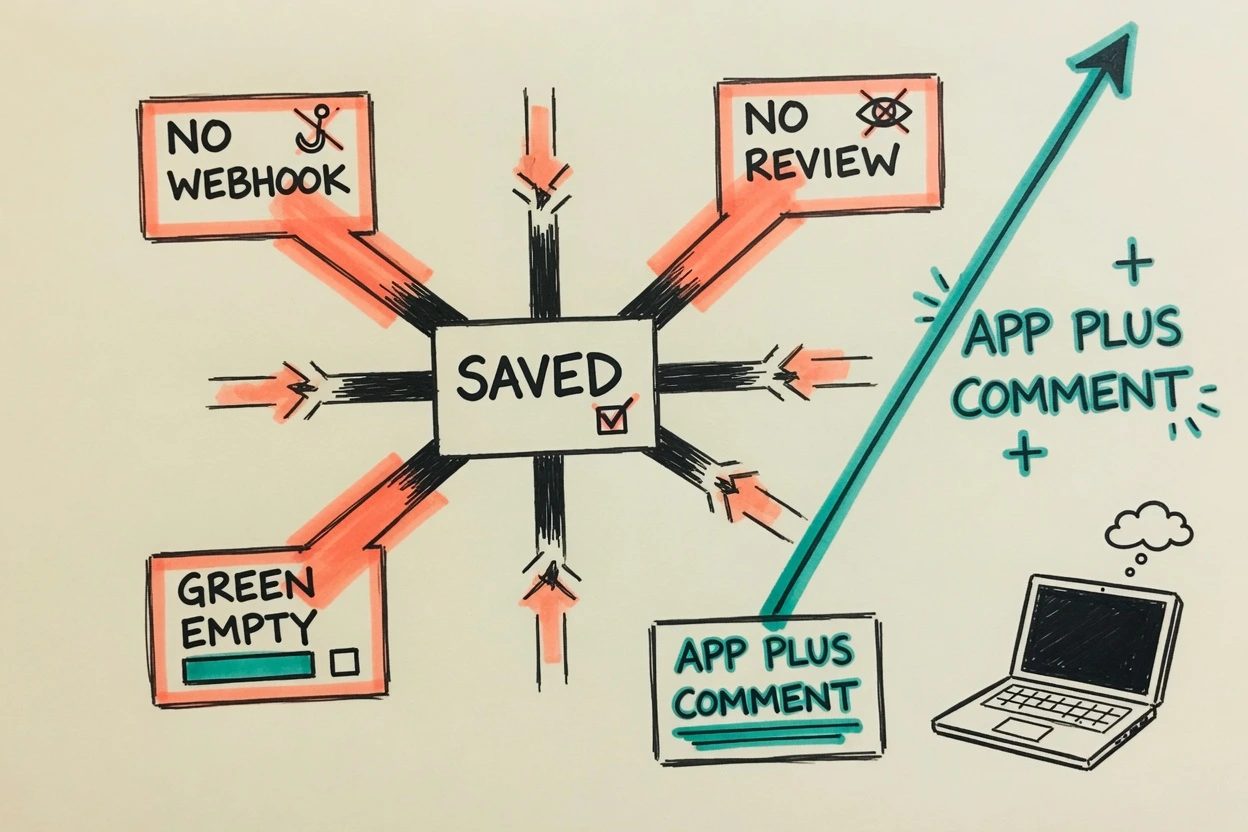
Three failures show up after the form looks saved. They are not the same bug.
The trigger never starts#
/web-setup granted clone access. The Claude GitHub App was never installed on this repository, or it is installed on a different GitHub user than the one Claude is connected as. Issue 48845 is the openwrt case. The routine listed Pull request opened. New PRs kept landing. No run.
Fix is the App on the right repo under the right GitHub identity, then a fresh test PR. Recreating the routine without moving the App does nothing.
The run is green and GitHub is quiet#
gh is pre-installed in the cloud VM, and the GitHub proxy will inject credentials for REST calls. GraphQL is a smaller allowlist. gh pr review can come back This GraphQL query is not enabled for this session. git-over-HTTPS without the proxy still fails with could not read Username. REQUEST_CHANGES from the same account that opened the PR is rejected. The prompt above avoids all three.
Open the transcript. If Claude tried gh pr checkout and stopped, the prompt lost. If Claude posted COMMENT and GitHub still looks empty, you are on the wrong repo or the wrong identity.
The week moves anyway#
Routines draw down subscription usage the same way interactive sessions do. There is also a daily cap on how many runs can start. The live docs do not print 5, 15, or 25 anymore. Remaining starts live on claude.ai/code/routines. One-off Run now skips that start cap and still spends the week.
The extra 50 percent Claude Code week ends 31 August 2026 at 11:59 PM PT. After that, the same review is the same session on a shorter bar. The cost argument belongs to Claude routines draw down the weekly usage limit. This page is the working setup. Official Code Review on Team is a different SKU, billed separately, and it is not this form.
`/schedule` says unknown command#
The CLI hides the command when a Console API key, Bedrock, or a telemetry-off flag is winning over the claude.ai login. The web form still works. Do not debug the CLI if the job is one GitHub-triggered review.
Questions people asked before the first Run now
Does a Claude routine review PRs while the laptop is off?
Yes, if it is a cloud routine. Claude Code's routines docs say they keep working when your laptop is closed. Desktop scheduled tasks still need the app open and the machine awake. Closing the lid sleeps that path.
asked on code.claude.com ↗Why did a GitHub trigger save and then never fire?
/web-setup clones. It does not install the Claude GitHub App or turn on webhook delivery. That split is in the routines GitHub trigger notes. A routine can list Pull request opened and still sit quiet if the App is on a different GitHub user than the one Claude is connected as.
Is this the same as Claude Code GitHub Actions?
No. A routine is a cloud Claude Code session with a saved prompt. GitHub Actions is a workflow file on a runner, with a secret. Actions can post reviews too. They are a YAML job, not a laptop-closed session on claude.ai/code/routines.
asked on code.claude.com ↗What happens when the daily start cap is hit?
Additional starts are rejected until the window resets. Organizations with usage credits on can keep running on metered overage. The live docs point at claude.ai/code/routines for remaining runs. They do not print per-plan daily counts.
asked on code.claude.com ↗What now exists#
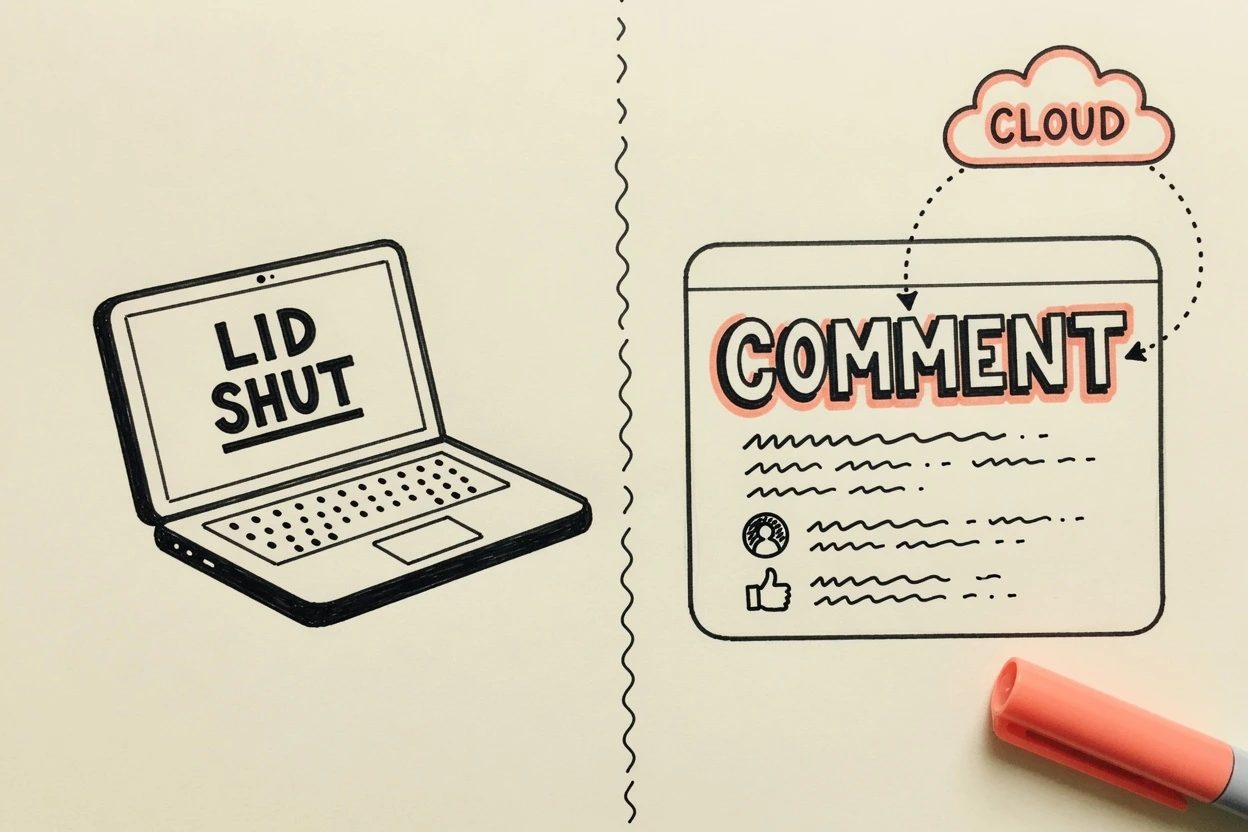
A named routine on claude.ai/code/routines. A GitHub pull_request.opened trigger with drafts skipped. A completed Run now session whose transcript is still there after the lid closed. A COMMENT review on the test PR, posted as the connected GitHub user. That is the whole title. The laptop was furniture.