
Cloudflare domain name server is not 1.1.1.1
August 25, 2026

The Cloudflare domain name server that actually activates a zone is the hostname set Cloudflare assigned, not 1.1.1.1. 1.1.1.1 is the public resolver the ads taught everyone to memorize. Paste that IP into registrar NS fields and the dashboard sits on Pending Nameserver Update until a Free-tier zone gets deleted at day 28.
What a Cloudflare domain name server is not#
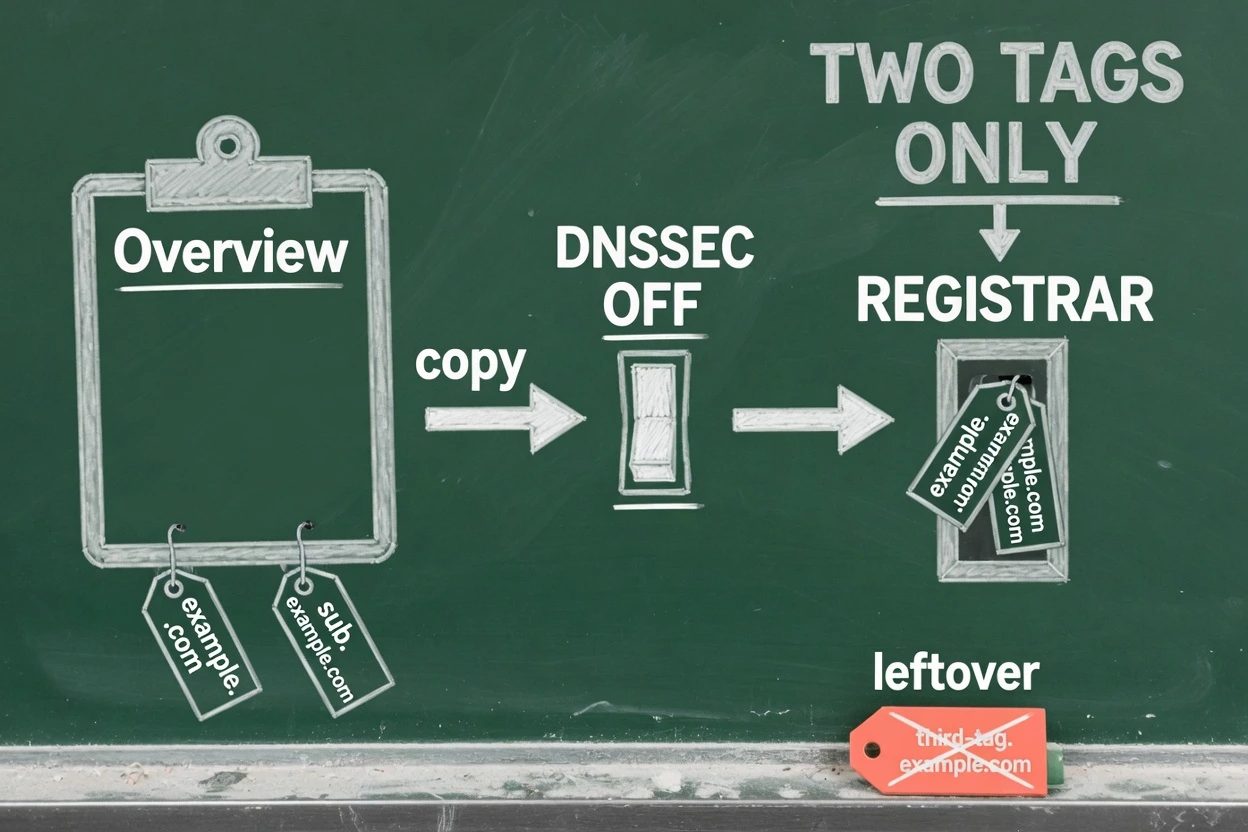
Cloudflare's 1.1.1.1 docs call it a public DNS resolver. Type a name into a browser and that resolver translates it to an IP so the device knows which server to call. It lives on laptops, phones, and routers.
The authoritative nameserver docs use the same English word for a different machine. Those servers hold the zone. A resolver asks them. They do not sit in /etc/resolv.conf.
Linux setup for the resolver even writes the keyword nameserver next to the IP. Cloudflare's own command is nameserver 1.1.1.1 in resolv.conf. That is a device setting. It is not the registrar box labeled nameservers.
Think of 1.1.1.1 as the public desk in the lobby. It will look up other people's lockers. The registrar wants the two keys to your lockers. Those keys are hostnames on ns.cloudflare.com.
A standard full setup on Free and Pro gets two of them, assigned, not chosen. Cloudflare's nameserver docs put it flat. The names follow <proper_name>.ns.cloudflare.com and cannot be changed.
Copy every hostname Overview shows. Foundation DNS on Enterprise can hand you three names on foundationdns.com and friends. Custom vanity nameservers are a separate Business option. None of those are 1.1.1.1.
Guessing ns1.cloudflare.com is a miss even though that hostname answers an A query. Cloudflare.com itself uses ns3 through ns7. A customer zone gets a pair like hera.ns.cloudflare.com plus a second name. Reuse a pair from another domain and the parent zone will not match this one.
- A Cloudflare account, plus a registered apex such as
example.com - Full setup, the only option on Free and Pro
- Access to the registrar, not just the old DNS host
- DNSSEC turned off at that registrar before the swap
Bought the name through Cloudflare Registrar? Skip the rest of this walk. Those domains already sit on Cloudflare nameservers. Still hunting a name? Finding a domain is a different job than pointing one.
Copy the Cloudflare domain name server pair#
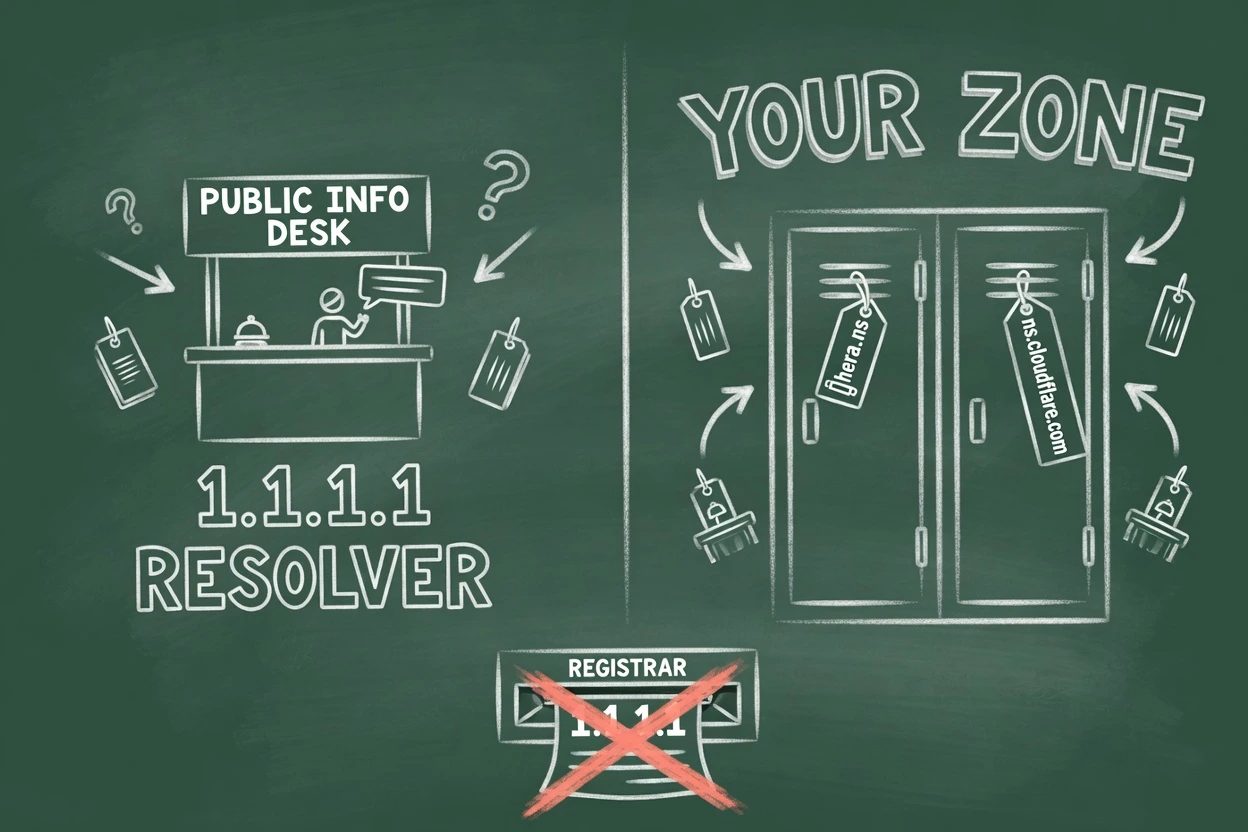
Full setup is the common path. Add the apex, clean the records, copy the two hostnames, kill DNSSEC, then replace the registrar list with that pair and nothing else. The official verify command even asks 1.1.1.1 as a resolver. That line is the mix-up in miniature.
1. Add the apex and pick a plan#
Onboard example.com, not www.example.com. Pick Free. That is enough for this job. Overview should now show two assigned nameserver hostnames.
Do not preset those names at the registrar before the zone exists. Cloudflare's nameserver-options page says presetting is treated as a hijack risk. The new zone gets a different pair, and the registrar still points at the old one.
2. Review records before you touch NS#
The quick scan is not a complete import. Check the apex, www, and mail records. Activate with an empty or wrong table and visitors hit DNS_PROBE_FINISHED_NXDOMAIN.
Orange-cloud proxy can wait until Active. Pending zones answer on the assigned nameserver IPs and still will not proxy. Get the records honest first so the cutover is not a blank site.
3. Copy the pair, do not type it#
Grab both hostnames from Overview, or from the Cloudflare Nameservers card on DNS Records. Cloudflare's pending guide says to copy them. Typing is how cloudlfare.com and cloudfare.com leak in.
You'll hit this if the clipboard still has 1.1.1.1 and 1.0.0.1 from a resolver tutorial. Those IPs belong on a device. They do not belong in the registrar NS list.
4. Turn DNSSEC off at the registrar#
Cloudflare's DNSSEC page is blunt. Onboard an existing domain with DNSSEC still on at the registrar and the zone gets connectivity errors after the nameserver change. The old DS record is a lock that no longer matches the keys.
Changing nameservers while DNSSEC is still on can make the domain unreachable. Remove the old DS records first. Re-enable DNSSEC through Cloudflare after Active.
Check with dig DS example.com. If a DS row comes back and Cloudflare is not yet signing this zone, that row is leftover. Wait for that DS record to expire before the swap. Validating resolvers return SERVFAIL when the cached DS still names the previous provider.
5. Replace registrar NS with that pair only#
Log into the registrar that sold the name. That may not be the host. ICANN Lookup names the registrar if the invoice is a mystery. Namecheap's own help says pick Custom nameservers and enter the pair from the Cloudflare account. Other panels rhyme.
Delete the old nameservers. Paste the two assigned hostnames. Leave nothing else. Full setup without multi-provider DNS fails activation if any foreign NS remains on the parent zone.
Editing NS records inside the old DNS host does nothing the registry can see. Community threads keep making that swap in the DigitalOcean panel, or the previous provider's zone editor, then waiting on Cloudflare. The registrar is the only seat that moves the delegation.
6. Prove Active with dig NS#
Cloudflare's first activation check runs after 60 seconds, then on a stretching interval. Some registrars take up to 24 hours to publish. Dashboard Active, plus an email, is the product signal.
The check that matches the docs uses 1.1.1.1 as the asker, not as the nameserver.
dig ns example.com @1.1.1.1
dig ns example.com @8.8.8.8
The answer should be the same two hostnames Overview showed. On Windows, nslookup -type=ns example.com 1.1.1.1 is the same idea. whatsmydns.net is slower because it caches.
When the zone stays Pending#
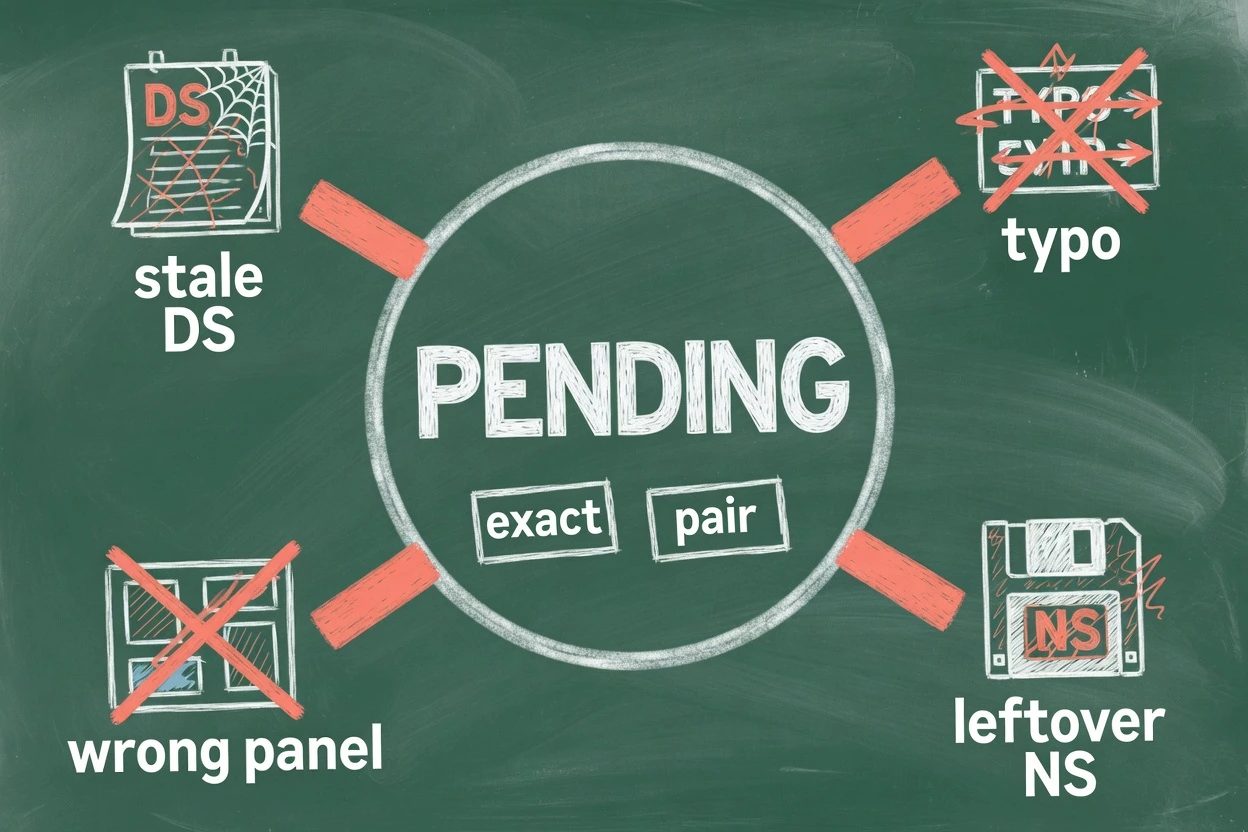
Pending Nameserver Update means Cloudflare cannot confirm the parent zone delegates to the assigned pair. The pending guide lists the usual three. The change never published. The names do not match. A stale DS is still sitting at the registrar.
- A one-letter typo in a hostname, like
hasloninstead ofhasslo - A leftover third-party nameserver sitting next to the Cloudflare pair
- The change made in the old DNS host instead of at the registrar
- A stale DS record still published at the parent zone
The one-letter typo is the ugly one. pdlbase.ro sat pending with complete-looking propagation until an MVP spotted haslon.ns.cloudflare.com instead of hasslo.ns.cloudflare.com. One transposed vowel. The dashboard does not spellcheck the registry.
Leftover nameservers are next. JosephF had Cloudflare and a third-party NS. WHOIS looked fine from a distance. Activation did not move until the extras came off. Full setup wants only the assigned pair unless multi-provider DNS is on, which Free is not.
Wrong panel is the third. beaee.sa added the Cloudflare hostnames as NS records at DigitalOcean and waited more than a day. The registry still pointed at three DigitalOcean nameservers. Paste at the registrar. Replace, do not append.
You'll ship a site that never orange-clouds if this sits. Pending still answers DNS on the assigned NS IPs. Proxy stays off. A Free zone that never authenticates is deleted after 28 days. Recreating it assigns a new pair. Then the registrar is stale again.
If the parent zone already matches and DS is gone, trigger Check nameservers now from Overview. The API is rate-limited. A successful click only queues a recheck. It can still take minutes to hours. Cloudflare's DNS FAQ is the same list people hit before they open a ticket.
Nameserver questions people actually ask
Where do I find the Cloudflare nameservers for this zone?
On the DNS Records page, in the Cloudflare Nameservers card. Overview during onboard shows the same pair. Copy both hostnames. Do not reuse a pair from another domain.
asked on developers.cloudflare.com ↗Where do I change nameservers so Cloudflare can host the zone?
At the registrar that sold the domain, which may not be the host. A WHOIS lookup at ICANN Lookup names the registrar. Editing NS records inside the old DNS panel does not move the delegation.
asked on developers.cloudflare.com ↗WHOIS already shows Cloudflare. Why is the zone still Pending?
The parent zone must list only the two hostnames assigned to this zone. A leftover third-party nameserver next to the Cloudflare pair keeps activation from completing. Remove the extras at the registrar, then wait for the next check.
asked on community.cloudflare.com ↗Do I really have to turn DNSSEC off before the swap?
Yes, at the registrar, by removing the old DS records. Signed records from the previous provider will not match Cloudflare's keys. Validating resolvers then return SERVFAIL, and the zone can sit in Pending.
asked on developers.cloudflare.com ↗Active means the pair matches#
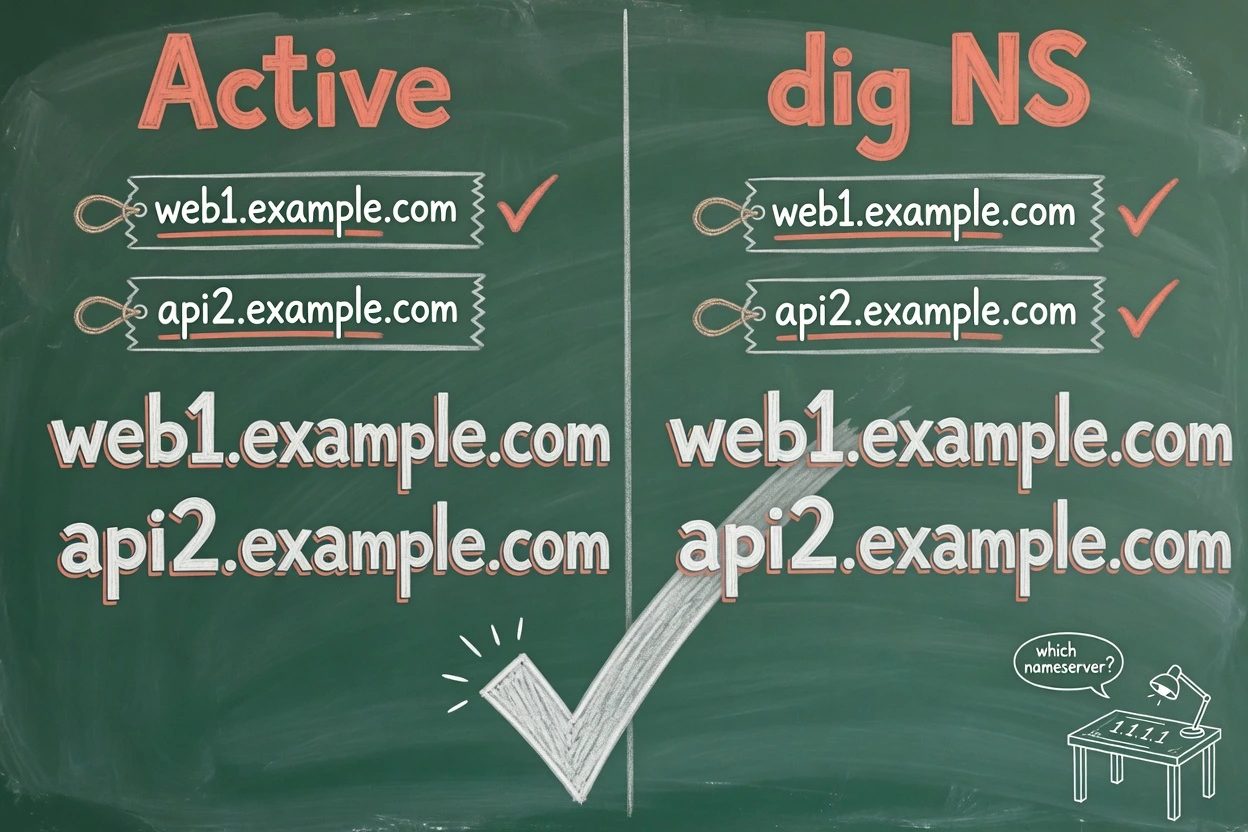
Done looks like this. Overview says Active. dig ns against 1.1.1.1 returns the two hostnames on the Cloudflare Nameservers card. Proxy can go orange. DNSSEC can come back through Cloudflare, not through the old provider.
A cheap public check on rizz.dev through Cloudflare's own resolver returned dean.ns.cloudflare.com and violet.ns.cloudflare.com. Two assigned names. Not 1.1.1.1. hera.ns.cloudflare.com itself answers on 173.245.58.162 and friends, never on 1.1.1.1.
Keep 1.1.1.1 on the laptop if the resolver is useful. That setting does not host the zone. Once Active, the next mess is usually keys and spend. Virtual Wallets is that later fight. This one ends when the pair matches.