Best CLI Tools for Mac, Linux, and Windows in 2026
April 1, 2026
The best CLI tools in 2026 are mostly Rust rewrites of Unix classics, and they run natively on all three platforms. fzf, ripgrep, bat, and lazygit lead the pack. Install them once, alias them over the defaults, and your terminal becomes genuinely fast.
GitHub Stars (thousands) for Top Cross-Platform CLI Tools
Search and Navigate Faster#
These four modern CLI replacements are the foundation of any cross-platform CLI setup. They replace the classics with something faster:
grepbecomes ripgrepfindbecomes fdcdbecomes zoxide- Interactive search becomes fzf
fzf#
The single most impactful CLI tool you can install. That is not my opinion alone. It is the consensus across every developer forum I follow.
fzf is a general-purpose fuzzy finder written in Go with 67k+ GitHub stars. Pipe anything into it and get instant, interactive filtering.
Press Ctrl+R and your command history becomes searchable. Open a file in vim with vim $(fzf). It ships native Windows binaries and works everywhere without configuration.
ripgrep#
ripgrep (rg) searches code 2-5x faster than grep and automatically skips files in your .gitignore. It has 49.5k stars and is written in Rust.
VS Code uses it internally for workspace search. So does Claude Code.
You will stop using grep -r the first day. The output is cleaner, the defaults are smarter, and the speed difference on large repos is not subtle.
fd#
A find replacement that searched 177GB of files in roughly 1.4 seconds during benchmark testing by KDAB. 34.7k stars on GitHub. Written in Rust.
The syntax is actually memorable. fd "\.json$" does what find . -name "*.json" does, but faster and with colorized output.
Native Windows binary included.
zoxide#
A smarter cd that learns your most-visited directories and resolves paths in under 1 millisecond. 23.9k stars. Written in Rust.
Works with bash, zsh, fish, and PowerShell.
Type z projects and it jumps to ~/dev/projects without you spelling out the full path. After a week, you forget cd exists.
See Files Differently#
bat#
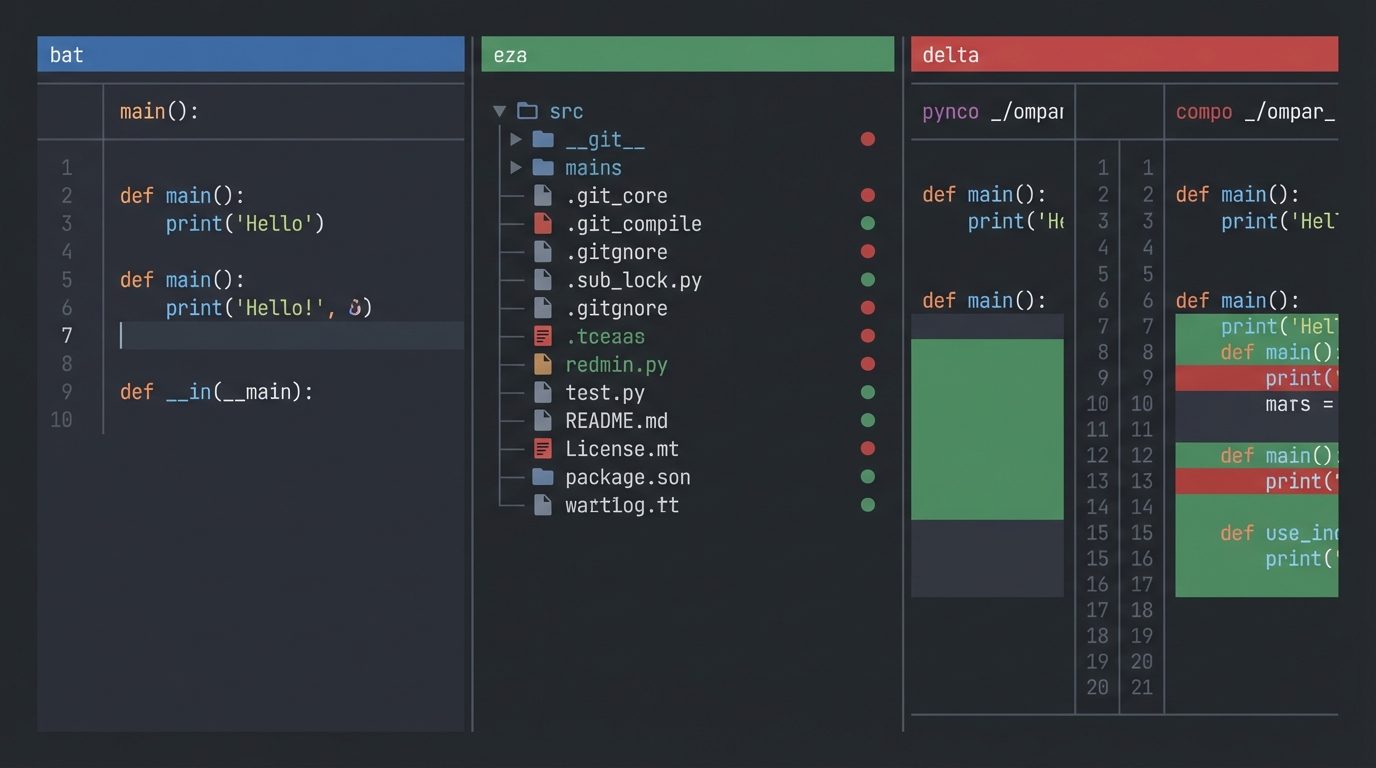
My favorite on this entire list. bat replaces cat with syntax highlighting, line numbers, and git diff markers baked in.
50.4k stars. Rust.
It integrates with fzf, fd, and ripgrep, so previewing files inside fuzzy search results just works.
Install via winget, choco, or scoop on Windows. On Mac, brew install bat.
eza#
The modern ls replacement with icons, git status columns, and tree view. 13.3k stars. Rust.
It is the actively maintained successor to the abandoned exa project.
Themes are YAML-configurable if you care about colors. I mostly use eza --tree --level=2 --git and leave it at that.
delta#
A syntax-aware diff viewer for git with 24k+ stars. Rust. It gives you side-by-side diffs with word-level change highlighting.
Set it as your default git pager and every git diff becomes readable. Two lines in your .gitconfig and it is permanent.
Upgrade Your Shell#
Starship#
A minimal, fast, cross-shell prompt with 46k stars. Written in Rust. It shows your git branch, Node version, Python venv, and Docker context automatically. The key detail: it works with bash, zsh, fish, PowerShell, and even cmd.exe. One prompt config across every machine. Reddit's "starter three" stack is Starship + zoxide + ripgrep, and I agree with that ranking. Biggest quality-of-life gain for the least setup.
Atuin#
Shell history stored in a searchable SQLite database instead of a flat text file. 22k stars. Rust.
Optional encrypted sync across machines.
You can search history by directory, by exit code, by time range. It replaces Ctrl+R with something far more powerful than the default reverse search.
lazygit#
A full terminal UI for git with 54.7k stars. Written in Go.
Spacebar to stage files. A to amend. r to reword a commit message.
I use this daily. If you are the kind of developer who writes prompt-driven code and commits often, lazygit cuts the ceremony down to seconds.
The Utility Belt#
Rounding out the best CLI tools list, these command line tools handle everything else: JSON, monitoring, documentation, and APIs.
jq#
The standard for JSON processing on the command line. 30.9k stars. Written in C.
Pipe any API response through jq . and get formatted, colorized output.
It is not new or flashy. It is correct and universal. Every platform, every package manager.
btop#
A beautiful resource monitor that replaces top and htop. 22k+ stars. Written in C++.
Full TUI with CPU graphs, memory bars, process trees, and network stats in one view.
tldr#
Simplified man pages with practical examples. 52.5k stars. Community-driven.
Run tldr tar and you get the five commands you actually need instead of a 3,000-line manual. I use it multiple times a day.
HTTPie#
A human-friendly curl replacement with 34k stars. Written in Python. Colorized output and auto-formatted JSON responses by default.
http GET api.github.com/users/octocat
That is the entire command. No -H "Accept: application/json" flags. No piping through jq for readability.
Install Commands by Platform
Make It Stick With Aliases#
Installing these terminal tools is half the job. The other half is making them your defaults so you never fall back to the slow versions.
Add these to your .bashrc, .zshrc, or PowerShell $PROFILE:
alias cat="bat"gives you syntax highlighting on every file viewalias ls="eza"for icons and git statusalias grep="rg"because life is too short for slow searchalias find="fd"for readable file discovery- Swap
cdfor zoxide:alias cd="z" alias top="btop"for actual readable monitoring- For diffs, set delta as your git pager instead of aliasing
One warning: experienced developers recommend keeping standard Unix tools in CI/CD scripts and Dockerfiles. These aliases are for interactive use. Your build pipeline should not depend on bat being installed.
Tip: Run which cat after sourcing your config to verify the alias took effect. On some systems, shell built-ins take precedence over aliases.Pick three of the best CLI tools from this list and install them today. I would start with fzf, ripgrep, and Starship. That combination changes how your terminal feels within an hour. Add the rest one per week as the muscle memory builds.