The first Antigravity VS Code listing is not Google's
August 29, 2026

Typing antigravity vscode into the Extensions search is how most people ask for Google's agent in VS Code, and it is the query that ranks a third-party listing first. The official item is Google.google-antigravity, published by Google on August 20, 2026. A gallery search for that keyword still puts lyadhgod.antigravity-vscode at the top of page one and leaves Google's listing off it. The top result is an unofficial community extension that wraps the CLI, not Google's August listing. This walkthrough pins the identifier, installs the Google extension, and finishes browser sign-in.
What you need before the install#
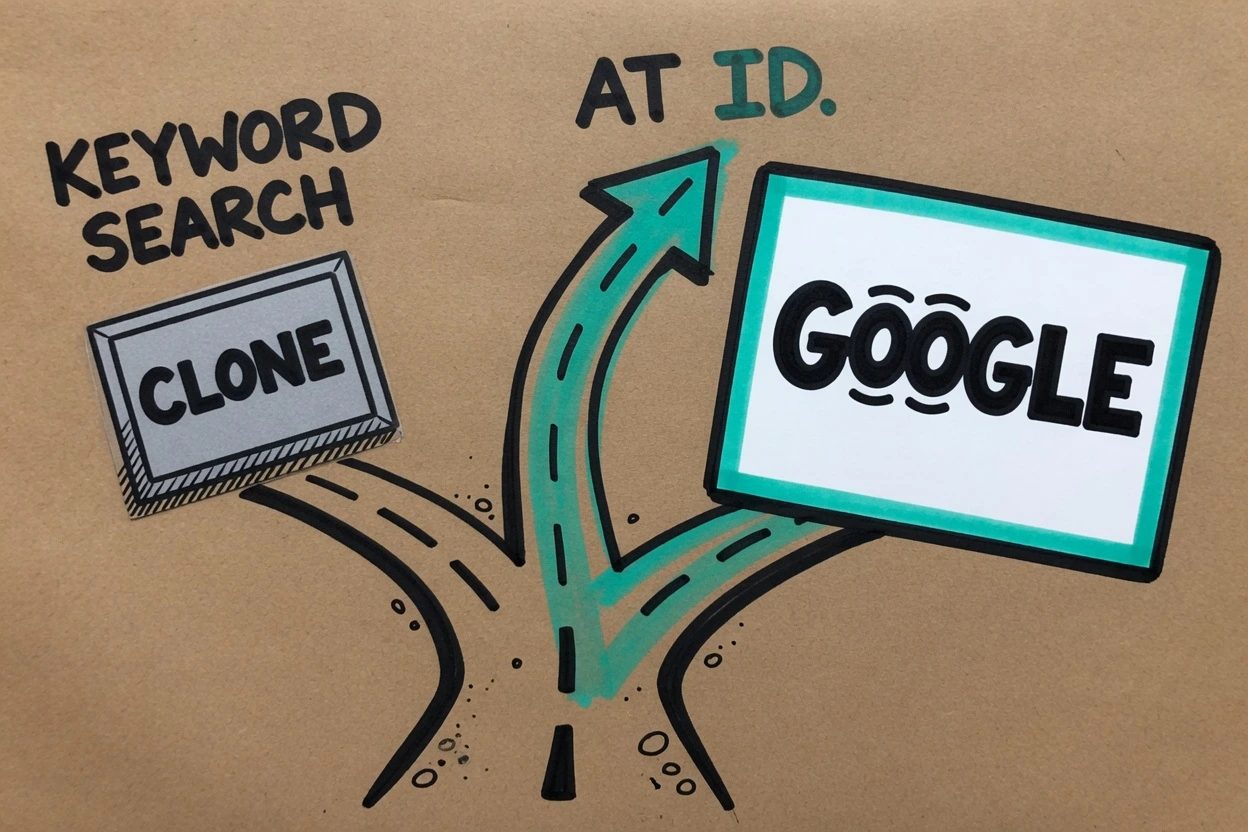
Google's Visual Studio Code guide is short on prerequisites because the extension is a plugin, not a new editor. It still names two things that have to exist before Install does anything useful.
- Visual Studio Code 1.90 or later on macOS, Linux, or Windows
- A Google account on any Antigravity plan, including the free tier, or a Gemini Enterprise seat an admin has already enabled
The unpaid individual path is a real plan. The VS Code guide treats a free-tier Google account as enough to sign in, and Google's plans page gives unpaid accounts a weekly quota rather than the five-hour refresh on Pro and Ultra. Enterprise users need the Gemini Enterprise User role on a project that already has AI developer tools turned on, which Google Cloud's AI developer tools overview spells out for admins. This post does not walk the admin console.
The product used to be its own IDE. The New Stack covered the August 20 ship as Google putting the agent inside editors people already run. That is the whole point of this install. You are not migrating a workspace into Antigravity IDE.
Install Google.google-antigravity#
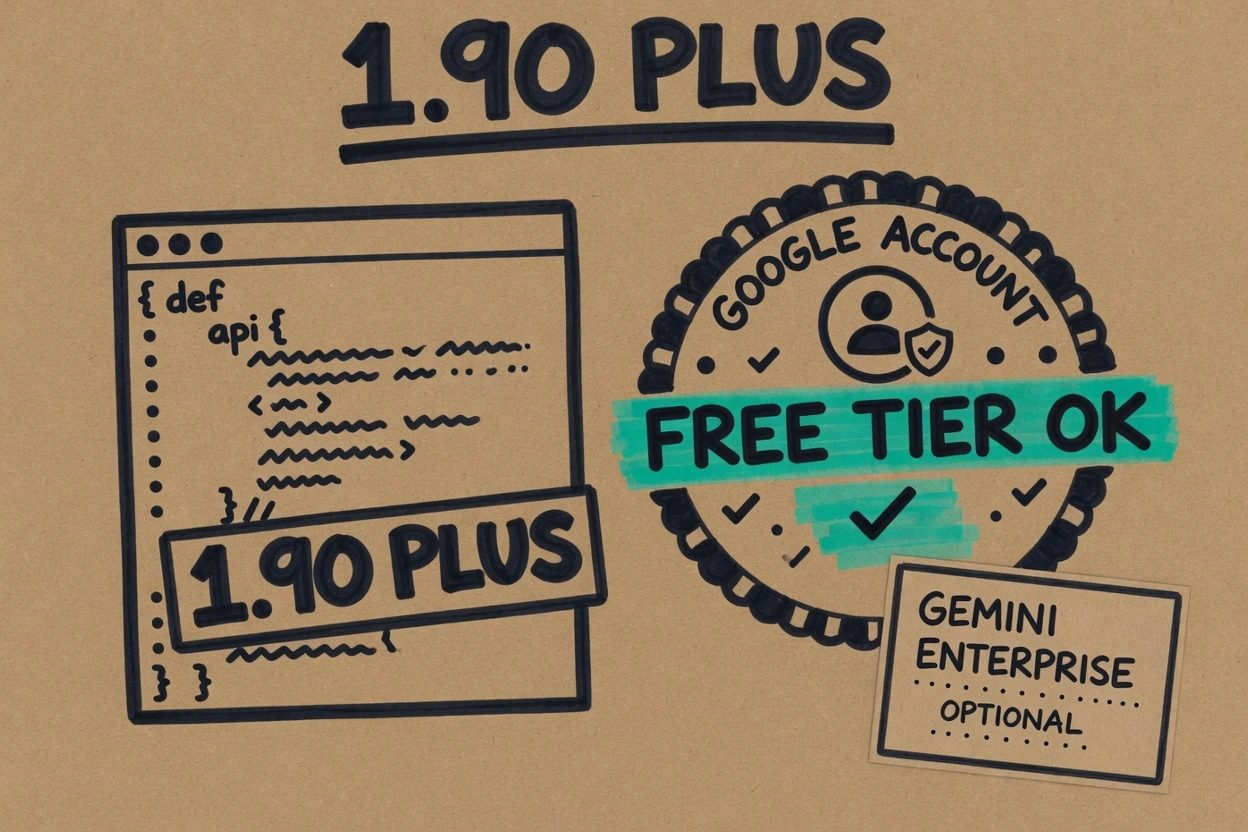
The trap sits in the search box, because marketplace ranking for the spoken keyword and the official docs' search string are different queries, and only one of them lands Google's card. Work the identifier, then the install button, then the Activity Bar.
1. Skip the keyword search#
The phrase that brought you here is a bad Extensions query. On August 29, 2026, the Visual Studio Marketplace gallery API ranked lyadhgod.antigravity-vscode first for antigravity vscode, and Google.google-antigravity was not on the first page of that result set. A search for Google Antigravity did put Google first, which is why the official docs tell you to type that longer name.
The June listing is not hiding. Its own readme says it is an unofficial community extension, not affiliated with or endorsed by Google, and that it drives a local agy binary you install separately. Publisher id lyadhgod. First published June 5, 2026, about ten weeks before Google's item. Do not install it for this walkthrough.
A bare search for antigravity is also noisy. That query ranked a companion called vysakhvs.antigravity-login first on the same day, with Google second. If the card's publisher is not the verified Google publisher, keep scrolling.
2. Pin the identifier#
VS Code's Extension Marketplace docs say an extension is uniquely identified by publisher and extension id, written as publisher.extension. Google's listing uses Google.google-antigravity. The publisher is Google, domain-verified on google.com. Published August 20, 2026, current version 1.1.0 on the day this was checked.
What the two cards actually are
| What you want | Publisher | Identifier | First published |
|---|---|---|---|
| Official agent in VS Code | Google, verified | Google.google-antigravity | August 20, 2026 |
| Unofficial CLI wrapper, skip it | lyadhgod | lyadhgod.antigravity-vscode | June 5, 2026 |
The official marketplace item is the page the VS Code guide deep-links. If the publisher line is anything other than Google, you are on the wrong card. Visual Studio 2026 uses a different id, Google.GoogleAntigravity, and that preview is a separate product. Do not mix them.
3. Install from the Extensions view#
Open the Extensions sidebar with Ctrl+Shift+X on Windows or Linux, Cmd+Shift+X on macOS. Clear whatever leftover keyword is in the search box. VS Code's own docs give an @id: filter for this exact mess, similarly named extensions that share a word.
@id:Google.google-antigravityYou should see one result, display name Google Antigravity, publisher Google. Click Install. The button turns into the Manage gear when the download finishes. If Settings Sync is on and you do not want this copy roaming to another machine yet, right-click and pick Install (Do not Sync) instead.
The same id works from a terminal if you would rather not touch the search box at all. VS Code's command line takes publisher.extension.
code --install-extension Google.google-antigravityOpen the Installed filter in the Extensions view and read the identifier on the details page, because it has to be Google.google-antigravity before sign-in is worth doing. If you see lyadhgod.antigravity-vscode, uninstall it from the gear menu before you go further, because both can put an Antigravity-shaped icon in the Activity Bar.
4. Sign in from the Activity Bar#
The extension is not done when Install turns into a gear. Google's guide says to click the Antigravity icon in the Activity Bar, then sign in, and that first launch installs a local agy backend. Individual developers click Sign In and finish in the default browser. The session then uses that account's plan, including the free tier.
Enterprise sign-in is a different button. The IDE extensions hub says to pick Sign in with Gemini Enterprise, authenticate with corporate identity, then choose a Google Cloud project and region when prompted. That path is what ties the session to Cloud IAM and VPC Service Controls. A personal Gmail sign-in on a work laptop is the wrong account for that job.
The marketplace listing names the chat toggle as Ctrl+L or Cmd+L, and a new conversation as Ctrl+Shift+L or Cmd+Shift+L. Those shortcuts are how you prove the panel is alive after the browser tab comes back. The icon sitting on the Activity Bar is the default. Google's reply on the marketplace Q&A is that Microsoft will not let them auto-dock it on the secondary sidebar, and that you can drag the chat over if you want Explorer and the agent visible together.
When the install lies to you#
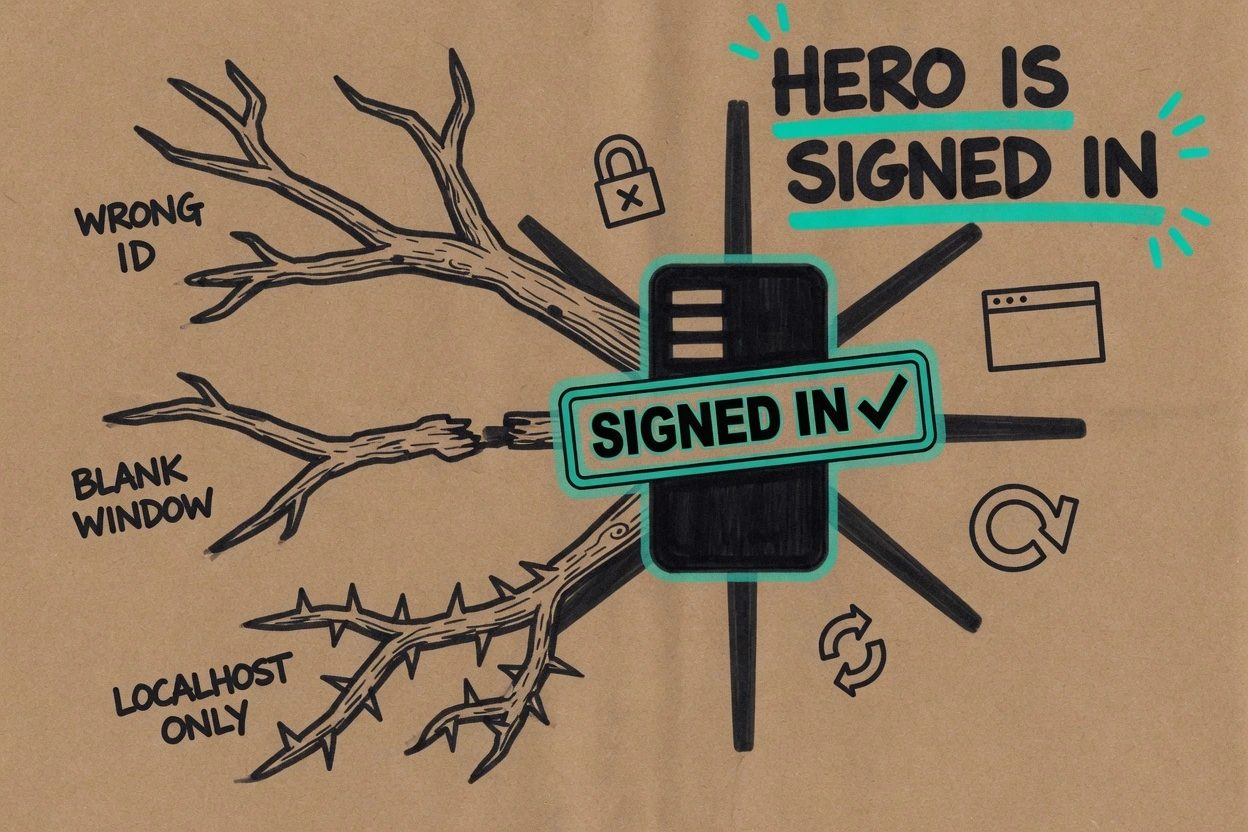
A green Install button is not the end state, because the marketplace Q&A on Google's own listing is already full of toasts that look like success and then bounce. Three of those failures are worth knowing before you open a ticket.
An id mismatch showed up in launch week. On August 26 a user signed in through the browser, got redirected to VS Code, and saw Unable to install extension ‘google.antigravity’ because it was not found. The published id is Google.google-antigravity. If that toast appears, check Installed for Google.google-antigravity and click the Activity Bar icon to see whether a signed-in panel actually opens. Treat the toast as a reported callback using a shorter id, not as proof the install failed, and not as something to dismiss if the panel still asks you to sign in.
A blank panel in a second window showed up in the same Q&A. A question on August 25 said the UI loaded in one VS Code window and stayed empty in the others, and the asker guessed the local agy backend. That is one report, not a documented support boundary. If a second window is blank, go back to the first window and see whether the panel is alive there before you reinstall.
Remote use is unverified here. August 22, a marketplace question reported Unauthorized Host (Localhost only) on a remote VS Code instance, and the docs describe a local agy backend. This walkthrough was not run over SSH or in a container, so those hosts stay unproven rather than ruled out. Neighbor The VS Code agent host is a process not a panel is about VS Code's own agent-host process, not this Google backend, so do not copy those switches here.
If the Installed list shows lyadhgod.antigravity-vscode, you followed the keyword. Uninstall that extension from the gear menu. It is a community UI over the CLI, and it is not the August listing Google published.
Questions people asked after the August listing
Why does VS Code say it cannot find google.antigravity after a successful sign-in?
The official identifier is Google.google-antigravity, two Google segments. A marketplace question on 2026-08-26 reported a toast that looked for google.antigravity instead, which is a different id. If that toast appears, check the Installed list for Google.google-antigravity rather than retrying a search for antigravity vscode.
asked on marketplace.visualstudio.com ↗Can the official extension run in a second VS Code window at the same time?
A 2026-08-25 marketplace question said the UI loaded in one window and stayed blank in the others. The asker tied it to the local agy backend the docs install on first launch. If a second window is blank, check the first window before you reinstall.
asked on marketplace.visualstudio.com ↗Does Google.google-antigravity work on a remote VS Code host?
A 2026-08-22 marketplace question reported Unauthorized Host (Localhost only) on a remote instance. The official docs describe a local agy backend. Remote hosts were not verified in this walkthrough.
asked on marketplace.visualstudio.com ↗Is the official extension on Open VSX?
A marketplace question on 2026-08-22 asked why it is not on Open VSX. Google's own VS Code guide points at the Visual Studio Code Marketplace item Google.google-antigravity. That is the install path this post uses.
asked on marketplace.visualstudio.com ↗Can you install Google Antigravity inside Cursor?
A marketplace question asked that on 2026-08-27 and still has no publisher reply. Official docs list Visual Studio Code, not Cursor. Stay on VS Code 1.90 or later until Google names another host.
asked on marketplace.visualstudio.com ↗What working looks like#
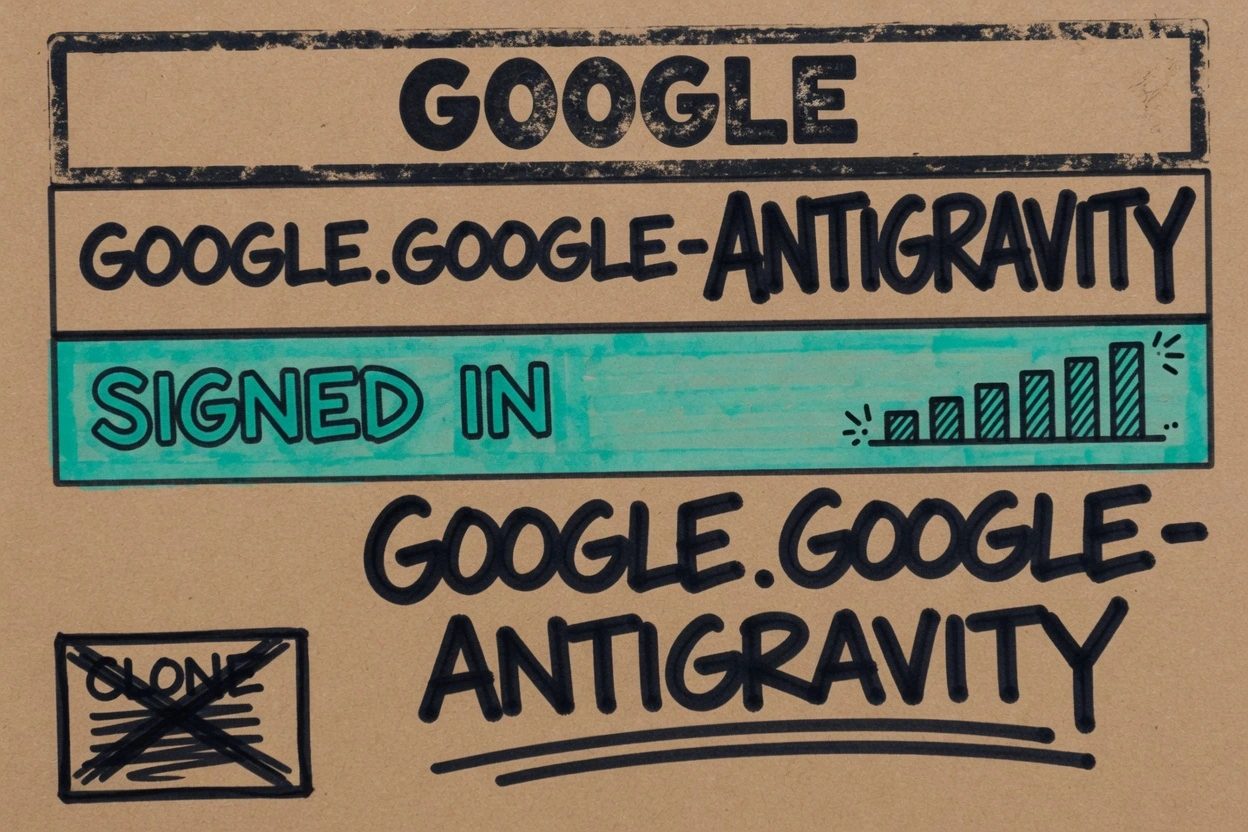
Open Extensions, filter Installed, and read the identifier Google.google-antigravity with publisher Google. Click the Antigravity icon. After the browser hop, the panel should show a signed-in account rather than a Sign In button, and Ctrl+L or Cmd+L toggles that panel. First launch may take a moment while the local agy backend lands, and that wait is expected.
- Installed details show
Google.google-antigravitywith publisher Google - Activity Bar icon opens a panel that already knows your account
- Ctrl+L or Cmd+L toggles that panel without a Sign In wall
You now have Google's agent inside the editor you already use, which is the thing tools that replaced the IDE keep arguing about from the other direction. The August listing is Google meeting you in VS Code instead of asking you to move. When you add it to another machine, type @id:Google.google-antigravity again rather than trusting the keyword ranking.