
Gemini Spark Skills Explained Without the Developer Talk
July 29, 2026

Gemini Spark skills look like saved prompts, and Google's own description does little to argue otherwise. A skill has a name, a description, a set of instructions and an on-off switch. Then you find one sentence in Google's guidance for writing them, and the whole feature reorganizes itself around it. Gemini reads only the name and the description when it decides whether a skill applies to what you asked. The instructions, the part that takes an afternoon, get no vote in whether the skill ever runs.
The model almost everyone arrives with#
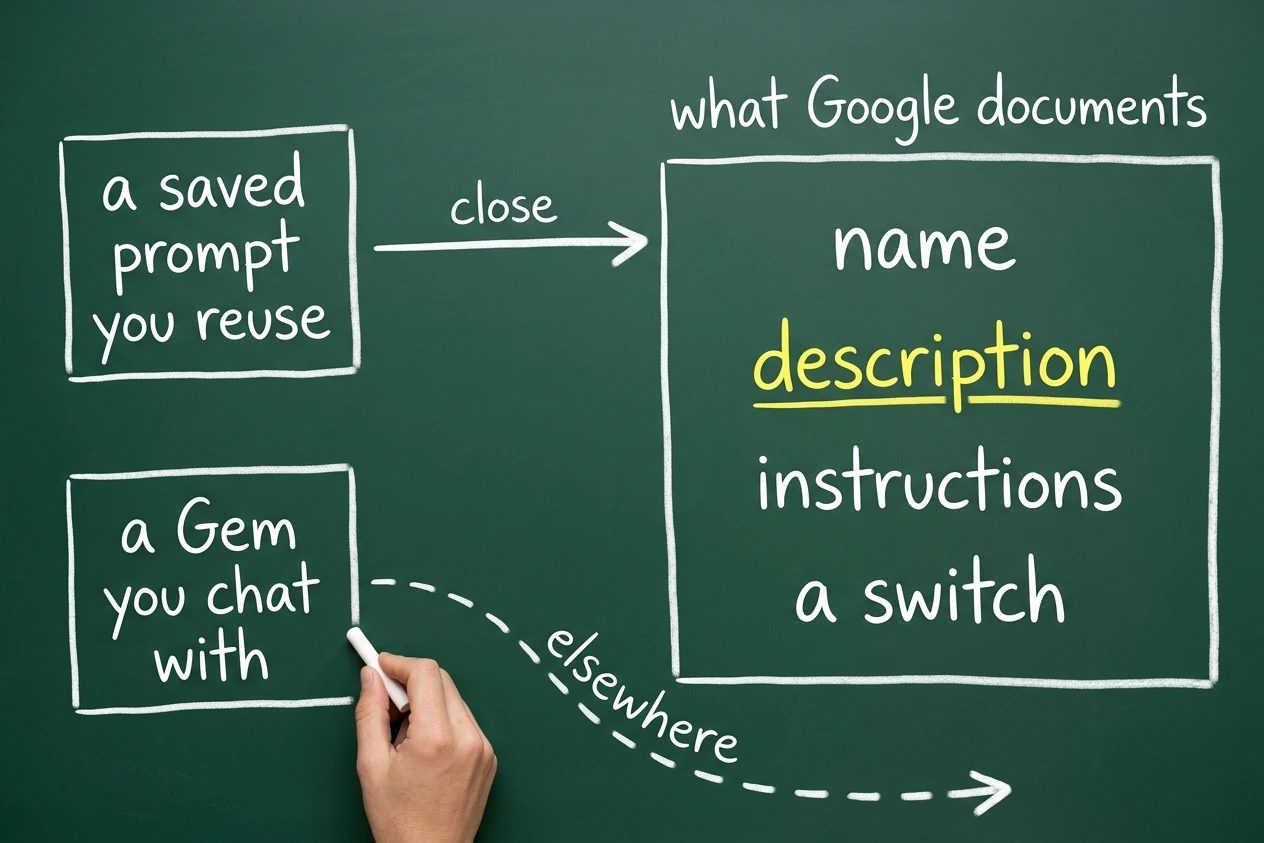
Two guesses are common and one of them is nearly right. The first is that a skill is a prompt you saved so you stop retyping it. The second is that it is a Gem wearing a new label.
The saved prompt guess deserves credit, because it matches the documentation. Google's help page on skills calls a skill "a set of reusable instructions and additional context", and the parts you can actually edit are a name, a description, some instructions and a switch. Nothing about that description contradicts a person who thinks they are looking at a text box with a memory.
The Gem guess is the one that sends people wrong. A Gem, in Google's words, is one of the "customized versions of Gemini that help you tackle repetitive tasks", and the way you use one is to chat with it. You switch into a Gem and start talking.
Worth knowing before going further, because it explains why nobody has straightened this out for you. As of 29 July 2026, Google's skills page does not mention Gems anywhere, and the Gems page does not mention skills or Spark. Two features that sit inches apart in the same app, and no official page puts them in the same sentence.
Where the saved prompt idea breaks#
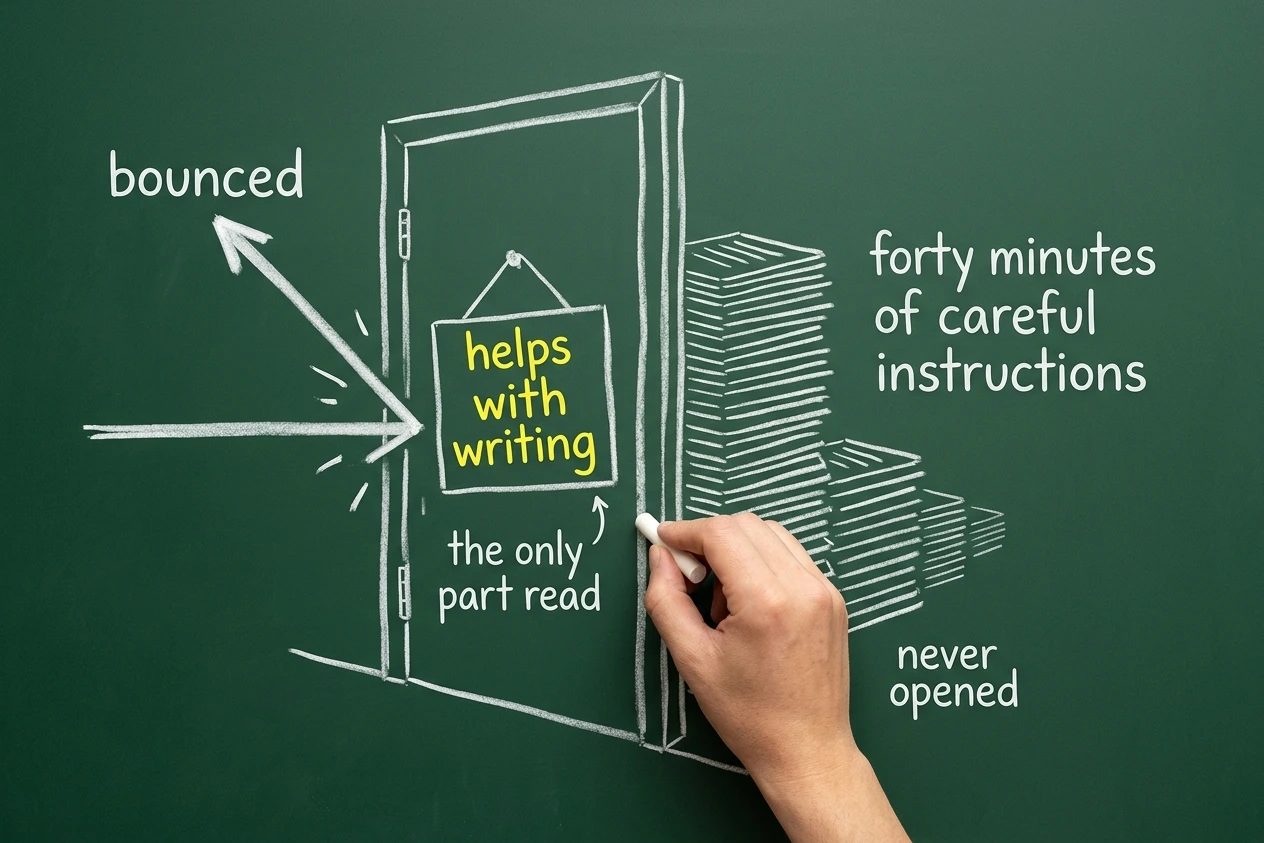
Google's guidance on writing effective skills contains the sentence the rest of this post hangs on. "Gemini only checks the skill's name and description to determine if a skill is relevant for your task."
Read that twice. The instructions are not consulted. Whatever care went into the steps, the tone rules, the format you wanted, none of it participates in the decision about whether this skill is the right one for the job in front of it.
So here is the failure a saved prompt cannot have. Somebody spends an hour writing a genuinely good skill for turning messy meeting notes into a summary their team can read, describes it as "helps with writing", and then waits. Spark never reaches for it, because "helps with writing" does not distinguish this skill from any other request involving words.
The instructions were fine. They were simply never opened. When you paste a prompt into a chat box, pasting is the invocation, and no matching step exists to fail. A skill introduces one.
What Gemini is actually reading#
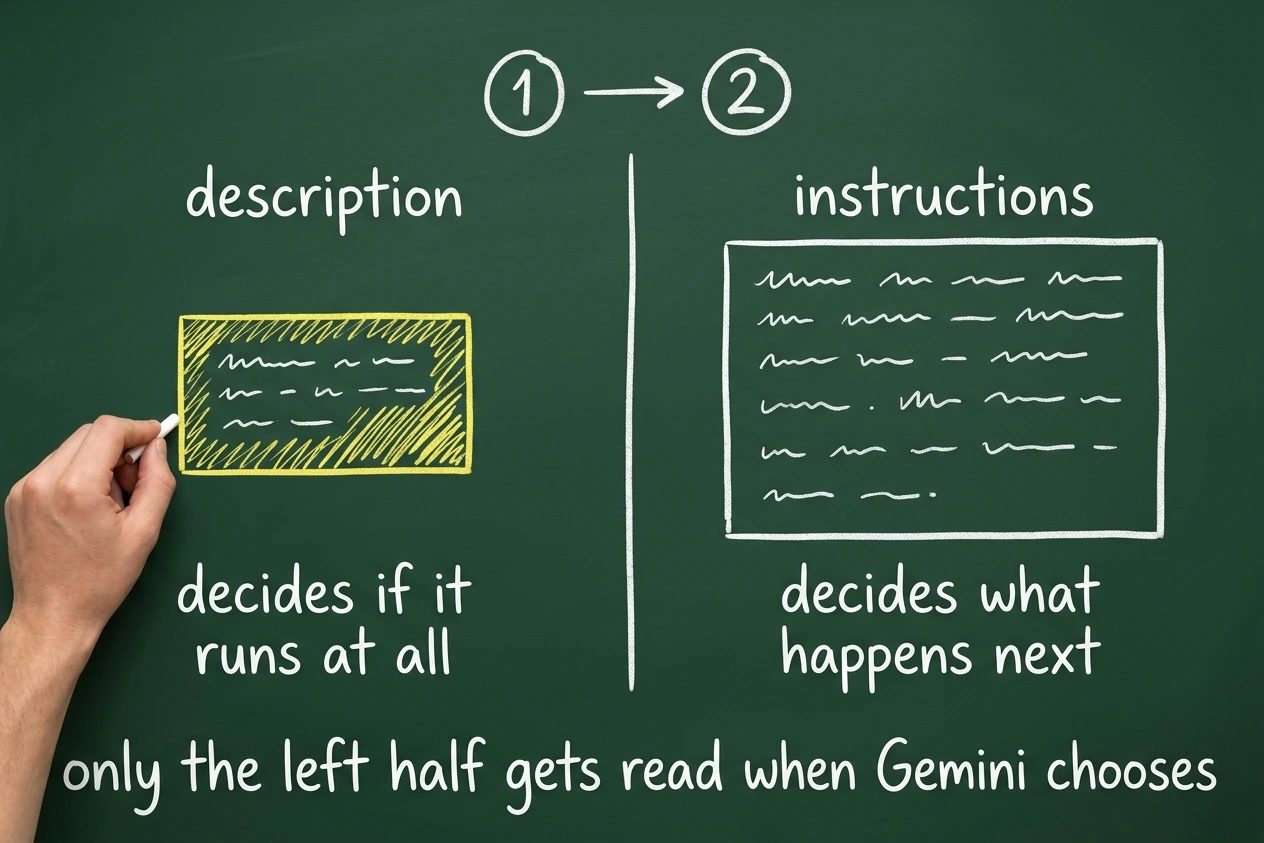
The correct model is a division of labour between two fields that look like they do the same job. The description exists to be matched. The instructions exist to be followed, and only after the match already happened.
Google's own advice follows from that mechanism rather than from style. Its guidance says to start the description with "Use when" and to list specific examples of when the skill should be used, because a generic description means Gemini "might not use the skill when it's needed".
Which turns the usual efforteffortA per-subagent setting that controls how much a model deliberates before acting, trading thoroughness for speed, fewer tool calls, and lower spend. Left unset, it silently inherits the session's higher default.See also execution subagent, model tier, prompt caching split upside down. Most of the writing energy goes into the instructions, since that is the part that feels like the real work. The description gets a throwaway line, and the description is the only part with a say in whether the real work ever gets used.
Treat the description as a trigger written for a matcher, not a summary written for a human browsing a list. Name the situations out loud. Three everyday jobs, with the line most people write beside the line that actually gets reached for.
Descriptions for three weekly jobs
| The job | What most people write | What gets picked up |
|---|---|---|
| Checking invoices | invoice helper | Use when a supplier invoice arrives and needs checking against the purchase order, or when an amount looks wrong |
| The Monday summary | weekly report writer | Use when the week's team updates need turning into one short summary for someone who was not in the meetings |
| School and club email | email assistant | Use when a newsletter from school or a club arrives and the dates, permission slips and payments need pulling out |
The right column is longer, plainer and full of the actual words you would use if a person asked what you needed. That is the whole trick. The left column reads like a filing label, and a filing label gives a matcher nothing to match on.
A whole small skill fits in three short parts, and the third one is allowed to be brief.
- Name. School newsletter to calendar.
- Description. Use when a newsletter from school or a club arrives and the dates, permission slips and payments need pulling out.
- Instructions. List every date with what it is and who it applies to. List anything needing a signature or a payment separately, with its deadline. Put anything uncertain at the bottom under a heading for things to check, and never guess a date that was not written down.
That is a complete, usable skill. Notice how little the instructions have to say once the description has done its job, and notice that the last line is a rule about what not to do, which is usually the most valuable sentence in the whole thing.
None of which means writing it alone. Gemini will draft a skill from a plain description of the job, and prefilled templates and blank ones both exist, and a skill can be asked for in the middle of a Spark task while you are already working. A skill can also arrive as an uploaded file, with room for up to 100 MB of plain text alongside it, which is the one corner of this feature that looks like the developer version.
Use the drafting help and then fix the description by hand. Whatever Gemini writes for that field is a summary of what the skill does, and what the field needs is a list of the moments it should fire.
The part a saved prompt cannot do#
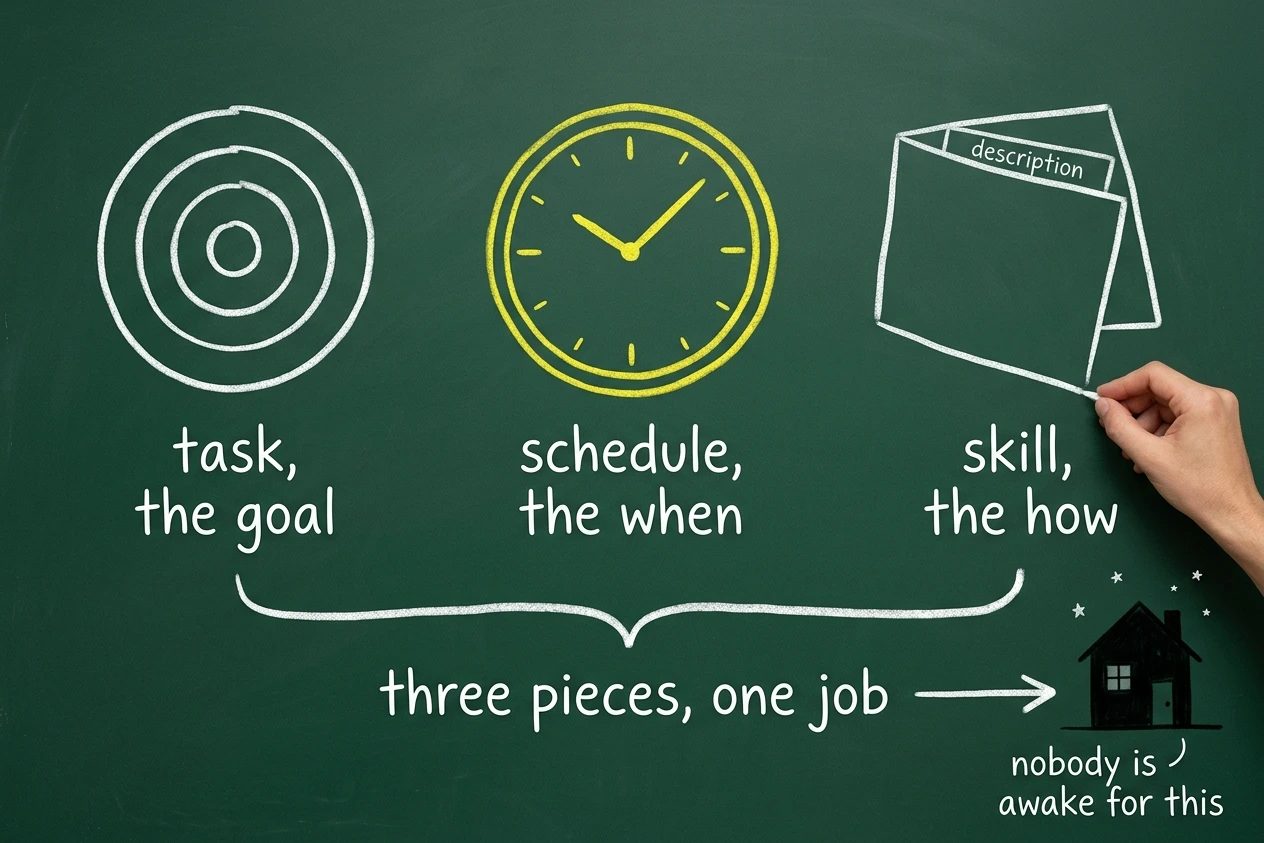
Three separate pieces are easy to run together, and keeping them apart is most of understanding Spark. The task is the goal. The schedule is the when. The skill is the how.
Google's help page on schedules calls a schedule "the automated trigger for a task, telling Gemini Spark exactly when to step in and execute your instructions", and picking which skill it should use is part of setting one up. Three kinds of trigger exist.
- Time based, running once or hourly, daily, weekly, monthly or yearly.
- Gmail monitors, which fire when an email arrives that satisfies a Gmail filter.
- Topic monitors, watching news, finance, sports, local events and more, then running in response to something specific happening.
Precision matters here, because it is easy to credit the wrong piece. A skill does not run on its own and has no clock of its own. The schedule is the feature that executes a task unattended, and what a skill does is make one settled method available for that schedule to point at.
That partnership is the answer to what a skill buys over typing the request each week. Typing it requires you to be there. The pairing does not, and fifty active schedules are allowed against fifteen tasks running at any one time.
It also settles the Gem question. A Gem is something you talk to, so it needs you present and talking. Nothing attaches a Gem to a Thursday morning.
Where it lets you down#
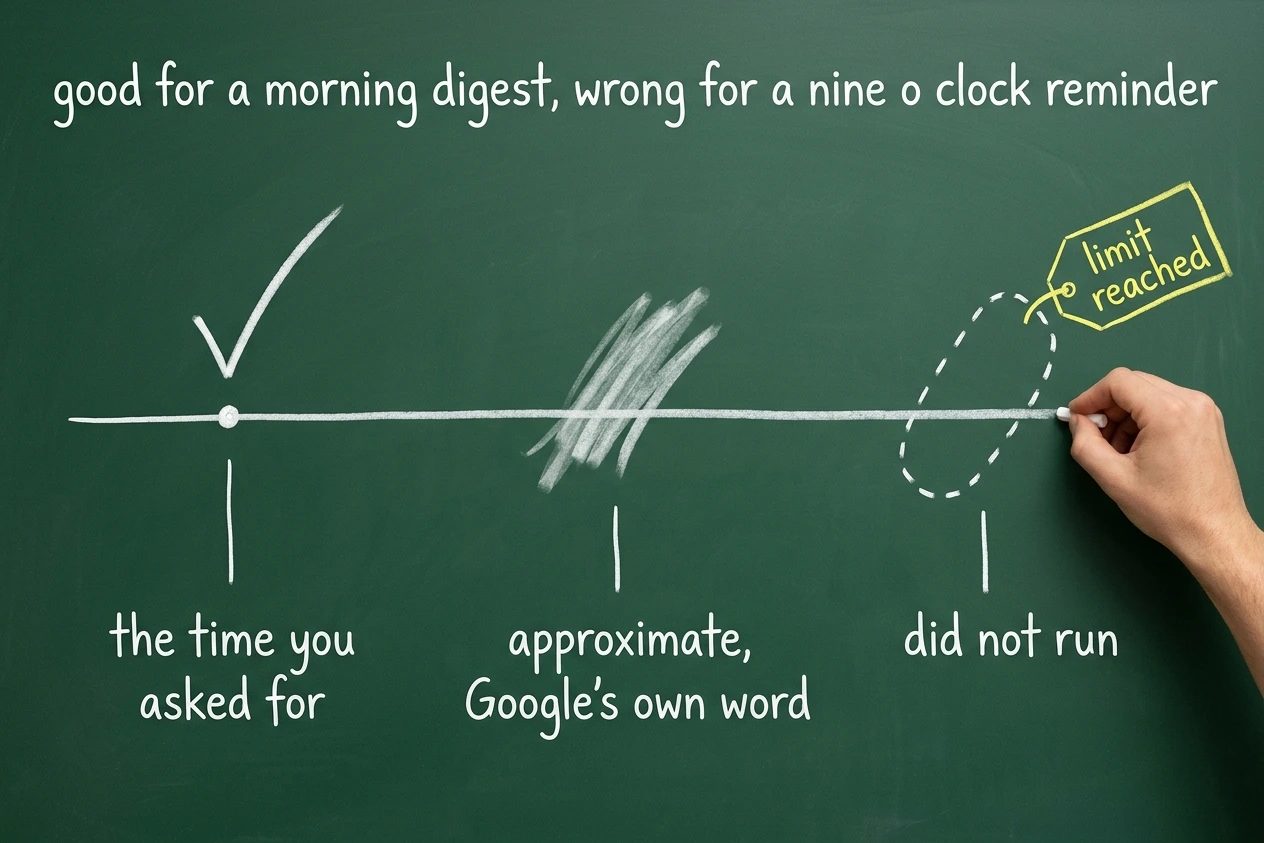
Google documents the soft edges itself, on that same schedules page, which is more candour than the launch video offered. Scheduled task "run times are approximate and may not run at the exact moment a time or event condition is met". They "might be delayed" when Gemini gets busy. They "will not run if you have reached your limit at the time it was set to run".
Build nothing on Spark that has to happen at a precise minute. A digest waiting on your desk by breakfast is a fine job for this. A reminder that has to land before a 9am call is not.
The output failures have a shape too, and it is quieter than being wrong. Sarah Perez's TechCrunch review ran six tasks through it and the trouble was omission. Asked for camp options, it left out the costs and dates entirely and flagged nothing about the omission, which sent her back to researching by hand. A request for five articles came back with four. One link resolved to a Google redirect that did not work.
Something is missing rather than something is false. That is harder to catch, because a confident, well formatted answer with a hole in it reads exactly like a complete one.
Then the part Google's keynote skipped. Paul Monckton at Forbes found this in the app's own onboarding text. "While it is designed to ask for your permission before taking sensitive actions, it may do things like share your info or make purchases without asking."
One more thing to check before any of this matters. Spark needs a Google AI Pro or Ultra subscription and there is no free tier, and it is "available wherever Gemini Apps are supported, except in the European Economic Area, Nigeria, Switzerland, and the United Kingdom". Readers in London and across the EU are answering a different question than the one this post asks.
Honesty about one more thing, since it props up half the excitement around skills. Automatic selection is documented by Google, and a search of reviews and forums turned up no published account of anyone watching it happen to a skill they had not named. Treat it as Google's stated behaviour rather than a witnessed one. Spark only started reaching AI Pro subscribers in the United States in the second half of July 2026, per 9to5Google's reporting, with other countries promised later. There has not been much time for anyone to watch.
What changes once the model is right#
The decision about which weekly chores deserve a skill gets easier once you accept what a skill is. Google publishes a list of jobs not to build one for, and it is unusually direct for a help page.
- A one-off job you will not repeat.
- Anything Gemini already handles well enough without extra guidance.
- Steps or requirements that change so often the skill would need constant maintenance.
Which leaves a narrow, useful middle. Work you repeat, that Gemini currently gets almost but not quite right, and that has settled into a stable shape.
For anything clearing that bar, write the description first and write it as a trigger. Spend the effort where the decision gets made, then write the instructions, then leave switched on only the skills you actually want Spark reaching for unprompted. A drawer full of vaguely described skills left on is not a library. It is a set of standing instructions nobody is reading, attached to an assistant that says it may occasionally spend money without asking.
The developer side of this idea has been public longer and the lessons rhyme, if you want the version with files in it. Skills written by hand and what happens to them as models change both start from the same place. A skill is only worth what its description can get it invited to.