
OpenSpec until the spec file is the source of truth
August 25, 2026

OpenSpec Claude Code setup looks done after openspec init. It is not. openspec init fills .claude/ with slash files. A PR cites the delta under openspec/changes/. Archive after merge writes the canonical file under openspec/specs/.
Chat is a napkin. The spec file is the receipt you can hand a reviewer. Until that file is in git, the agent is still filling gaps from the last session.
Fission-AI/OpenSpec is the repo. MIT. 66,237 stars on the day this ran. This walkthrough used CLI 1.10.0 on Node v22.22.2. It is not a skills routing post. Those files decide when a prompt loads. These files decide what the system is allowed to do.
Pin Node before you install#
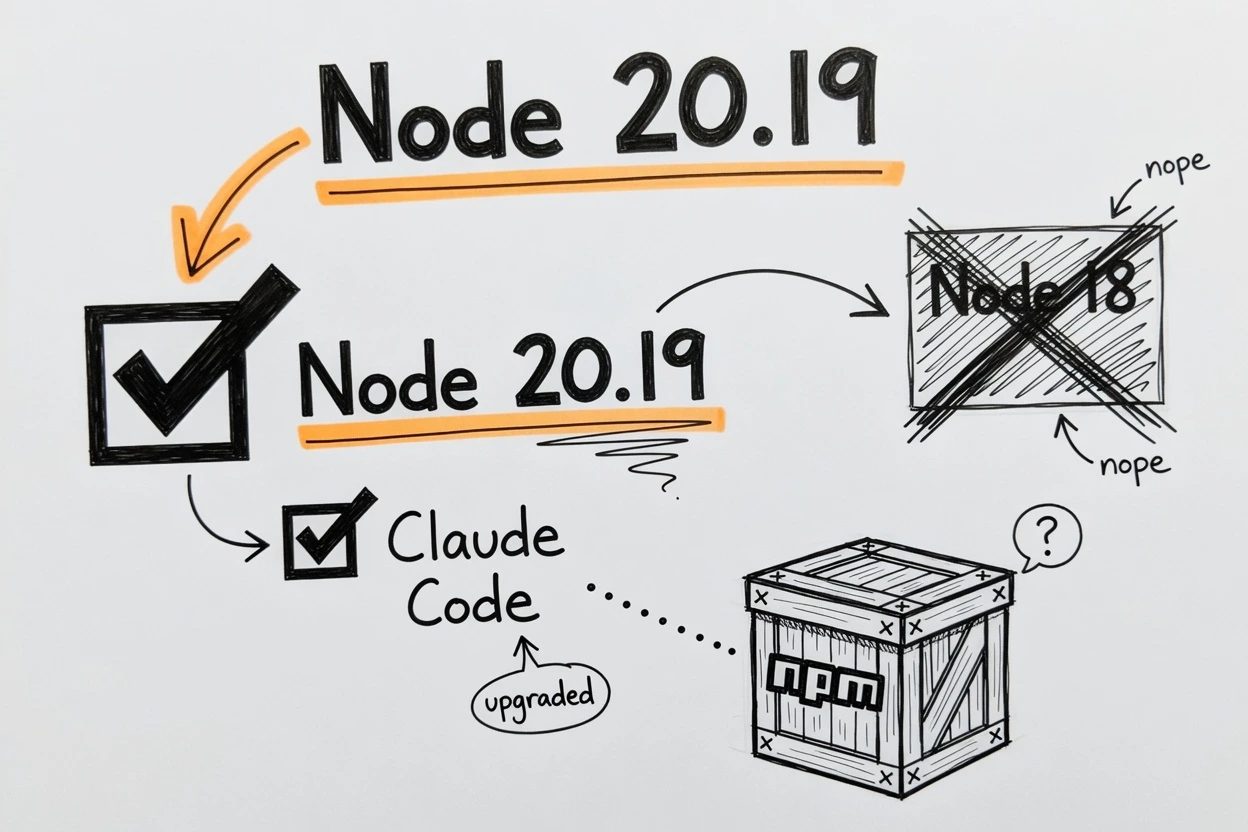
OpenSpec will not boot on a leftover Node 18. The installation guide pins Node.js 20.19.0 or higher. The npm engines field matches that floor.
Bun can install the package. OpenSpec still runs on Node, so Node has to be on PATH either way. Claude Code has to already be the chat you type slashes into.
Check the runtime first. You need all three of these on the machine.
- Node 20.19.0 or newer on
PATH - A git repo you can commit into
- Claude Code already installed, so the slash files have a chat to land in
Then check Node.
node --versionYou want v20.19.0 or newer. A machine on this desk answers v22.22.2. That is enough.
Init writes skills, not a spec#
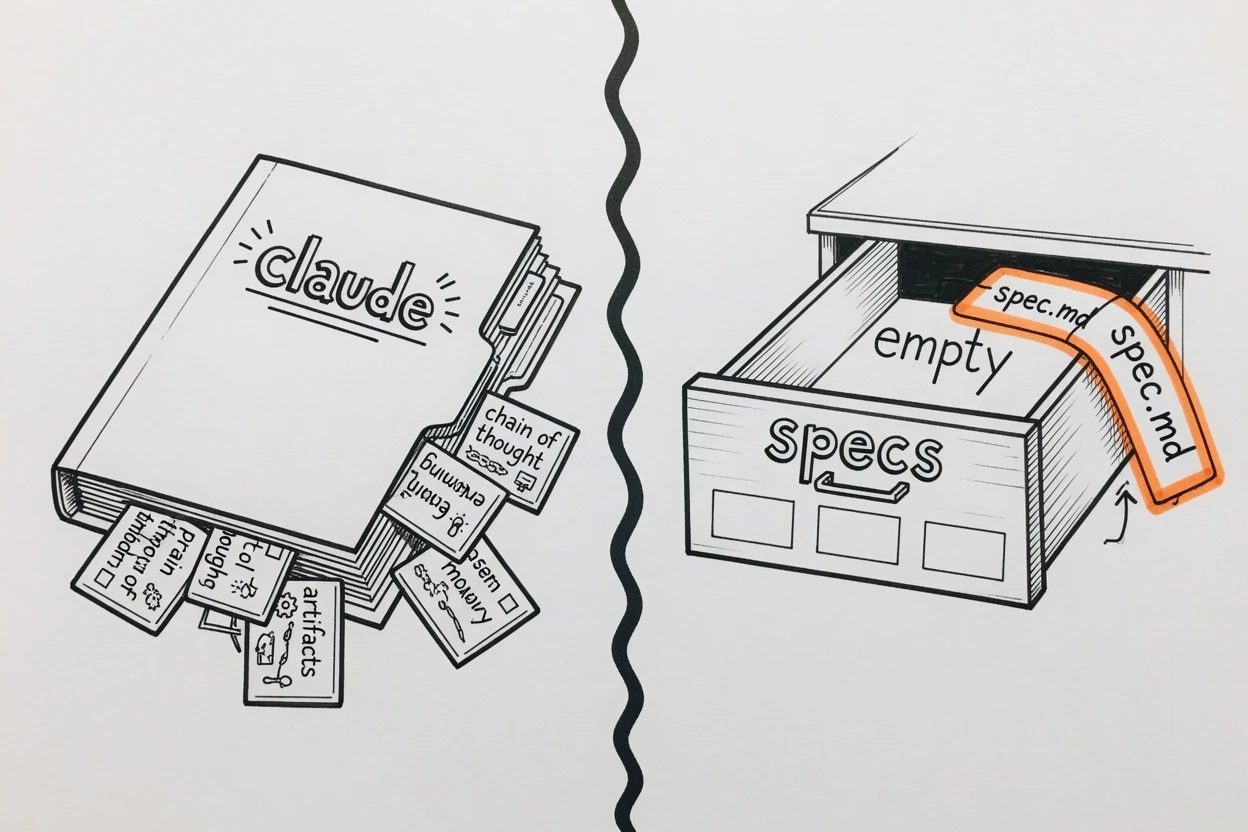
The docs diagram shows openspec/specs/ as if it arrived with init. It does not. openspec init writes a config and the Claude Code wiring. The specs drawer stays empty until a change is archived.
1. Install the CLI#
A missing binary is the boring failure. Install the package, then ask it its version.
npm install -g @fission-ai/openspec@latest
openspec --version
If global bins are a mess, skip the global install and call npx --yes @fission-ai/openspec@latest for the rest of this post. This run did that. It printed 1.10.0.
2. Init for Claude Code#
Run this from the repo root, not a nested package. openspec init creates openspec/ wherever the shell is sitting.
openspec init --tools claude --force --no-animationThe tool id is claude, not claude-code. --force skips the leftover-file prompt. --no-animation keeps CI and scripts from waiting on a splash.
What came back on this desk.
Created: Claude Code
6 skills and 6 commands in .claude/
Config: openspec/config.yaml (schema: spec-driven)

Getting started:
  Start your first change: /opsx:propose "your idea"
Count the files. Six skills under .claude/skills/openspec-*/SKILL.md. Six commands under .claude/commands/opsx/. openspec/config.yaml with schema spec-driven. No spec.md. No CLAUDE.md. No AGENTS.md. No MCP. No API key.
openspec validate --all right after init reports zero items. That is the empty drawer. You'll ship a folder of skills and still have nothing a reviewer can cite.
3. Restart Claude Code and type the slash#
This run did not reopen Claude Code. The six command files are on disk at .claude/commands/opsx/. Official troubleshooting says if the propose slash is missing, run openspec update from the repo root, then restart Claude Code.
After that restart, type /opsx in chat. Autocomplete should list propose, apply, archive, plus explore, update, and sync. That is the core profile. The same string in the shell is not a CLI command. How Commands Work exists because people mix the two halves once.
Cut a change that has a delta#
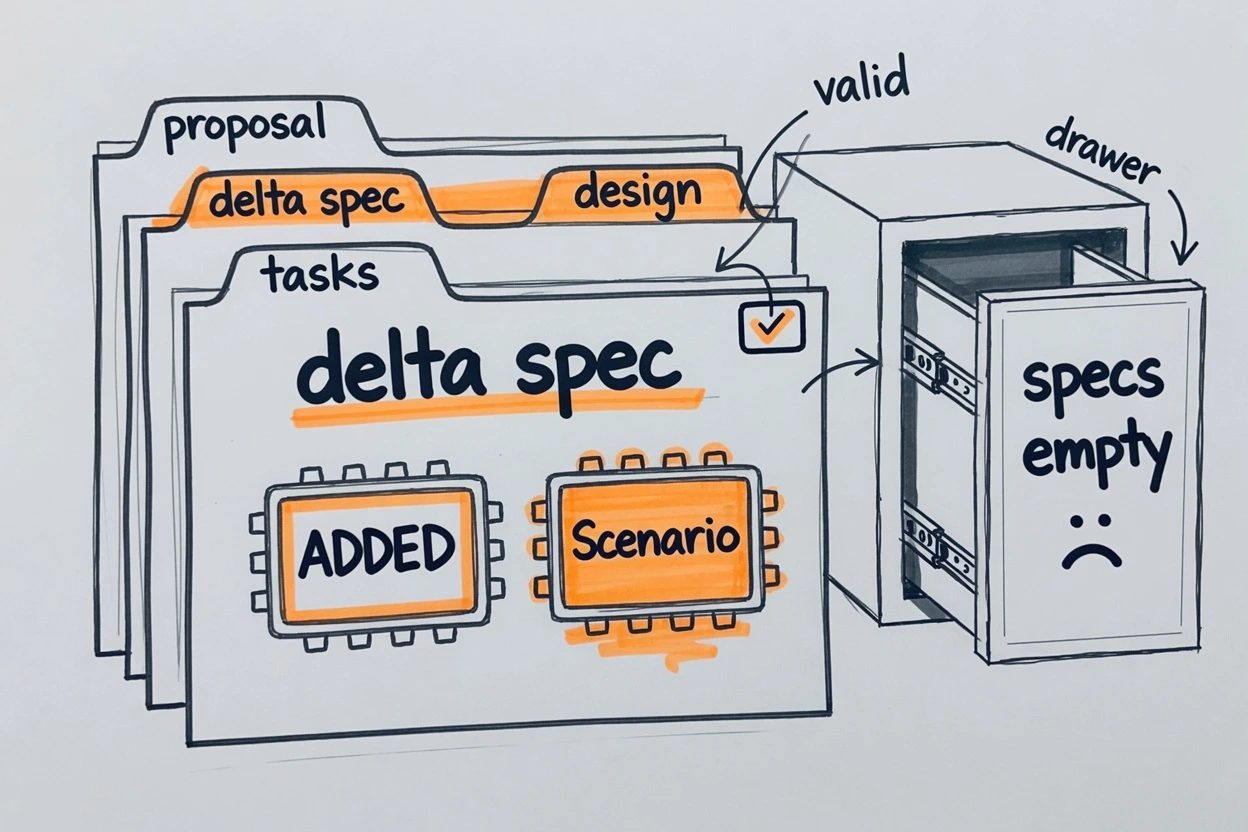
A change is a folder, not a chat transcript. OpenSpec's overview puts it in five words. Specs are the truth. Changes are proposals. Archive moves a proposal into truth.
4. Start a branch#
OpenSpec never commits, branches, or pushes. The team workflow is blunt about that. You do git like you already do git.
git switch -c add-readme-statusOne change, one branch, one owner. Two people editing the same change folder collide like two people editing the same file.
5. Propose in chat, not the terminal#
In Claude Code chat, type this.
/opsx:propose add-readme-statusThat command drafts proposal.md, a delta under specs/<domain>/spec.md, design.md, and tasks.md. The propose skill says that file is a delta, not the main spec. Planning only. It should stop before it edits product code.
openspec new change add-readme-status is the CLI cousin. It only writes .openspec.yaml and a README. Status then says proposal is ready and specs are blocked. If you skip chat, you write the four planning files yourself from openspec templates.
The delta this run used, trimmed to the required shape.
## Purpose
Track the demo README status line that tells a reviewer the project is initialized.

## ADDED Requirements

### Requirement: README status line
The README SHALL include a status line that states the demo is initialized.

#### Scenario: Fresh clone shows initialized
- **WHEN** a reviewer opens README.md at the repository root
- **THEN** the file contains the exact line `Status: initialized`
One requirement. One scenario. SHALL, not a stack of and-also clauses. Keep the change small enough that a reviewer can read the delta in two minutes.
6. Validate the change#
Structure is the gate. Behavior is still on you.
openspec validate add-readme-statusA requirement with no scenario fails like this.
Change 'add-readme-status' has issues
✗ [ERROR] readme/spec.md: ADDED "README status line" must include at least one scenario
Next steps:
  - Ensure change has deltas in specs/: use headers ## ADDED/MODIFIED/REMOVED/RENAMED Requirements
  - Each requirement MUST include at least one #### Scenario: block
Restore the #### Scenario block and it prints Change 'add-readme-status' is valid. Status then shows 4/4 artifacts complete. That is the stop before anyone implements.
Then run apply in chat, or do the tiny edit yourself. This run added Status: initialized to README.md so the scenario had something to point at. Apply is optional for the spec file. It is not optional if the PR also carries code.
Cite the spec in the PR#
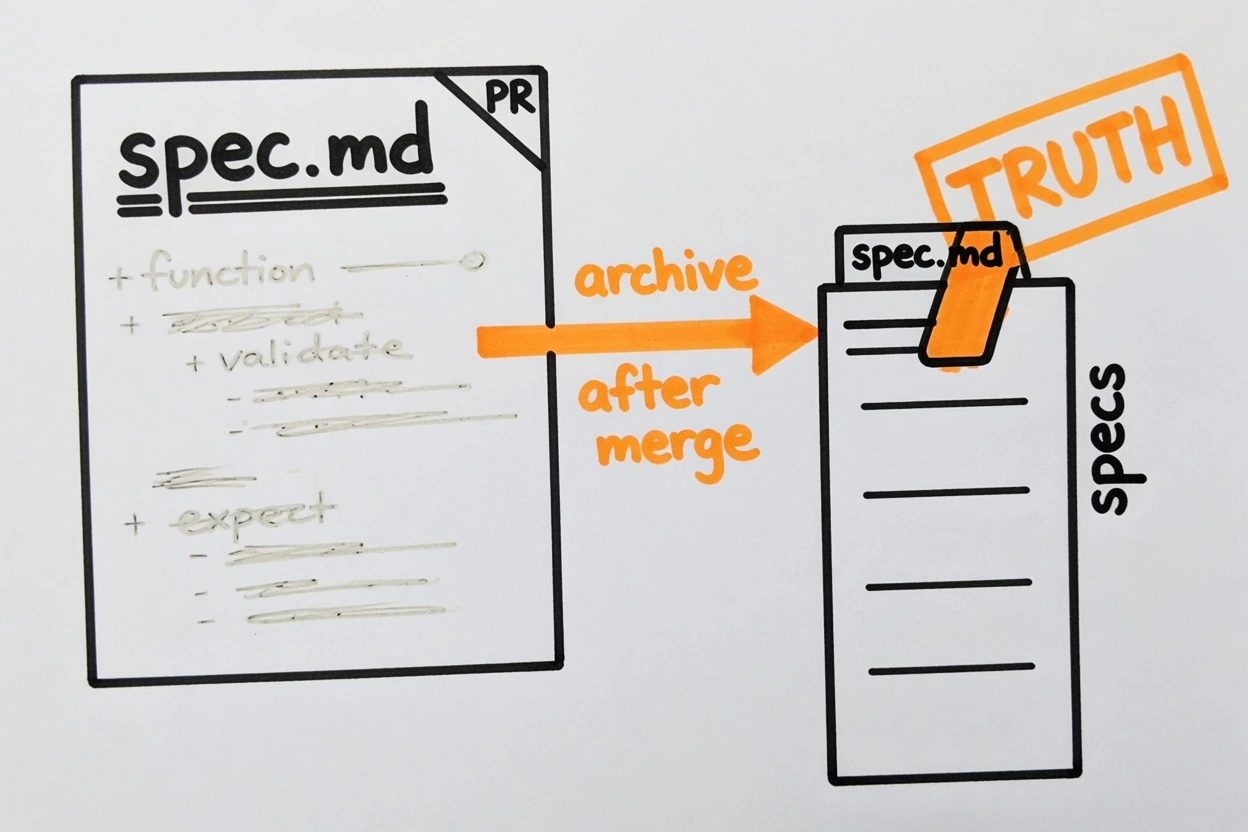
A raw diff never tells a reviewer what "done" means. The delta does. Put that path at the top of the PR, then let them read the code.
7. Point the PR at the spec path#
Commit openspec/ plus the tiny code. OpenSpec will not do this for you.
git add openspec README.md .claude
git commit -m "Add README status spec"
On the recommended team path, the implementation PR cites the delta at openspec/changes/add-readme-status/specs/readme/spec.md. Reviewers open that file first. The canonical openspec/specs/readme/spec.md does not exist yet. Archive after merge writes it on main.
Spec. openspec/changes/add-readme-status/specs/readme/spec.md

Requirement. README status line
The README SHALL include a status line that states the demo is initialized.

Review the spec first, then the README diff.
gh pr create --body-file pr-body.md is enough. You'll know it worked when a teammate can open the spec path from the PR without spelunking the diff.
8. Archive after it merges#
Archive is the stamp. It merges ADDED/MODIFIED/REMOVED into openspec/specs/ and moves the change folder under openspec/changes/archive/ with a date prefix.
Do it after merge, on main, so the shared specs only move with work that shipped. Small teams can archive inside the same PR. Pick one convention and keep it.
openspec archive add-readme-status --yes--yes is required when nothing can answer the prompts. An agent, a CI job, or a closed stdin. This run archived in the throwaway tree so the canonical file could be committed in one go. Team docs want the opposite order. PR the delta, merge, then archive on main.
The main spec after archive drops the ADDED header and becomes the living file.
# readme Specification

## Purpose
Track the demo README status line that tells a reviewer the project is initialized.

## Requirements

### Requirement: README status line
The README SHALL include a status line that states the demo is initialized.

#### Scenario: Fresh clone shows initialized
- **WHEN** a reviewer opens README.md at the repository root
- **THEN** the file contains the exact line `Status: initialized`
openspec list --specs then shows readme with 1 requirement. openspec validate --all prints ✓ spec/readme. That file is the source of truth. Git has it. The next change deltas against it.
When the slash does nothing#
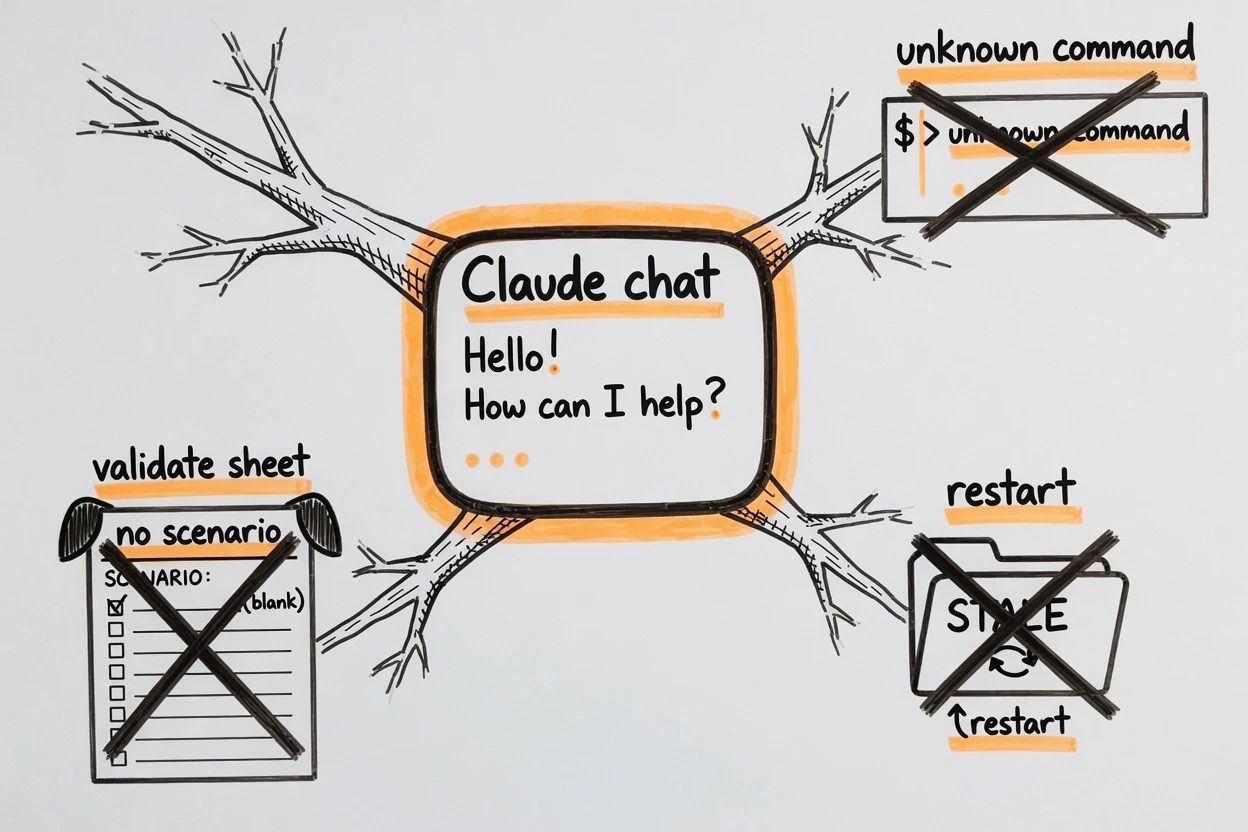
Three failures show up in a first afternoon. OpenSpec's troubleshooting page covers more. The FAQ is the same list in question form. These three are the ones this run actually hit or reproduced.
- Slash in the shell. The propose command is not a terminal command. The CLI prints unknown command and exits 1. Type it in Claude Code chat.
- Autocomplete empty after init. Skills are per project and scanned at startup. From the repo root,
openspec update, then restart Claude Code. Confirm.claude/skills/containsopenspec-*folders. - Validate hates the delta. An ADDED requirement with no Scenario block fails. A MODIFIED requirement that drops a surviving scenario fails later, at archive.
OpenSpec questions people actually hit
Where do you type the propose slash?
In Claude Code chat, the same box you use to ask for a login form. The CLI is openspec init and openspec validate. A slash in the shell returns unknown command and exits 1.
Should the openspec folder go in git?
Yes. Specs, active changes, and the archive are project history. OpenSpec never commits for you. You add openspec/ like any other source.
Do you archive inside the PR or after merge?
After merge, on the recommended team path. The branch carries the delta. Archive on main so openspec/specs/ only moves with work that shipped. Small teams can archive inside the same PR. Pick one and stay consistent.
Is there a separate interactive mode to start?
No. Open Claude Code in the project and type the propose slash in chat. Autocomplete is the install check. openspec view is a terminal dashboard, not the thing that drafts the change.
What now exists#
The implementation PR names openspec/changes/<name>/specs/<domain>/spec.md. After merge, archive writes openspec/specs/<domain>/spec.md on main. openspec validate --all is green on that file. Git has it.
openspec init did not give you that. Archive did. The chat that drafted the delta is gone. The spec file is not.