
Move GPT off Cursor before November 12
August 29, 2026

The Zapier and DataCamp codex vs cursor writeups still treat this as a lifestyle pick, stay in the editor or hand the work to a terminal, while OpenAI has already put a date on Cursor's GPT access. Move the coding turns to Codex CLI or the VS Code Codex extension, pin gpt-5.6-sol or gpt-5.6-terra, and prove one turn lands before that access dies. You are probably still in Cursor with Sol or Terra selected because that is how GPT coding has felt for a year. Waiting on a bring-your-own key inside Cursor costs you Tab, Auto, and Cloud Agents when Cursor-routed models go away, and the Help Center already says Cursor may shut them off before November 12.
What you need first#
Pin the account before you pin the model, because Codex CLI rides a ChatGPT Plus, Pro, Business, Edu, or Enterprise planplan modeA Claude Code CLI mode that reads files and runs commands to explore a codebase but holds off making any changes until the user approves a proposed plan.See also Shift+Tab cycle, permission modes, or an OpenAI API key billed on the API. A ChatGPT login is the default for local work, and an API key is the automation pathPATHThe shell environment variable listing directories searched in order when a command name is typed, so every lookup walks each entry until one matches.See also WSLENV, appendWindowsPath, command lookup that does not spend ChatGPT credits.
You need a projectProjectsA Claude Desktop feature giving a persistent workspace its own chat history and knowledge base, so uploaded documents and instructions carry into every chat inside it.See also Artifacts, Quick Entry directory that is already a git repo if you want codex exec to run without a waiver, because Codex refuses non-interactive turns outside git unless you pass --skip-git-repo-check. You also need a machine that can open a browser for codex login, or a copied ~/.codex/auth.json if you are on a headless box. VS Code is optional and is only required for the editor path in step 6.
- A ChatGPT plan that includes Codex, or an API key with billing on
- A git repo for the first coding turn
- Network enough for the install script and the login callback
- VS Code only if you want the
openai.chatgptpanel instead of the TUI
Do not treat Cursor as the install target. Official docs list Cursor as a place the Codex extension can live, and that is how people talk themselves into staying. This walkthrough installs the CLI on the machine, then optionally the VS Code listing, because the OpenAI post is winding down models provided to Cursor, not models provided to you.
Leave Cursor as the GPT surface#
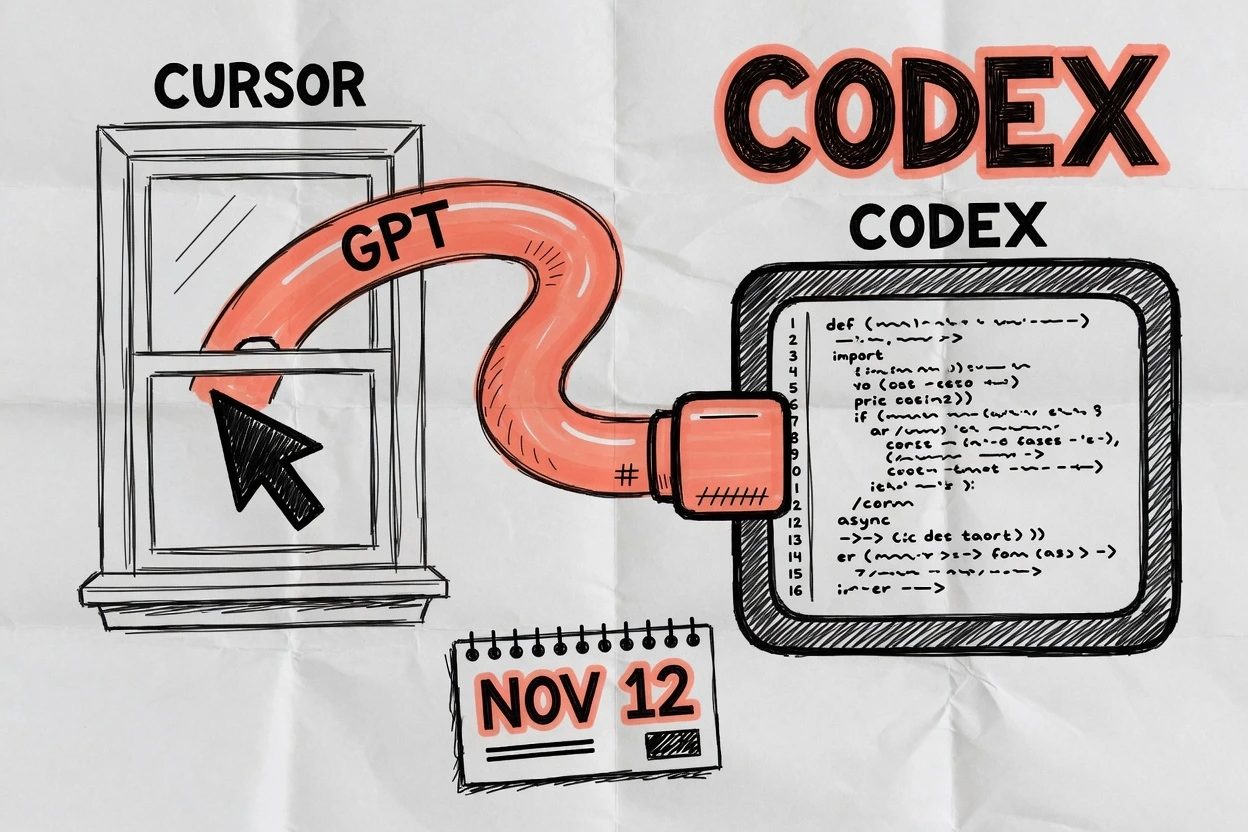
The migration is six checks in order, and each one has a thing you can see, because a step without a visible result is just a sentence you will skip. If a step has no checkpointcheckpointA saved snapshot of a model's weights at a specific point in training or fine-tuning, the exact file that gets tested, released, or further modified.See also abliteration, frontier model, merge it into the next one that does.
1. Treat November 12 as a partnership pipe#
OpenAI's August 28 post is the date source, not a recap, so quote the shutoff from that page and keep the wording. The post notified SpaceX it intends to wind down the contract providing OpenAI models to Cursor, with a proposed shutoff date of November 12, 2026.
That sentence is a contract cancellation after a change of control, because SpaceX closed the Anysphere deal. What dies is Cursor's partnership pipe, the picker entries Cursor has been serving under that contract. Sol still completed a Codex CLI turn on this machine, and the models page documents gpt-5.6-sol and gpt-5.6-terra on Codex CLI and the IDE extension, which authenticate with ChatGPT or an API key instead of Cursor's picker.
The same post holds the cancellation to the latest date the contract allows while not providing future models to Cursor, and it names Astra in that paragraph as the upcoming model that has to stay inside OpenAI's terms. The Help Center is more precise about the calendar than the recaps. Using OpenAI models in Cursor calls November 12 a proposed transition period, says Cursor may end access sooner, and says the official termination date is not confirmed yet, so plan against the earlier of those two clocks.
Cursor staff on the forum thread asking if GPT access is ending put OpenAI models at about 5 percent of Cursor user traffic, which is Cursor's fleet math rather than yours. If your daily model is GPT, your seat is the whole pipe, which is why a category essay about shrinking IDE seats does not finish this job.
2. Install Codex on the machine, not inside Cursor#
The install that does not leave you in Cursor is the standalone CLI. The openai/codex repo is Apache-2.0, owned by OpenAI, and the README and the CLI docs agree on the same curl.
curl -fsSL https://chatgpt.com/codex/install.sh | sh
codex --version
Checkpoint looks like a codex-cli version line. On this machine that was codex-cli 0.145.0 while npm already showed 0.151.0, so if the version looks stale, rerun the same install script, which is also the upgrade path. npm (npm install -g @openai/codex) and Homebrew (brew install --cask codex) are fine if you already live there, and Windows uses the PowerShell installer from the same docs.
If the binary is missing after curl, the script landed somewhere that is not on PATH, and the README also lets you grab a GitHub Release tarball and rename the file to codex. Do not open Cursor to finish an install that was supposed to leave it.
3. Sign in and prove the session#
From a project directory, run codex once so the TUI can offer Sign in with ChatGPT, or skip the TUI and go straight to the login command. The browser flow is the default, and the API-key flow is stdin, because putting the key on the argv is how it leaks into shell history.
codex login
codex login status
Checkpoint looks like codex login status printing Logged in using ChatGPT or telling you it is using an API key, and that command exits 0 when credentials exist. This machine printed the ChatGPT line. The CLI and the IDE extension share that cache, which lives in ~/.codex/auth.json or in the OS keyring, so a logout from one surface logs the other out too. Treat the file like a password and do not commit it.
If the browser never returns, you are usually on a remote box whose localhost callback is blocked, so the docs want codex login --device-auth after you enable device code in ChatGPT security settings. Copying ~/.codex/auth.json from a machine that can complete the browser flow is the fallback, and it is still a secret.
4. Pin Sol or Terra on purpose#
Do not trust a default that still says gpt-5.6 if you need a named member of the family, because the Codex models page lists three GPT-5.6 slugs. Sol is the flagship for complex coding, Terra is the everyday workhorse the docs tell you to reach for if you used to hand the work to GPT-5.5, and Luna is the cheap, repeatable one, with the default Power setting on gpt-5.6-sol at medium reasoning.
codex -m gpt-5.6-sol
# or, for the workhorse
codex -m gpt-5.6-terra
Persist it in config so the next session does not silently fall back to whatever the binary currently recommends.
model = "gpt-5.6-sol"Checkpoint looks like /model in the TUI offering gpt-5.6-sol or gpt-5.6-terra, then /status confirming the slug in the transcript. The same /model command exists in the VS Code composer. A bundled catalog dump on this machine listed gpt-5.6-sol with display name GPT-5.6-Sol, so the slug is not a blog invention.
5. Run one coding turn without Cursor#
Interactive codex in the repo is the daily loop. For a receipt you can paste, codex exec runs one turn and prints the model in the header, and it defaults to a read-only sandboxsandbox modeA configuration field on a coding agent that restricts what it can do to the filesystem or system, such as read-only access with no writes permitted.See also permission modes, which is what you want for a prove-it prompt. Give it write access only when you actually want edits.
codex exec -m gpt-5.6-sol --sandbox read-only \
  "Reply with one short line naming the model slug you are running."
Checkpoint looks like a header that includes model: gpt-5.6-sol and a final line that repeats the slug. A throwaway git repo on this machine did that on 2026-08-29, ChatGPT login, codex-cli 0.145.0, and the agent answered with gpt-5.6-sol. If exec refuses to start, you are probably not in a git repo, so init/initA CLI slash command that reads the current codebase and writes a starting CLAUDE.md file, saving the need to re-explain the same project facts every session.See also CLAUDE.md one, or pass --skip-git-repo-check only when you trust the directory.
That is the end of the CLI path, which means Cursor is no longer in the loop. If the header shows some other model, confirm the command still carries -m, run /status, and read ~/.codex/config.toml before you assume the pin stuck, because a stale CLI or a catalog fallback can also swap the slug.
6. Put the same login in VS Code if you still want an editor#
Skip this step if the terminal is enough. If you want an editor, install OpenAI's listing in VS Code, not Cursor's copy of it. The Marketplace item is openai.chatgpt, titled Codex, 13.6 million installs at fetch, publisher OpenAI.
code --install-extension openai.chatgptOpen the Command Palette and run the Codex Open Codex Sidebar command. Sign in with ChatGPT, or choose Use API Key. The extension reuses ~/.codex when the CLI is already logged in, which is why step 3 came first. Pick Sol or Terra under /model in the composer, then ask it to make a focused change in an open file and look at the diff in place.
Checkpoint looks like a Codex icon in VS Code, a sidebar that opens, and a model control that shows 5.6-Sol or 5.6-Terra. A VS Code agent host is a different mechanism, and you do not need it to finish this migration. Do not use the cursor:extension/openai.chatgpt deep link as the success path, because that panel still sits inside a SpaceX-owned host, and an OpenAI developer thread already saw GPT-5.6 present in the CLI while missing from the Cursor-hosted extension.
When it breaks#
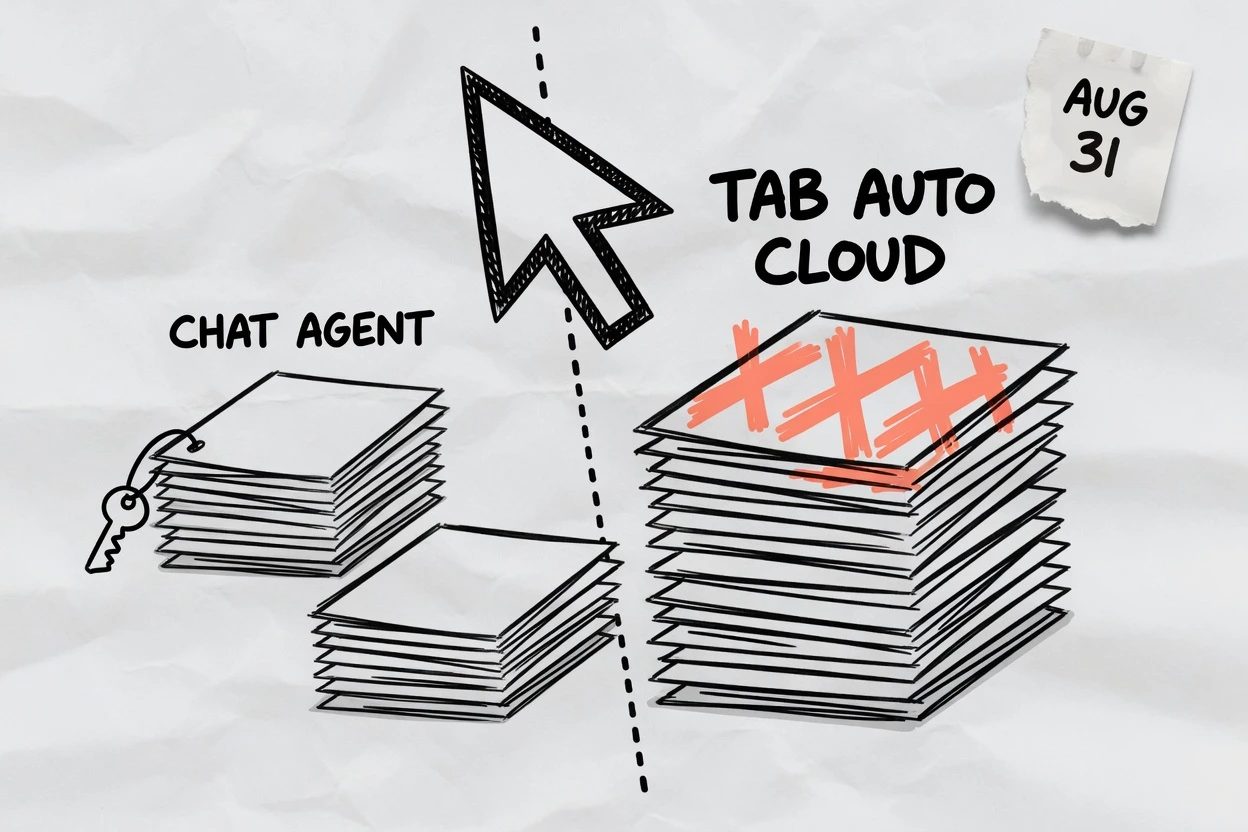
The failure people will ship is staying in Cursor with a key pasted into Settings, Models, because the Help Center lists that option first, so read the limit in the same article. A BYO OpenAI key covers local Chat and Agent only, so it does not cover Tab, Auto, Cloud or Background Agents, Automations, the Cursor CLI, or Cursor's API and SDK. Those features keep consuming models Cursor routes, which means they do not silently switch to your key when the partnership pipe dies, and a ChatGPT subscription also does not pay API-key usage, so the paste can surprise you twice, once on coverage and once on the bill.
- Tab, Auto, and Cloud Agents still die on Cursor-routed GPT even after you paste a key
- The Codex extension inside Cursor still sits on a SpaceX-owned host
codex execoutside a git repo exits until you init one or pass the skip flag- August 31 is a ChatGPT-sign-in prune of
gpt-5.4inside Codex, which is a different cliff
The second failure is installing the Codex extension inside Cursor and calling the job done. Official docs even offer cursor:extension/openai.chatgpt. The extension talks to OpenAI, so it can outlive Cursor's picker, and that is why OpenAI mentions it, but it is still Cursor as the host. This post's end state is a CLI turn or a VS Code panel, because the title is moving GPT off Cursor rather than hiding it in a second sidebar.
Do not mix this calendar with Monday's Codex login cutoff. August 31 drops gpt-5.4 from ChatGPT-sign-in Codex and leaves the API card alone, while November 12 is Cursor's partnership pipe. Different surface, different model, different spare path. If codex exec dies with a git-repo error, you skipped the prereq. If login never returns, you need device code or a copied auth file rather than another Cursor toggle.
What working looks like#
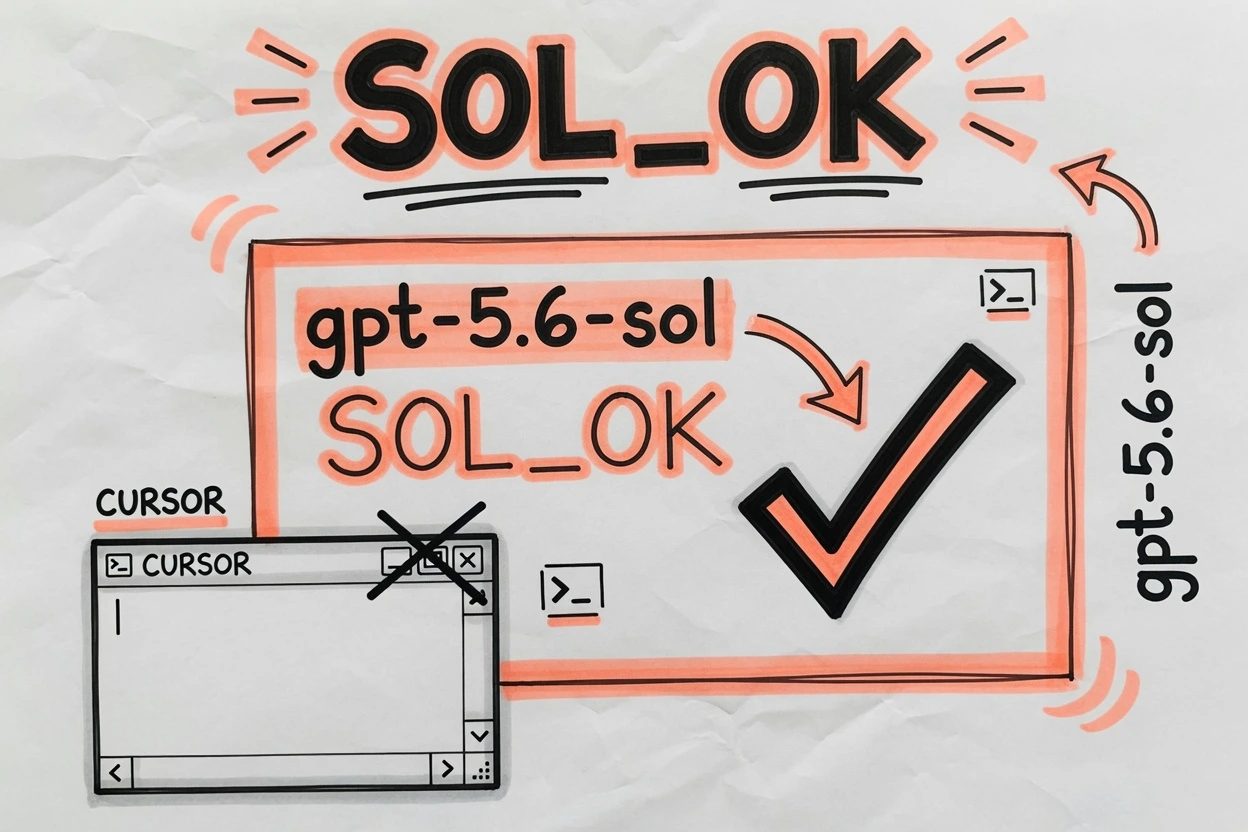
Working is a GPT coding turn that never touches Cursor's model picker. codex login status still says ChatGPT or API key. codex exec -m gpt-5.6-sol (or Terra) prints that slug in the header and answers. If you took step 6, VS Code's Codex sidebar shows the same slug and can edit an open file. Cursor can stay installed, it just is not the GPT pipe anymore.
Optional cleanup is /import in the CLI, which can pull Cursor instructions, skills, and recent chats into Codex, up to 50 chats from the last 30 days. Import does not keep the partnership picker alive. It copies what you already wrote so the next Sol turn has the same repo manners, which is why you prove the turn first and import second, because a copied rule file is not a working model.
Zapier and DataCamp already own the generic codex vs cursor bakeoff, and neither page mentions November 12, so they are still arguing editor versus terminal as a taste. The dated move is the one those pages do not cover. Leave Cursor as the GPT surface now, while the proposed latest day is still in front of you.
Questions people are already asking
Is OpenAI actually cutting GPT access for Cursor?
Yes. OpenAI notified SpaceX it will wind down the contract that provides OpenAI models to Cursor, with a proposed shutoff date of November 12, 2026. The Help Center says Cursor may end access sooner, and the official termination date is not confirmed yet. Future models stay off that pipe.
asked on forum.cursor.com ↗Does a bring-your-own OpenAI key keep Tab and Cloud Agents on GPT?
No. OpenAI's Help Center says a BYO key covers local Chat and Agent only. Tab, Auto, Cloud or Background Agents, Automations, the Cursor CLI, and Cursor's API and SDK still consume Cursor-routed models. A ChatGPT subscription also does not pay those API-key calls.
asked on help.openai.com ↗Why does GPT-5.6 show up in Codex CLI but not in the Cursor Codex extension?
The Cursor-hosted Codex panel has lagged the CLI before. Community threads already hit GPT-5.6 present in the CLI and missing from the extension inside Cursor. The path that does not wait on Cursor's marketplace copy is codex -m gpt-5.6-sol in a terminal, or the VS Code listing openai.chatgpt.