
React Dev Tools Firefox still hides the Components tab
August 25, 2026

If react dev tools firefox still hides the Components tab, start with the store. The Chrome Web Store button does not put an add-on in Firefox. The tabs also stay gone on a blank new tab, even after a correct install.
React's own docs keep a separate Firefox link. They do not reuse the Chrome listing. After the right add-on is on, the same page says you will see Components and Profiler if you visit a website built with React.
The working pathPATHThe shell environment variable listing directories searched in order when a command name is typed, so every lookup walks each entry until one matches.See also WSLENV, appendWindowsPath, command lookup is the AMO listing with slug react-devtools, a reload on a real React page, then the Toolbox. Not Console. Not a Lite clone that weighs 8 KB.
Think of the Chrome store as a parking garage in another city. Plenty of reserved signs. None of them apply to this curb.
Pin Firefox 128 and a React page#
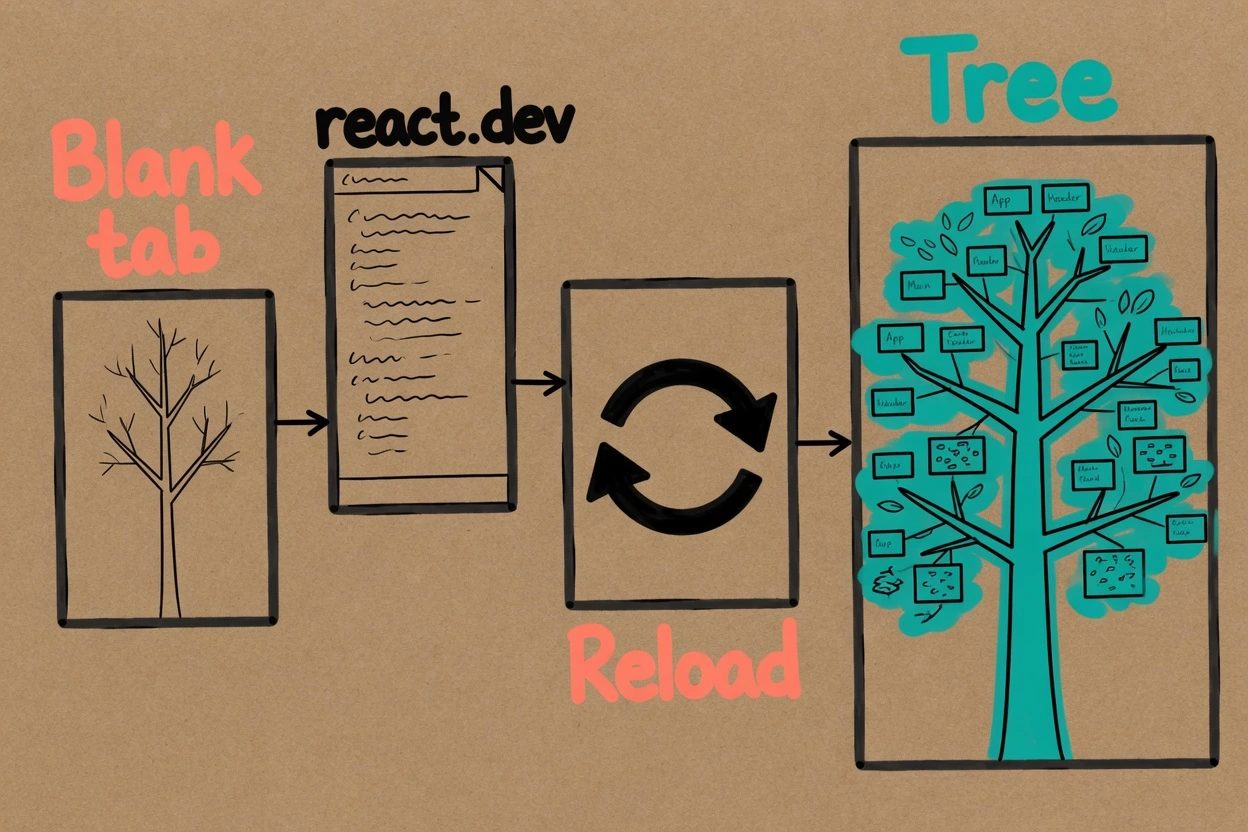
The live AMO file is version 6.1.1. The addons.mozilla.org listing only claims Firefox 128 and later. An older ESR build will refuse it.
- Firefox 128 or newer
- A page that actually runs React, react.dev is the easy checkpoint
- Willingness to reload after the add-on lands
A local Vite app is fine later. Do not start there. The known-good page is the one the docs already use.
Install react dev tools firefox from AMO#
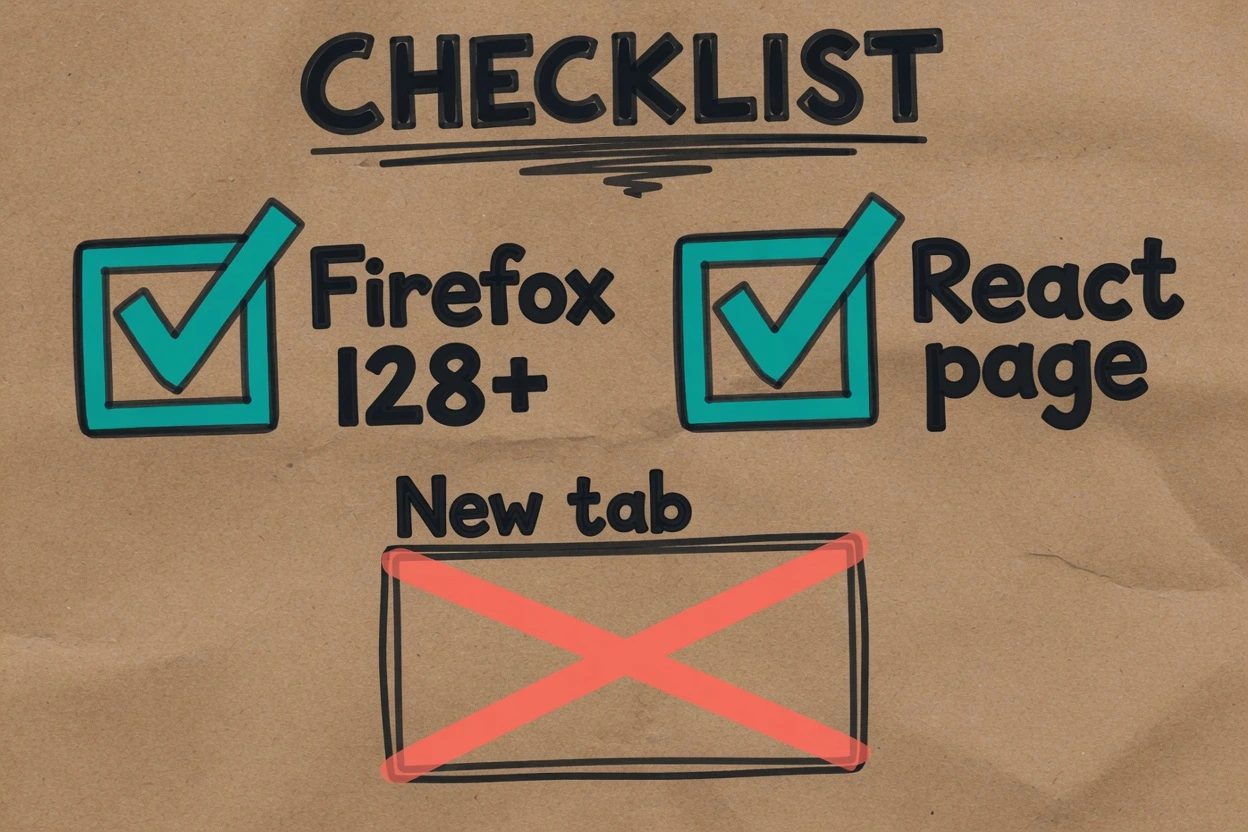
This is the step people skip because the Chrome listing is the one they already have bookmarked. You'll hit a silent miss if that muscle memory wins, and the add-on will still look like it was never installed.
1. Skip the Chrome Web Store button#
Open the Chrome listing in Firefox and the store itself tells you to switch browsers. There is no Add to Firefox on that page. Nothing appears under Add-ons and Themes. The install did not fail quietly. It never started.
Name the store in your head as Chrome-only and move on.
2. Add the official AMO listing#
Use the Firefox link on the same React docs page, or go straight to the react-devtools slug on addons.mozilla.org. Click Add to Firefox. Permit it.
The real listing is about 1.59 MB, MIT, with source under facebook/react. Roughly 159,000 daily users sit on that file. A similarly named Lite listing is 8 KB, 0 daily users, and a homepage that is not GitHub. Skip that one.
CheckpointcheckpointA saved snapshot of a model's weights at a specific point in training or fine-tuning, the exact file that gets tested, released, or further modified.See also abliteration, frontier model. The add-on is React Developer Tools, version 6.1.1, not a stub.
3. Confirm it is enabled#
Open the Add-ons Manager at about:addons. Find React Developer Tools. Leave it on. A disabled row means the Toolbox stays vanilla.
If the row is off, turn it on. Then go back to the page you care about.
Open a React page, then reload#
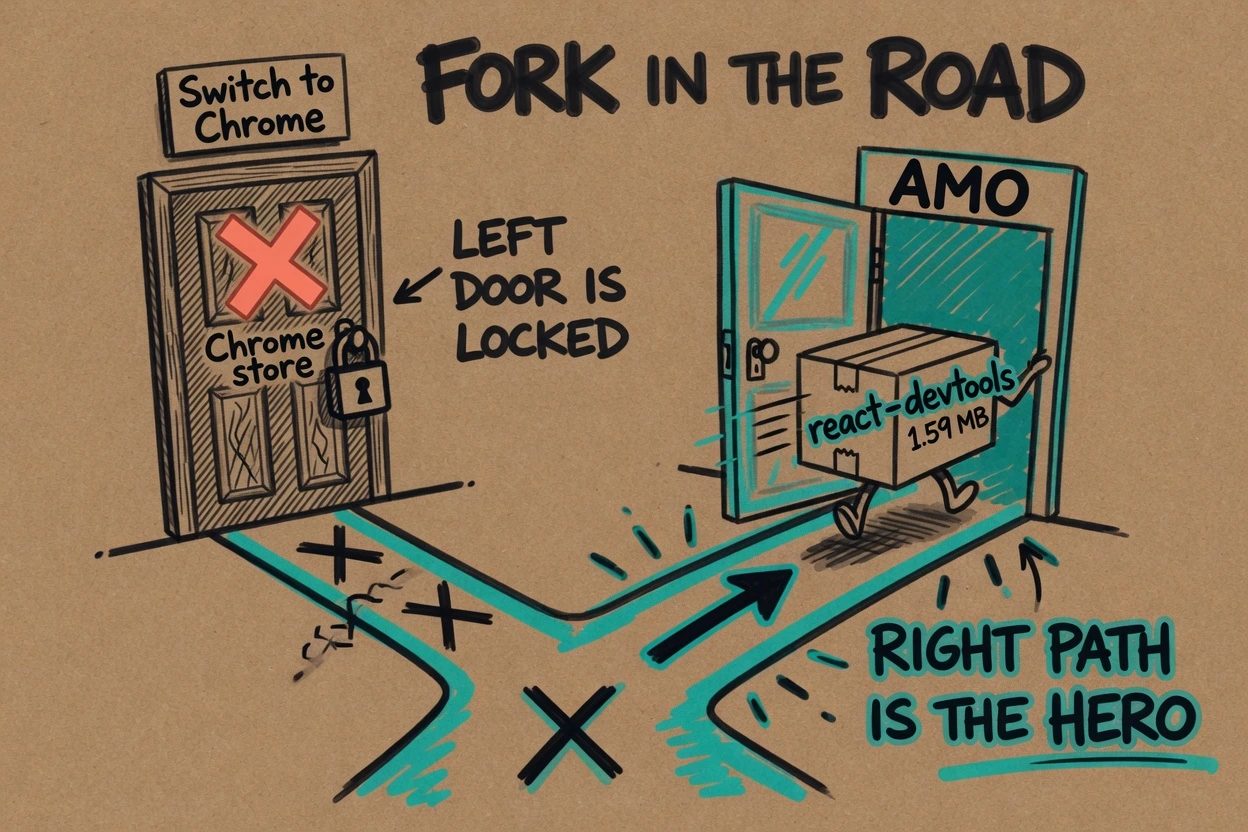
Install is not the same as attach. The add-on plants a global named __REACT_DEVTOOLS_GLOBAL_HOOK__ when the page loads, and React talks to that hook during its own boot. Miss the window and the tab can exist while the tree stays empty.
4. Leave the new tab#
A blank tab is not React. Neither is the default Firefox homepage. The official FAQ in the react-devtools README is blunt. The React tab will not show up if the site does not use React.
Open react.dev. That is the cheap, known app. Someone on the freeCodeCamp forum spent a session hunting the tab with no React app running at all, then found the same rule the hard way.
5. Reload once after the add-on is on#
Reload the React page. Do it even if the extra tabs already appeared. GitHub issue 22034 is still open for Firefox, empty Components pane until a refresh, including on the old reactjs.org site.
Checkpoint. Components is no longer a blank pane. A tree of names is sitting there.
Find Components in the Toolbox, not Console#
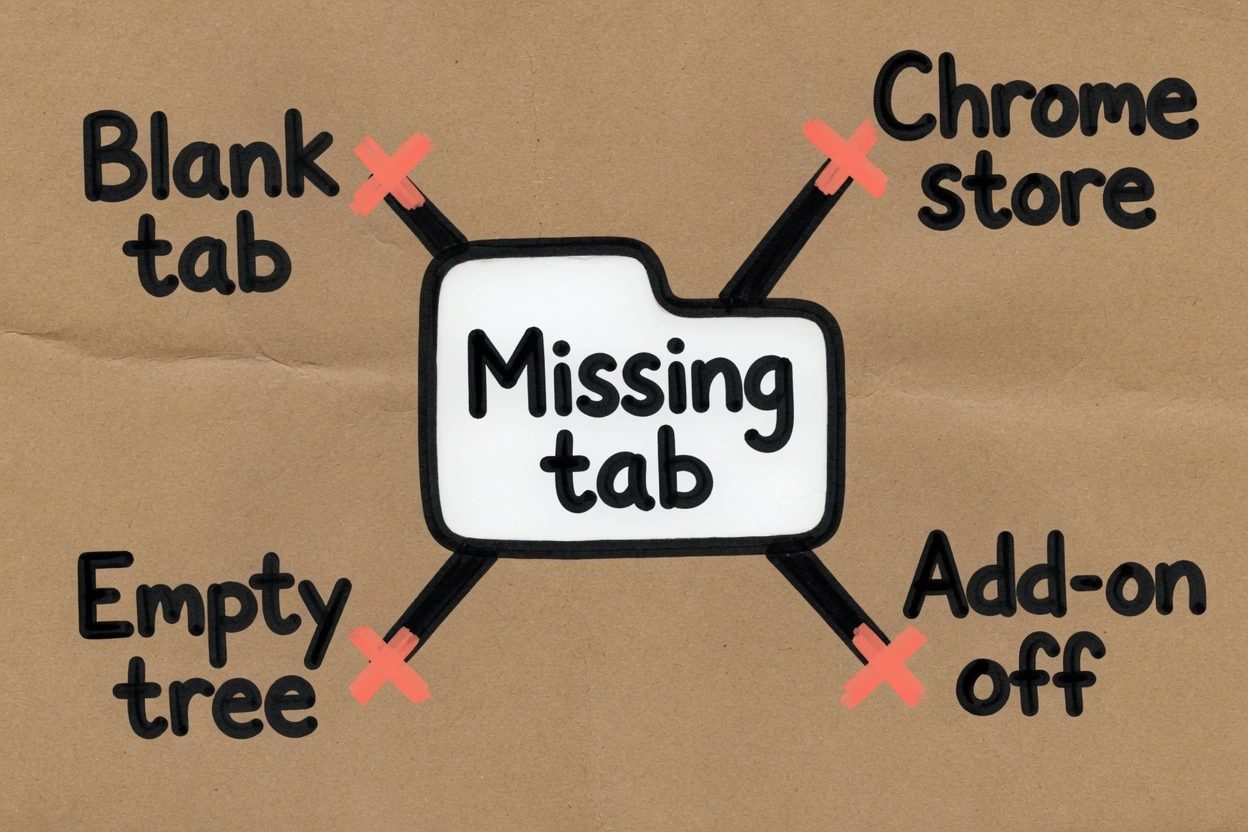
People look in Console because that is the drawer they already live in. The extra tabs are not in there. They sit on the Toolbox row next to Inspector and Debugger.
6. Open the Toolbox#
Firefox's DevTools docs open the Toolbox from the keyboard or the menu. Menu path is Tools, Web Developer, Web Developer Tools.
- Toolbox (the one you want),
Ctrl+Shift+IorF12on Windows and Linux,Cmd+Opt+Ion macOS - Web Console,
Ctrl+Shift+K - Browser Console,
Ctrl+Shift+J, a separate window aimed at the browser itself
The Web Console and the Browser Console are different drawers. Wrong one. Close it.
7. Switch to Components or Profiler#
The AMO summary says to open Firefox devtools and switch to the Components or Profiler tab. If the Toolbox is skinny, those labels hide behind the overflow chevron on the right. Click through it.
Checkpoint. Components shows a tree. Profiler is the tab beside it. Props and state land in the right-hand pane when a node is selected.
When react dev tools firefox still hides the tab#
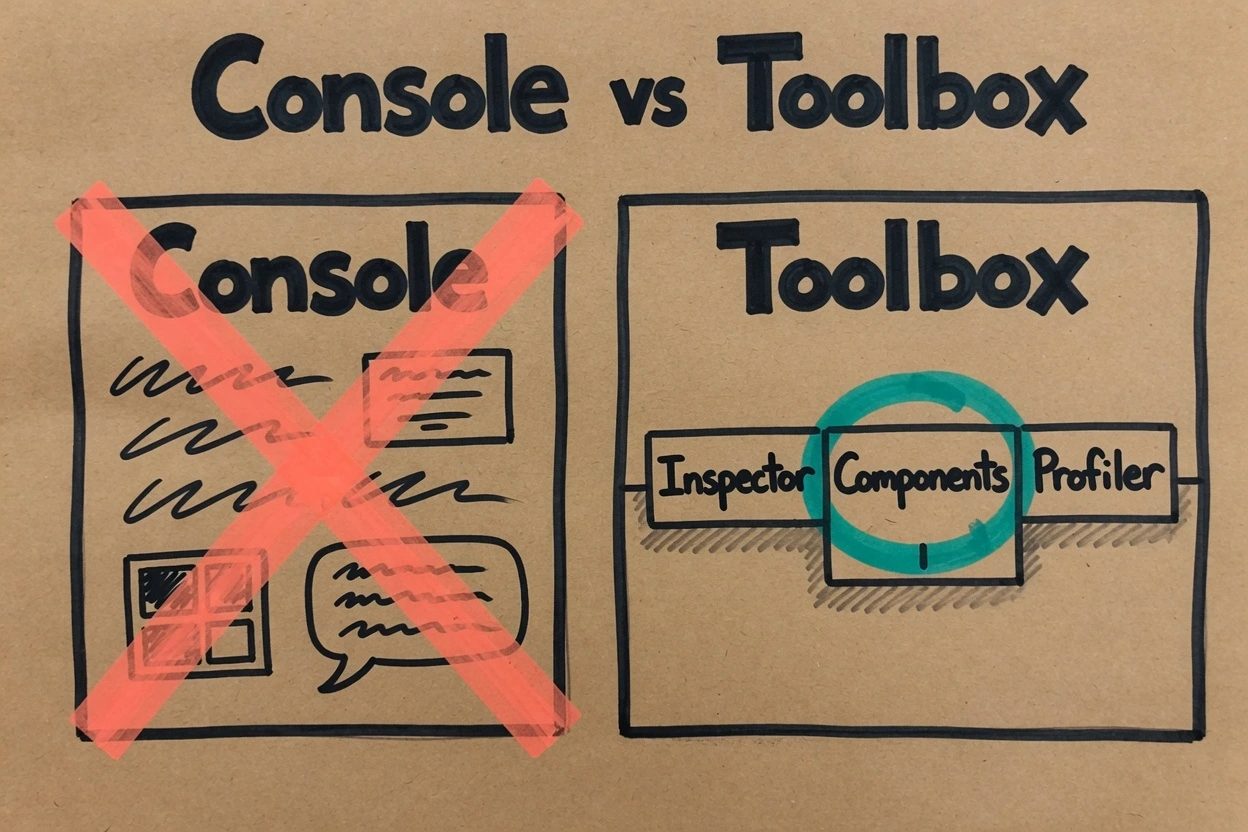
This is the section that actually pays. The official docs walk the happy path. The missing tab is almost always one of four boring failures, plus one version trap that is still open on GitHub as of August 2026.
Work them in this order. Do not jump to a full Firefox reinstall, which is still the Delft Stack fix from 2022.
Chrome store. The listing you remember is Chrome's. Firefox never received a file. Check about:addons. If React Developer Tools is not there, you are still in the other garage.
Blank tab. New tab, settings page, a static HTML mock. The hook has nothing to greet. Open react.dev and reload.
Add-on off. The row exists and the slider is off. Turn it on, close the Toolbox, reload the page, open the Toolbox again.
Empty tree. That is issue 22034. Reload once. If it is still empty, the page may be inside an iframe. The FAQ then points at the standalone react-devtools package, not another browser extension.
Then the trap that makes the title keep being true in 2026. AMO is still on 6.1.1 from February 2025. Chrome already ships 7.0.1. GitHub issue 34919 is still getting still-relevant comments. Some React 19 apps in Firefox print this, while Chrome on the same URL is fine.
Unsupported React version detected

This version of React DevTools supports React DOM v15+ and React Native v61+.
That string is from issue 32836. A maintainer told Mozilla's review team that updates were blocked over a source-code policy fight about shipping React from source. The Discourse thread is public. It is not a secret menu. It is why the Firefox file can lag.
Do not sideload an unsigned zip from GitHub Actions. Release Firefox will call it corrupted. If react.dev shows a tree, the add-on works. If only a local React 19 app blows up, use the standalone path from the same React docs.
npx react-devtoolsPut this tag first in head, then reload. Take it out before a production deploy.
<head>
  <script src="http://localhost:8097"></script>
</head>
The inspector-is-not-where-you-think energy is the same family as the VS Code agent host sitting in a process, not a panel. Different product. Same class of miss.
Firefox Components tab questions
Why is there no React tab inside the Firefox Console after install?
Components and Profiler are extra Toolbox tabs, not a panel inside Console. Open the Toolbox with Ctrl+Shift+I or F12, then look along that row. The tabs still stay hidden until the page is actually React.
asked on forum.freecodecamp.org ↗Why is the Components tree blank on a site that uses React?
The add-on injects a page hook named REACT_DEVTOOLS_GLOBAL_HOOK before React boots. Open the tab after the page already loaded and the tree can sit empty. Reload once with the add-on enabled so React can attach on init.
asked on github.com ↗Which Firefox listing is the real React Developer Tools?
The official slug is react-devtools on addons.mozilla.org, about 1.59 MB, MIT, source under facebook/react. Skip similarly named Lite listings that weigh a few kilobytes and do not ship the Toolbox tabs.
asked on forum.freecodecamp.org ↗Why does Chrome show a tree on the same React 19 app while Firefox does not?
AMO still serves 6.1.1 from February 2025, while Chrome already ships 7.0.1. Some Firefox sessions print Unsupported React version detected on React 19 even though Chrome works. Checkpoint the install on react.dev. For a local app that hits that error, the official fallback is the standalone react-devtools package from the React docs.
asked on github.com ↗What working looks like#
Firefox is on 128 or newer. about:addons lists React Developer Tools, enabled, version 6.1.1, the 1.59 MB file. react.dev is the current tab. The Toolbox is open. Components shows a populated tree. Profiler is the neighboring tab.
If that is on screen, react dev tools firefox is not hiding anything. The tab was never in Chrome's store, never in Console, and never on a blank tab. It was waiting on the AMO file, a React page, and a reload.