
This react rerender tool flashes the guilty component
August 25, 2026

A react rerender tool belongs on the page you already have open, not in a Profiler recording you forgot to start.
React Developer Tools still wants an extension, a Components panel, and a Profiler session. That is homework. Fine homework. It is also how an afternoon disappears.
React Scan paints every commit on the live DOM. Script tag. No component edits. A toolbar on the page. npm is on 0.5.7. GitHub tags still stall at 0.4.3, which is a cute mismatch, so pin the package not the tag.
Purple means that fiber committed. It is not a verdict by itself. What you want is a purple outline and a Name ×N label on a memoized child that still ran because the parent handed it a new object. Click once. That box is the one worth staring at. Profiler can stay closed.
Pin a live React app#
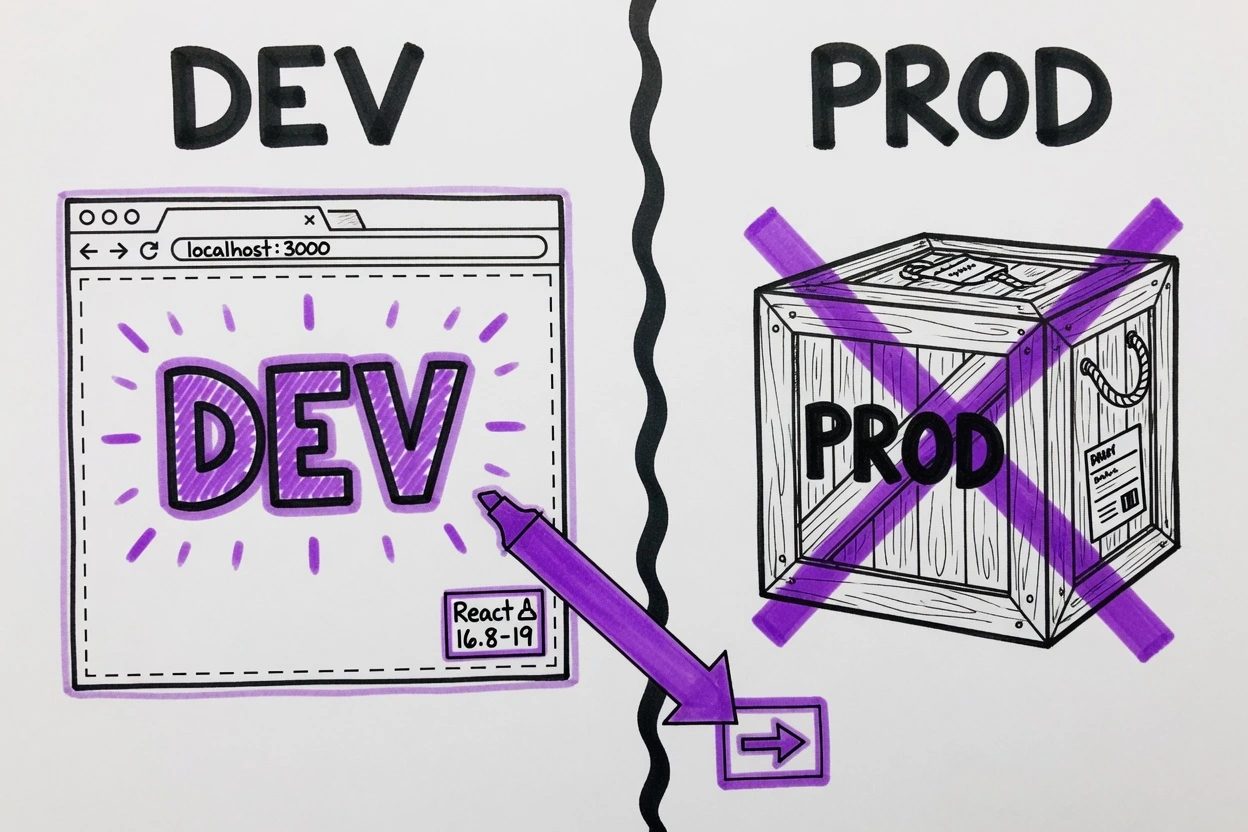
The overlay hooks a development React renderer. A production bundle is the wrong lab. React's <Profiler> even says profiling is disabled in production by default. Scan takes the same side.
- A Vite, Next, or other React app already running on a dev server
- React 16.8 through 19 (
react-scanpeer range) - A page you can click without shipping the bundle
You'll hit a silent miss if this is a production build, a preview that minified React, or a static export. Stay on npm run dev. The overlay is a highlighter, not a production agent.
If the job is an editor process instead of a page overlay, that is the VS Code agent host. This one lives in the tab.
Drop the react rerender tool in first#
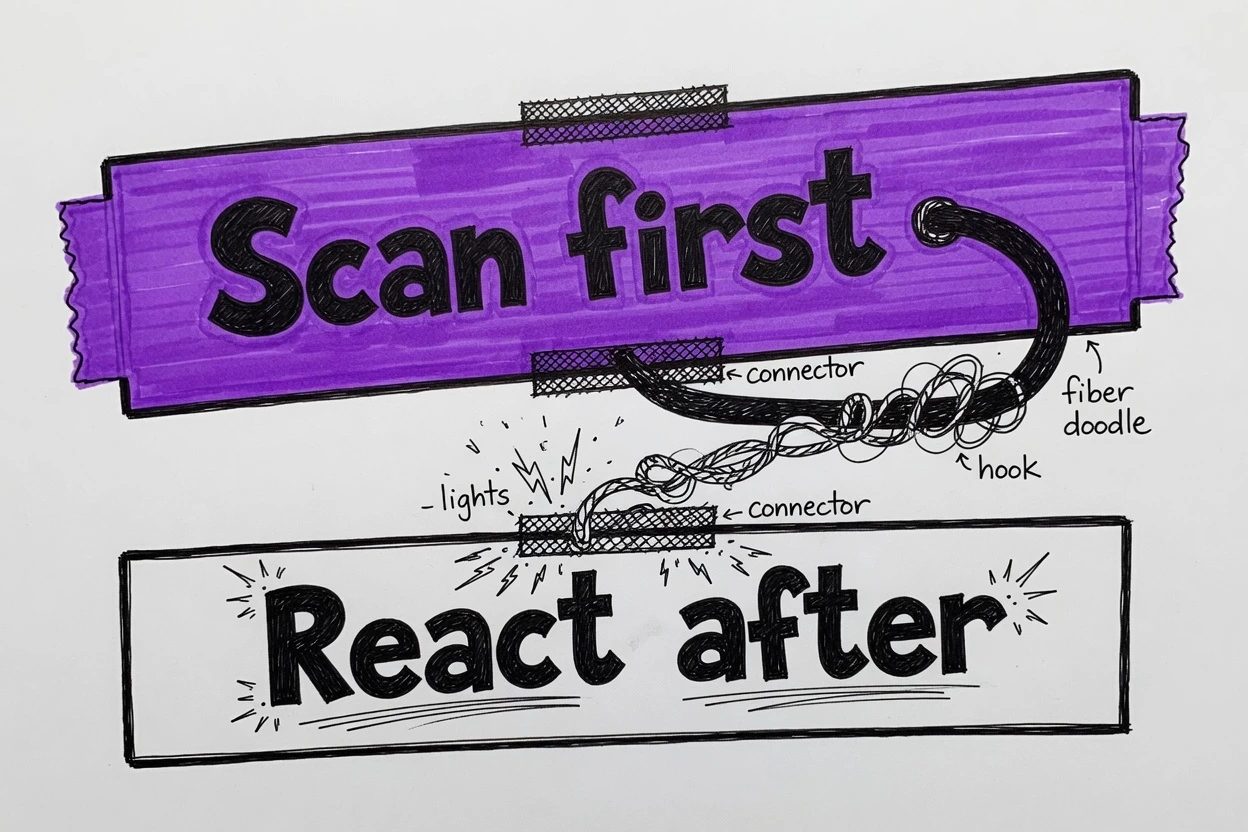
Scan has to hijack the DevTools hook before React gets it. The Vite install guide is blunt. Import Scan first, or the hook never lands.
1. Paste the script above the bundle#
The README install is a script tag. No scan() call. No wrapper. Paste it in index.html as the first script in <head>.
<!doctype html>
<html lang="en">
  <head>
    <script
      crossOrigin="anonymous"
      src="https://cdn.jsdelivr.net/npm/react-scan/dist/auto.global.js"
    ></script>
  </head>
  <body>
    <div id="root"></div>
    <script type="module" src="/src/main.tsx"></script>
  </body>
</html>
That is the no-edit install. The child components you already wrote stay untouched. If the app is Vite, this is the whole drop-in.
Prefer a module import? Same rule, first line.
import { scan } from "react-scan";
import { StrictMode } from "react";
import { createRoot } from "react-dom/client";
import App from "./App";

scan({ enabled: true });

createRoot(document.getElementById("root")!).render(
  <StrictMode>
    <App />
  </StrictMode>,
);
Next.js App Router people keep putting the script under the bundle. Don't. The README uses next/script with strategy="beforeInteractive" in app/layout.tsx, or a tiny client component that calls scan() and is the top import in the root layout.
2. Confirm the toolbar landed#
Reload the dev page. A React Scan toolbar should sit on the page, usually bottom right. Click around the UI you already have.
Look for purple boxes. Labels like Header ×2. If the page is a dark dashboard, squint. Issue 71 is still open because that purple is easy to miss on charcoal. The ink is hardcoded. There is no color option in Options.
No toolbar at all? Skip to the break section. Do not start memoizing yet. You have not seen a guilty component. You have seen a missing hook.
Force a new object identity#
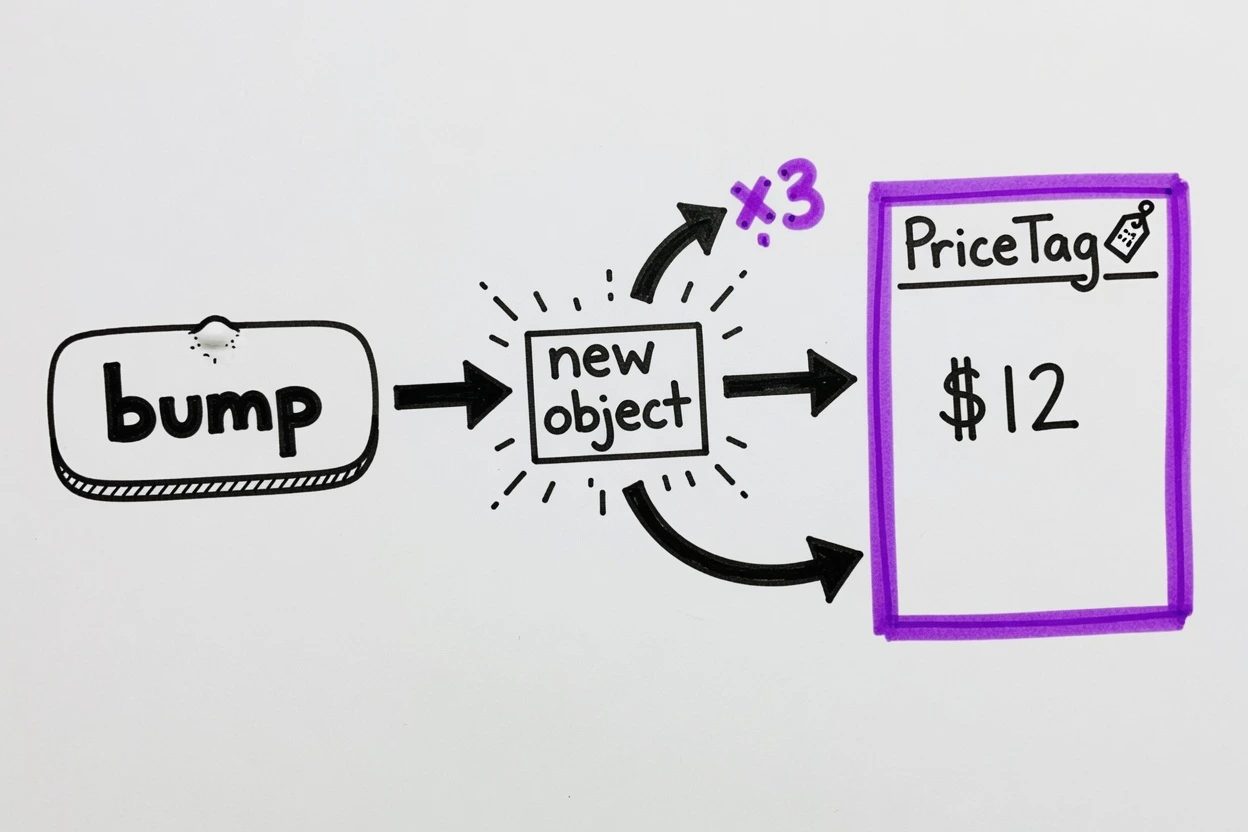
The README's own demo is the whole lesson. Props are compared by reference, not value. A new style={{ color: "purple" }} is a new object. A new onClick={() => ...} is a new function. The child runs again even when the text did not change.
Think of it as a parking boot on the one car that moved. The rest of the lot can sit. The boot only clamps the car whose identity changed.
3. Give a child a fresh object every click#
Wrap the child in memo first. Otherwise every parent bump re-renders the child for a boring reason, the parent rendered, and the overlay cannot prove identity did it. The dirty part is the inline object that defeats the memo.
import { memo, useState } from "react";

const PriceTag = memo(function PriceTag({
  style,
}: {
  style: { color: string };
}) {
  return <p style={style}>$12</p>;
});

export default function App() {
  const [n, setN] = useState(0);
  return (
    <div>
      <button onClick={() => setN((x) => x + 1)}>bump {n}</button>
      <PriceTag style={{ color: "purple" }} />
    </div>
  );
}
Every bump allocates a brand new style object. memo compares props by reference, so PriceTag still runs. That is the point. The overlay now has a known guilty box instead of a whole-tree firework.
4. Watch the guilty box light up#
Click bump. Stare at $12, not at the button. The purple outline should clamp PriceTag. The label ticks PriceTag ×2, then ×3. The text never changed. The object identity did, and that is what beat memo.
That is the react rerender tool doing the job. You'll ship memo and still watch this child flash if the parent keeps minting a new object. Lift the style into a stable constant (or useMemo) and the outline on PriceTag should stop. The overlay is the receipt, not the fix.
Purple is "this fiber committed." Gray is the optional extra. trackUnnecessaryRenders marks a gray outline when the DOM subtree did not change. It is off by default and the README warns it is not free. Leave it off until the purple boxes already make sense.
When the react rerender tool stays dark#
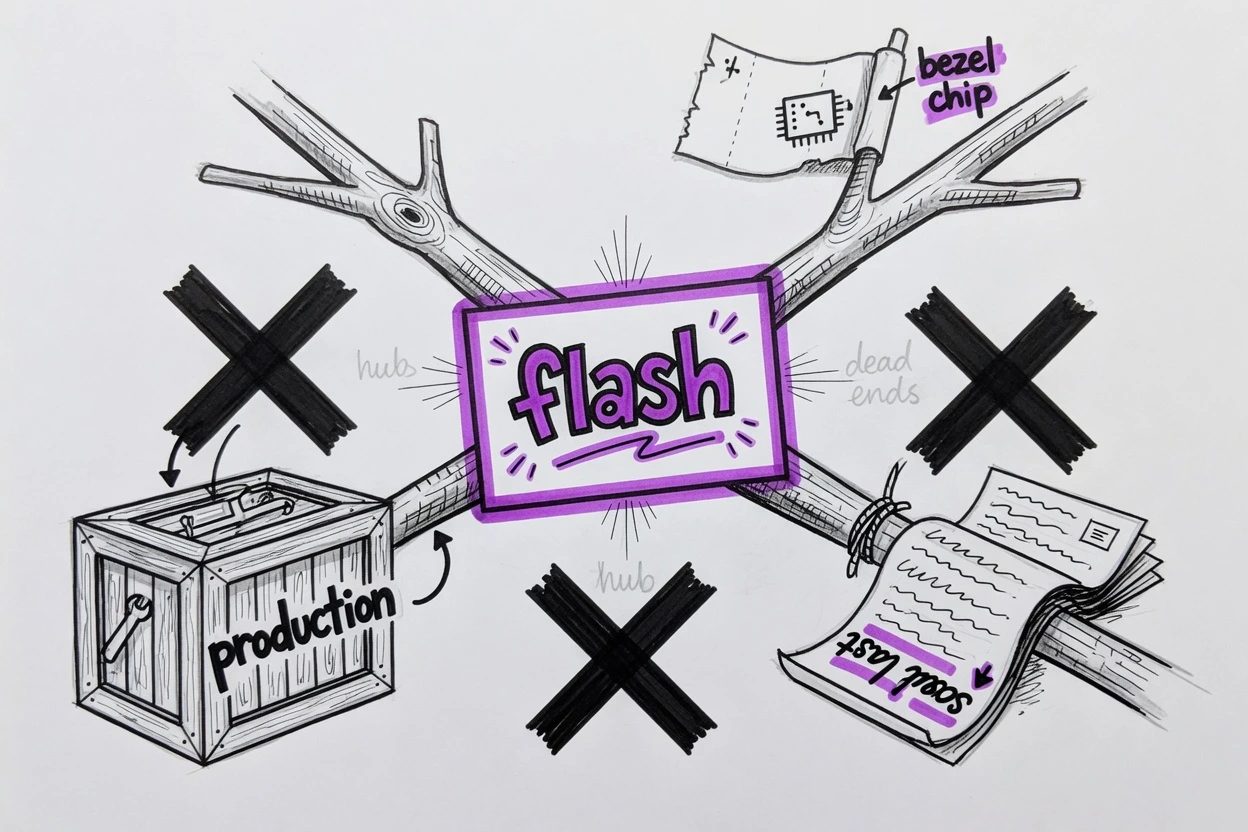
Three failures show up in the docs and the issue tracker. None of them are "Scan is broken." They are the overlay doing what the code says.
- Production React, overlay no-ops on purpose
- Toolbar thrown off the page, chip stuck on the bezel across reload
- Script under the bundle, console prints the Failed to load line
5. Check you are not on a production build#
scan() returns early when it detects a production React renderer, unless dangerouslyForceRunInProduction is on. The scan README marks that flag as not recommended. Vite's escape hatch is import { scan } from "react-scan/all-environments". Do not take it for this tutorial.
Confirm you are on the dev server. React is the development build. If a Next.js app stayed dark on an older 0.5.x, that was issue 402, a false production detection from the Next overlay. It is fixed in 0.5.5. Upgrade before flipping the dangerous flag.
6. Drag the toolbar back from the edge#
v0.4.0 added a throw-off hide. Drag the toolbar until most of it is off the page and it collapses into a chip on the bezel. That chip is written to localStorage, so it survives reload. Same family of footgun as other localStorage leftovers.
Looks like Scan vanished. It crawled into the monitor bezel. Click the chevron on the viewport edge, or drag the chip back in. The overlay returns. Pretty rude, honestly. Also the feature people asked for because the toolbar is huge.
7. Put Scan before React and reload#
If the console prints [React Scan] Failed to load. Must import React Scan before React runs., the hook lost the race. Issue 162 is the Next App Router version of that sentence.
Move the script above the module bundle. Or make import { scan } from "react-scan" the first import in the entry file. Reload. Toolbar mounts. The error is gone.
Questions people actually hit
Why this instead of the Profiler panel?
Profiler is a recording session in an extension. This overlay paints the guilty node on the page with no wrap and no record button. The Scan FAQ calls DevTools noisy, with no obvious split between necessary and wasted work, and the highlight menu is buried.
asked on github.com ↗Can the flashing outline color be changed?
Not through the public Options object. The canvas hardcodes RGB 115,97,230, which is purple. Issue 71 is still open because that ink is easy to miss on a dark background.
asked on github.com ↗Why does a production build stay silent?
The overlay no-ops when it detects a production React renderer, unless you flip dangerouslyForceRunInProduction or import react-scan/all-environments. Keep it on the dev server. A production bundle is the wrong lab.
The toolbar vanished after a reload. Where did it go?
Throwing it off the page collapses it into a chip on the viewport edge. That state is written to localStorage, so it survives reload. Click the chevron on the edge, or drag the chip back in.
asked on github.com ↗What does Failed to load. Must import React Scan before React runs mean?
The hook has to sit in front of React. Put the auto.global.js script in <head> above the bundle, or import scan() as the first module. Next.js App Router uses strategy="beforeInteractive" for the same reason.
What now exists#
A script (or a first-line scan()) on a dev React app. A toolbar on the page. A memoized child that still flashes purple when the parent mints a new object identity. Stabilize that object next. When PriceTag goes dark, the identity leak is gone. No Profiler recording required.
The README now points some users at React Doctor, the agent-facing cousin with static checks. Fine for agents. This react rerender tool is still the one that paints the guilty box while you click.
Until PriceTag stays dark across bumps, keep the highlighter on. Purple is the prompt. The stable object is the fix.