
VS Code assisted approvals let the model skip the prompt
August 25, 2026

Assisted approvals in vscode are the middle stop on the permissions dial. Copilot's language model looks at each tool call, stamps the boring ones through, and still puts a prompt on the calls it will not own. That is approval fatigue moved into the model, the same family as Claude Code auto mode, on a different surface.
The 1.130 notes, shipped 22 Jul 2026, put it in one sentence. Repeated tool approval prompts interrupt long-running agent tasks. With assisted permissions, the language model evaluates the risk of each tool call and decides whether the tool can run or should require your approval, as the 1.130 notes spell it.
Bypass Approvals is the other end of the dial. Autopilot on the agent host is a mode that keeps iterating until the task is done. Assisted is the one that still asks. Use it. Keep a hard ask on the writes you refuse to rubber-stamp.
Pin Copilot on the agent host first#
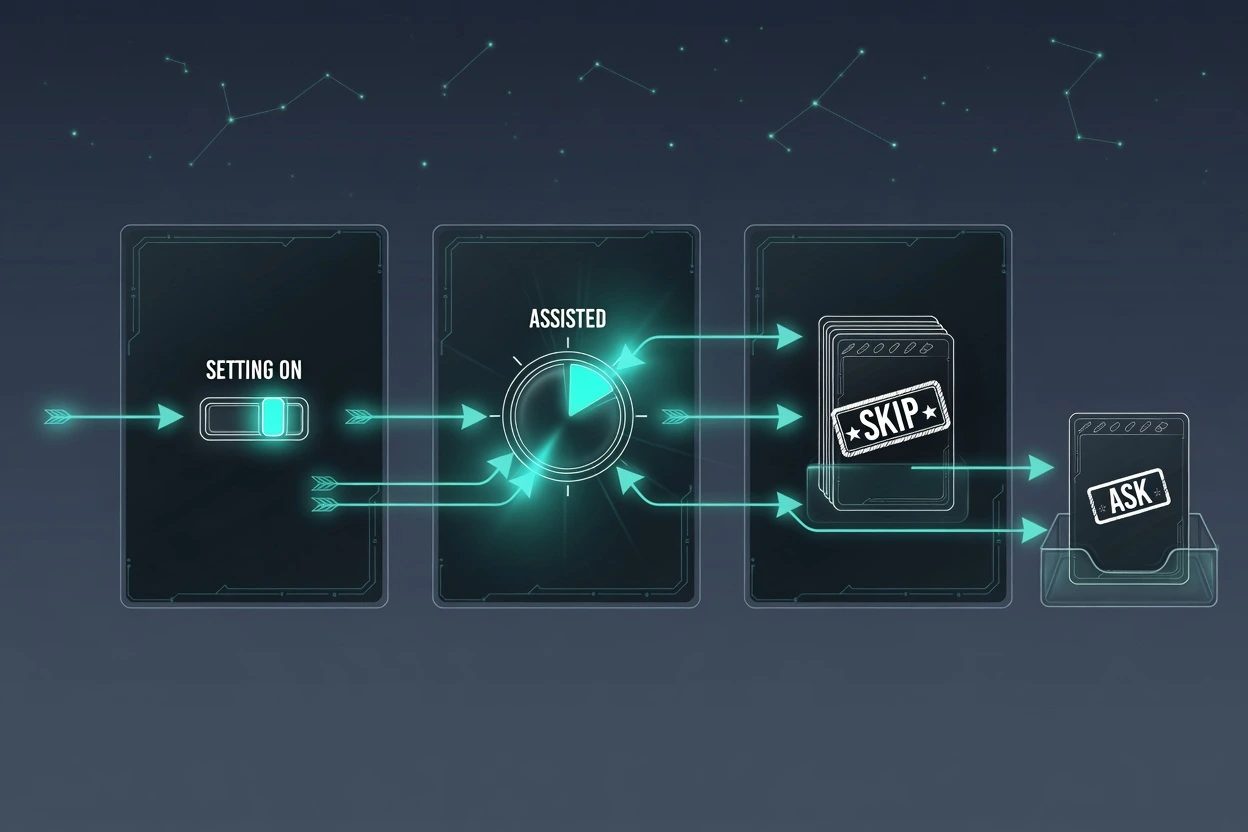
Assisted permissions is not a panel decoration. VS Code's agent host docs say the level is available only on the Agent Host. Sessions still running in the extension host never grow that picker item, no matter how many times you toggle the setting.
Prereqs, pinned.
- VS Code 1.130 or newer. The notes landed 22 Jul 2026.
chat.agentHost.enabledis on, and the harness dropdown is Copilot on the agent host, not the leftover extension-host session.- A Copilot subscription that can actually run that harness. Claude and Codex on the same host use other pickers. They will not show Assisted permissions.
- Stable defaults
chat.assistedPermissions.enabledto false. Insiders defaults it to true. If you are on Stable, the setting is homework, not a gift.
The process model is a sibling post. This one only needs the host up and Copilot selected. If the harness chip still says the local agent, stop here and fix that first.
Turn assisted approvals on#
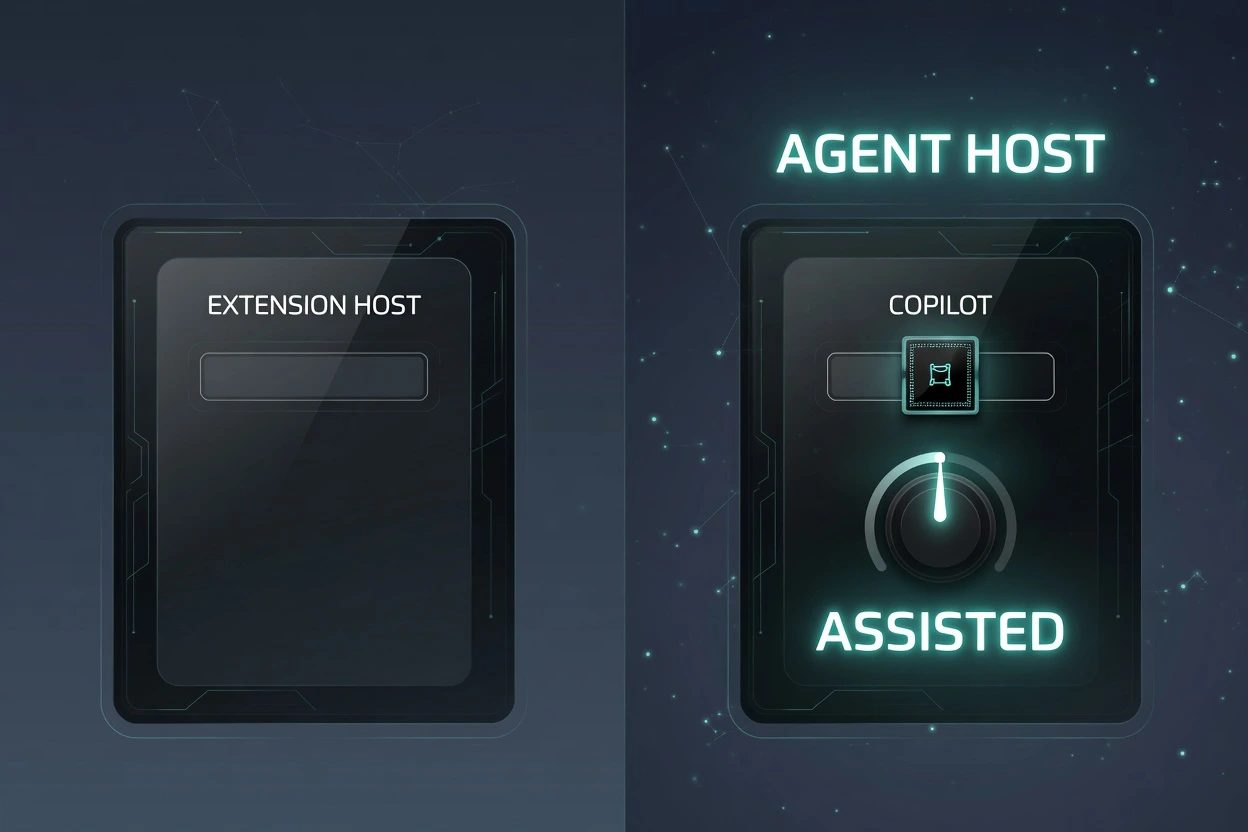
Three moves. Flip the setting, pick the middle stop, then prove a long task got quieter without giving away git push. The click path is short. The miss is usually the harness, not the JSON.
1. Turn the setting on#
The picker hides Assisted until this is true. isAssistedPermissionsEnabled in vscode source is a strict equals-true check, not a "maybe preview" flag. On Stable you add it yourself.
{
  "chat.agentHost.enabled": true,
  "chat.assistedPermissions.enabled": true
}
Reload the window if the chip still is missing. The AI settings reference is the page that prints the Insiders-true, Stable-false split. Trust that table over a blog that says the feature just appears.
2. Pick Assisted permissions#
Look at the permissions dropdown on the chat input, not a settings search for "auto". VS Code's approvals docs put the control there. The label you want is Assisted permissions. Hover copy in source is blunt. An LLM judge evaluates each tool call. Tools it doesn't approve require your approval.
The first pick throws a warning dialog. Confirm it. The copy says Copilot still asks when the model requires approval, excludes the request from automatic approval, or cannot make a recommendation. Tick Don't show again only after you have actually read that sentence.
Docs still say Default Approvals and Bypass Approvals. The Copilot picker may print Default permissions and Allow all. Same stops, different paint. Grab the middle chip either way.
3. Run a long task and keep one hard ask#
A refactor that touches a dozen files is the right smoke, not hello world. What the judge skips will change with the task. The unpublished rubric is why. The proof you can actually check is a tool you marked ineligible, or a managed ask rule, still stopping the session.
If every call still prompts, the session is not on the host. If nothing prompts, including the tool you pinned, you picked Bypass by accident. Do not treat the judge as the last line. Microsoft's AI security page says model-based risk assessments can make mistakes and approve potentially risky tool calls. This permission level reduces approval interruptions but is not a security boundary.
{
  "chat.agent.sandbox.enabled": "on",
  "chat.tools.edits.autoApprove": {
    "**/.env": false
  },
  "chat.tools.eligibleForAutoApproval": {
    "runInTerminal": false,
    "fetch": false
  }
}
Enterprise AI settings document runInTerminal and fetch set to false as tools that always require manual approval. The security baseline does the same for .env via chat.tools.edits.autoApprove. That is the vscode cousin of keeping auto mode on and still making git push ask. The judge does not get a vote on those tools.
Managed allow, ask, and deny rules from your org still win. The enterprise AI settings example puts Shell(git push *) on ask, and that still prompts even if you later flip Bypass or Autopilot. The session dial is not a jailbreak.
When the picker never appears#
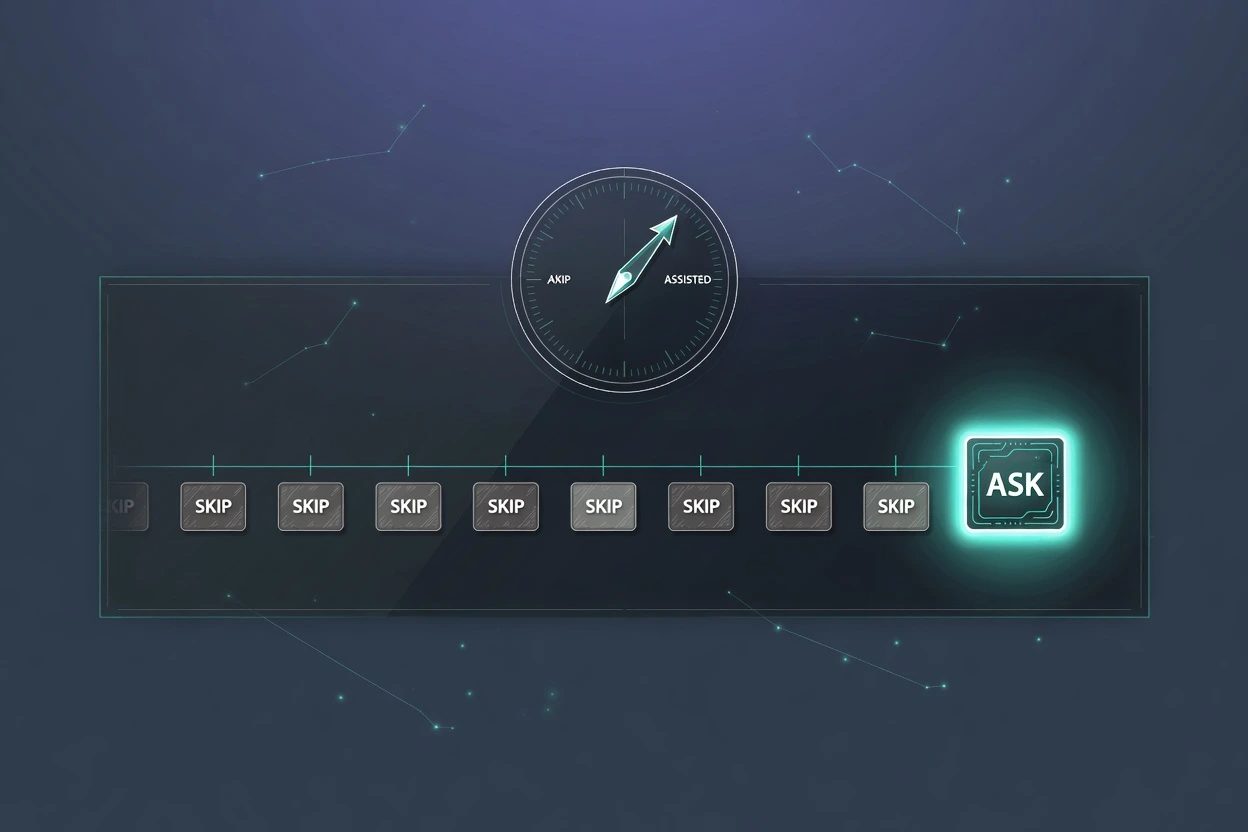
When the picker is missing, start with the host and harness. Walk these in order. Do not start by blaming the model.
- Host is off. Extension-host sessions have no Assisted stop. Turn
chat.agentHost.enabledon and pick Copilot on the host. - Wrong harness. Claude on the host uses
permissionMode(default,acceptEdits,bypassPermissions,plan,auto). Codex usesdefault,auto-review,full-access. Cousins. Not this label. - Stable still false. Insiders can look like the feature is free. Stable is not.
- Enterprise hide.
ChatToolsAutoApproveset to false configureschat.tools.global.autoApproveand hides Assisted permissions, Bypass Approvals, and Autopilot from the picker. That is the enterprise AI settings hammer. - Rubber-stamp write. The point of Assisted. Microsoft already said it is not a boundary. Drop back to Default, or keep
eligibleForAutoApprovalfalse on the tool that just slid through. - Dialog eats it. Open issue 331609 reports the Assisted confirmation covering the bottom of a long terminal line so you cannot scroll the rest into view. Copy the command from the transcript before you click.
One more live scar. Issue 326688 asked to surface the judge prompt as a built-in people can edit, because nobody can see what is evaluating the risk. That issue is still open. You are trusting a roommate's taste, not a published rubric.
What should be true when you stop#

Copilot on the agent host. chat.assistedPermissions.enabled true. The permissions chip reads Assisted permissions. A long agent task runs with a short stack of prompts instead of one per tool. A call you marked ineligible, or one the judge refuses, still stops and asks. Sandbox is on if the OS supports it.
If that last ask never comes, you did not finish. You moved the fatigue into the model and called it done. The quiet is the feature. The remaining prompt is the proof.
Assisted approvals questions
What is actually evaluating the risk?
An LLM judge inside Copilot's SDK on the agent host. It attaches an autoApproval recommendation and a reason to each tool call. The judge prompt is not a built-in you can edit. If the model cannot make a recommendation, Copilot still asks.
asked on github.com ↗Can I automatically approve all tools instead?
Yes, but that is a different level. Bypass Approvals auto-approves every tool call. Autopilot on the agent host is a mode that also keeps iterating until the task is done. Assisted is the middle stop. The judge skips some prompts. Bypass skips all of them.
asked on code.visualstudio.com ↗Why does the Assisted confirmation hide the rest of the terminal command?
That is a live agent-host bug. The confirmation dialog sits on top of the command and you cannot scroll the rest of a long line into view. Open issue 331609. Until it ships a fix, copy the command out of the chat transcript before you click.
asked on github.com ↗Does Assisted permissions replace a human on risky calls?
No. Microsoft's own security page says model-based risk assessments can make mistakes and approve potentially risky tool calls. The level reduces interrupts. It is not a security boundary. Keep sandboxing on, and keep a hard ask on the tools you refuse to rubber-stamp.
asked on code.visualstudio.com ↗